JPEG Converter
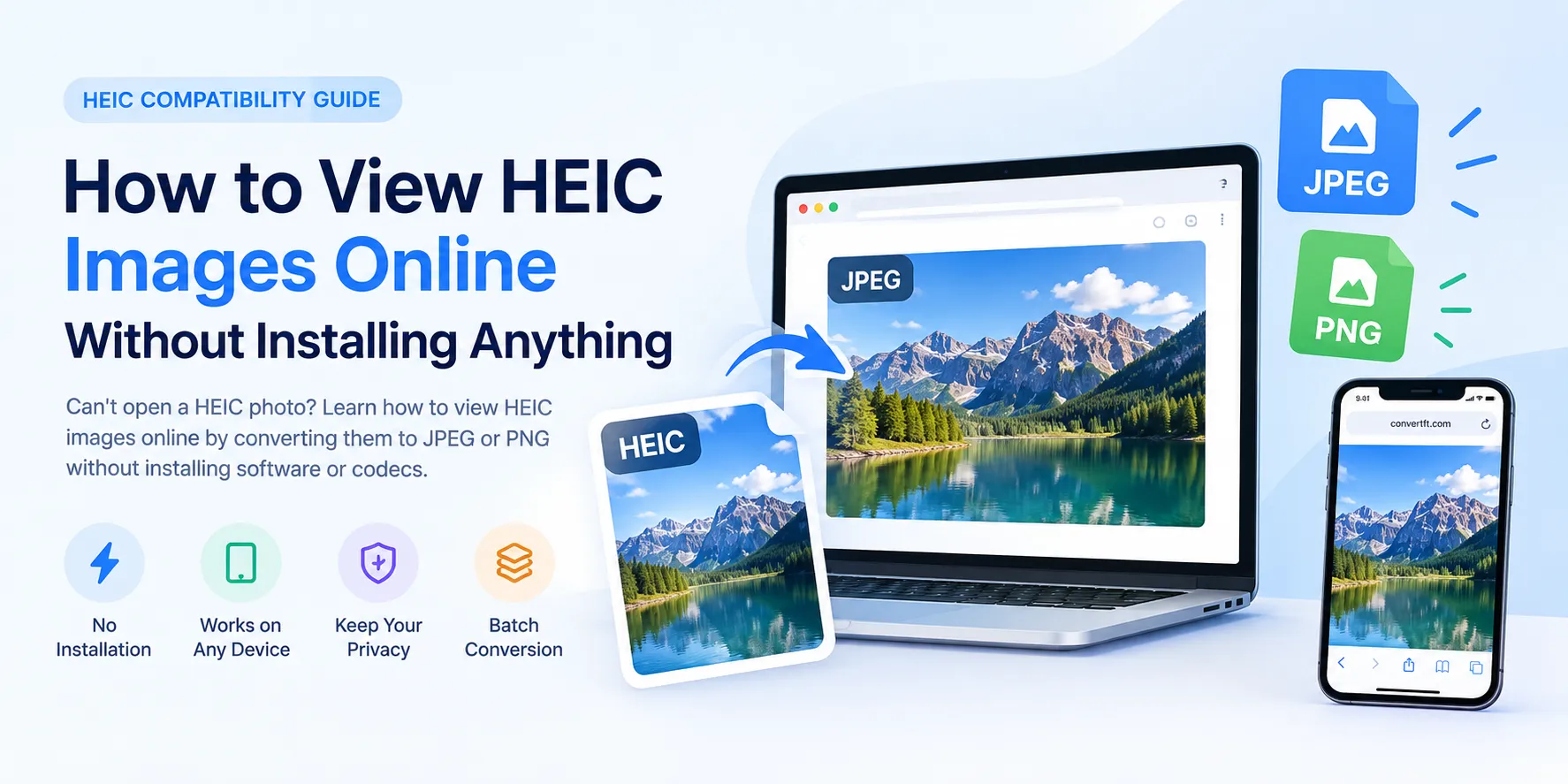
Convert any image to or from JPEG in batch — JPG↔PNG, WebP, HEIC and AVIF, with high-quality results for photographers and designers.
Drag & drop images here
or click anywhere to browse from your device
Supports JPG, PNG, WEBP, GIF, AVIF, HEIF/HEIC (Max 30MB)
Why Use JPEG Converter? Key Benefits & Advantages
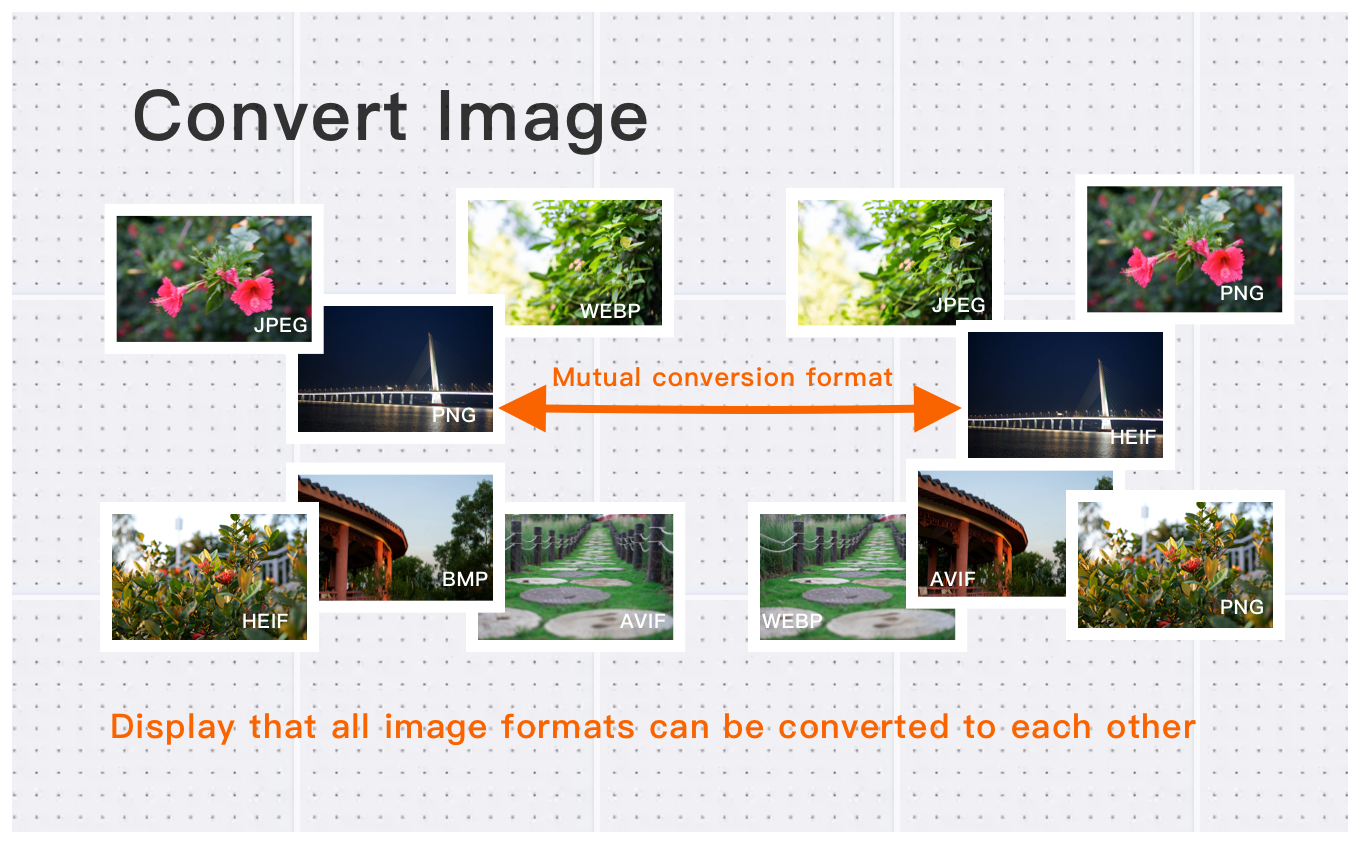
Convert to or from JPEG in Batch – All Major Formats
Easily convert PNG, WebP, HEIC, AVIF, BMP to and from JPG. Batch process multiple images at once, saving you time while ensuring seamless conversions for all your image needs.
Pro-Grade JPEG Conversion – 30MB Files, 250MP Pixels
Convert high-definition images up to 30MB each, with pixel counts reaching up to 250 million. Perfect for photographers, designers, and content creators, our tool maintains image quality while converting images to various formats.
JPEG Conversion in Three Steps – Upload, Convert, Download
Convert your images quickly and effortlessly in just three simple steps. Whether you're converting one image or multiple, our free tool ensures a fast and high-quality experience every time, without the need for registration or software installation.
What Users Say About JPEG Converter
Michelle S.
Fast and reliable format conversion. Perfect for web development projects. Will use again.
Alex C.
Great for batch converting images between formats. Saves me hours of work!
Lisa M.
Converted 100+ images in minutes. The quality is preserved perfectly. Great experience.
How to Use JPEG Converter?
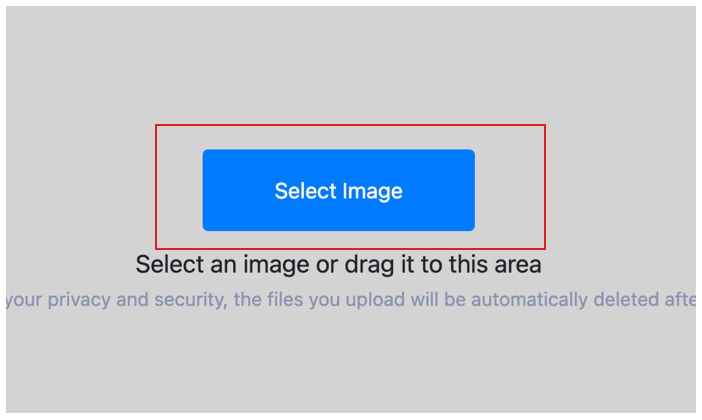
Select Image
Select the image you want to convert format and upload it to the cloud. To batch converting multiple photos, click Choose More Files to upload additional photos. The cloud will automatically adapt to and support common image formats, so you don't need to worry about compatibility.
Customize Settings
Clicking the Start Process button for a specific photo will only convert that one image format. To convert all selected images format, click the Start Process > button. If you want to readjust the convert format type, click the X button to reset this processing.

Download converted image
Once the cloud indicates that the convert format is complete, you can preview the results by clicking on the images. Click Download Image to download a single converted format photo, or click Download Images to download all batch converted format images.
What is JPEG (Joint Photographic Experts Group)?
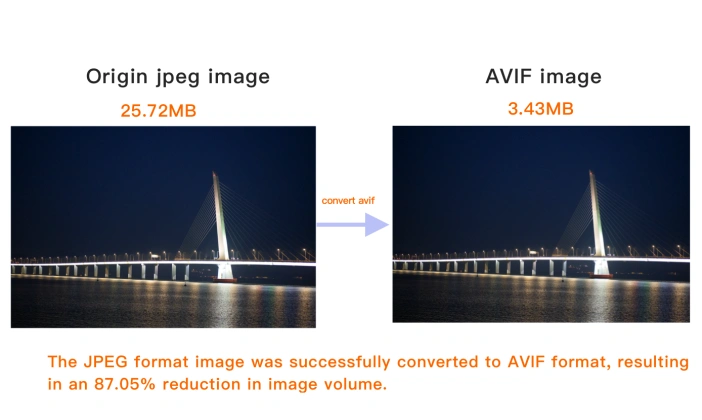
JPEG (Joint Photographic Experts Group) is the most widely used image format for photographs. Released in 1992, it became the standard for digital cameras, web photos and email attachments precisely because it can shrink a photo to a fraction of its original size.
JPEG uses lossy compression: it discards fine color detail the human eye is unlikely to notice, producing files far smaller than lossless formats like PNG. The degree of compression is adjustable, so you can trade storage size against image quality — the classic quality slider in almost every photo editor.
Because it renders millions of colors smoothly and compresses photographs very efficiently, JPEG is ideal for photos, web banners and sharing. It is not the best choice for logos, screenshots or anything needing transparency or razor-sharp text — PNG or SVG handle those better.
How to open a JPEG file?
JPEG files open in virtually every image viewer, web browser, and editor. Double-click to view in your OS photo viewer, or open directly in Chrome, Safari, Photoshop, GIMP, or any image tool.
JPEG facts
- Developed by Joint Photographic Experts Group
- Initial release 1992
JPEG vs other formats
Lossless and supports transparency — best for logos, graphics, and screenshots.
About 25–35% smaller than JPEG at the same quality — ideal for websites.
Even smaller than WebP with modern compression — but less universally supported.
Apple's format, roughly half the size of JPEG — common on iPhone photos.
JPEG Converter Technical Details & Tips
Supported Formats
All popular image formats supported:
Input & Output
jpeg, jpg, png, webp, bmp, gif, heic, heif, avif
Processing
Cloud-based, fast processing, no software required
File Limits
Up to 30 images per batch, high-resolution supported
Best Practices
Tips for optimal results:
Batch Conversion
Convert multiple images at once to save time. Supports up to 30 images per batch.
Quality Preservation
Our converter maintains image quality while reducing file size. Choose the right format for your needs.
Format Selection Guide
JPEG for photos, PNG for graphics with transparency, WebP for web, AVIF for modern browsers.
Frequently Asked Questions About JPEG Converter
Find answers to common questions about JPEG Converter.
JPEG Converter Conversions
Browse all available format conversions
Related Image Tools You May Need
Explore our complete suite of image processing tools

Tips for JPEG Converter Image Optimization
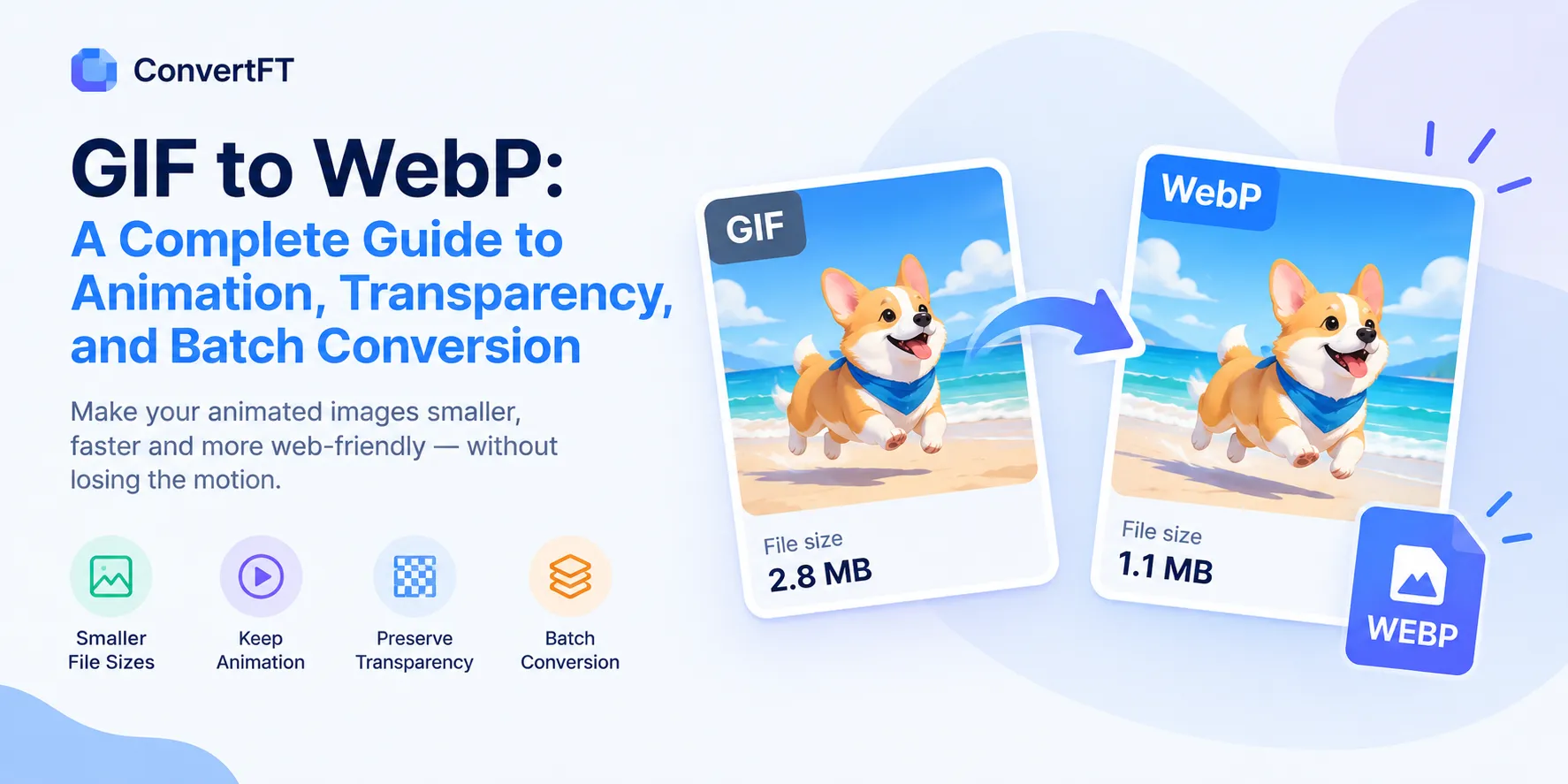
See also: More Image Converter
For more usage tips about JPEG Converter, please refer to Free Image Format Converter .