Bulk Image Resizer Online
Resize up to 30 images per batch with aspect-ratio control — unlimited batches for JPG, PNG, WebP, HEIC and AVIF, sized for web and social.
Drag & drop images here
or click anywhere to browse from your device
Supports JPG, PNG, WEBP, GIF, AVIF, HEIF/HEIC (Max 30MB)
Why Use Bulk Image Resizer Online? Key Benefits & Advantages
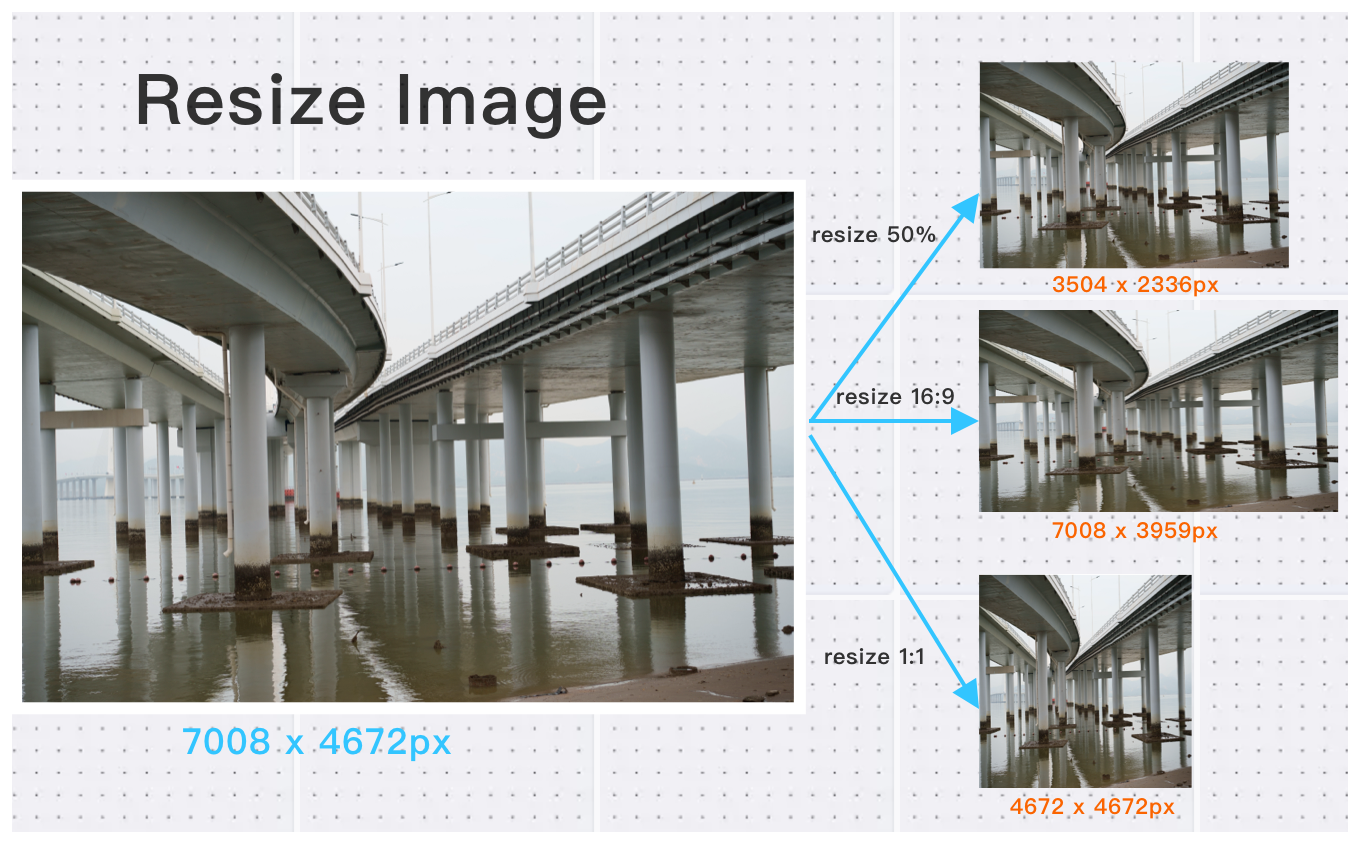
Supports Multiple Image Formats and Flexible Resize Options
Stop wasting time resizing images one by one. ConvertFT lets you batch-compress and adjust dimensions for your entire media library in seconds, ensuring pixel-perfect clarity for web layouts, social media, and e-commerce stores.
High-Definition Image Resizing with Large File Support
Handle high-resolution images up to 30MB and 200 million pixels without losing quality — ideal for professional photographers, designers, and content creators.
Smart Resizing with Any-to-Any Format Conversion
Don't let rigid formats slow down your resizing workflow. While resizing your images, ConvertFT allows you to cross-convert between any formats simultaneously. You can drop a mixed batch of JPG, PNG, WebP, GIF, HEIC, and AVIF files, apply uniform size dimensions, and output them all into a single, unified format in one click.
What Users Say About Bulk Image Resizer Online
Michelle S.
The aspect ratio lock feature is fantastic. No more distorted images.
Jennifer H.
Resized 200 images in one go. Perfect for our marketing team.
Kevin W.
Great Bulk Image Resizer for preparing images for different platforms. Highly recommended!
How to Use Bulk Image Resizer Online?
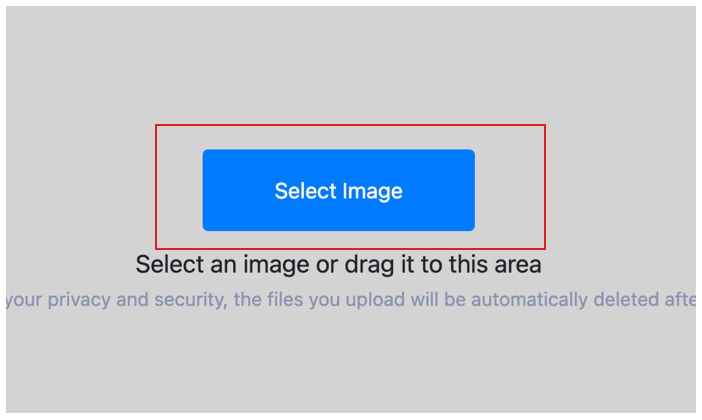
Select Image
Select the image you want to resize and upload it to the cloud. To batch resizing multiple photos, click Choose More Files to upload additional photos. The cloud will automatically adapt to and support common image formats, so you don't need to worry about compatibility.
Set Dimensions & Formats
Configure your target dimensions or scaling percentage. You can apply settings globally to all uploaded images or customize them individually before starting the batch process.
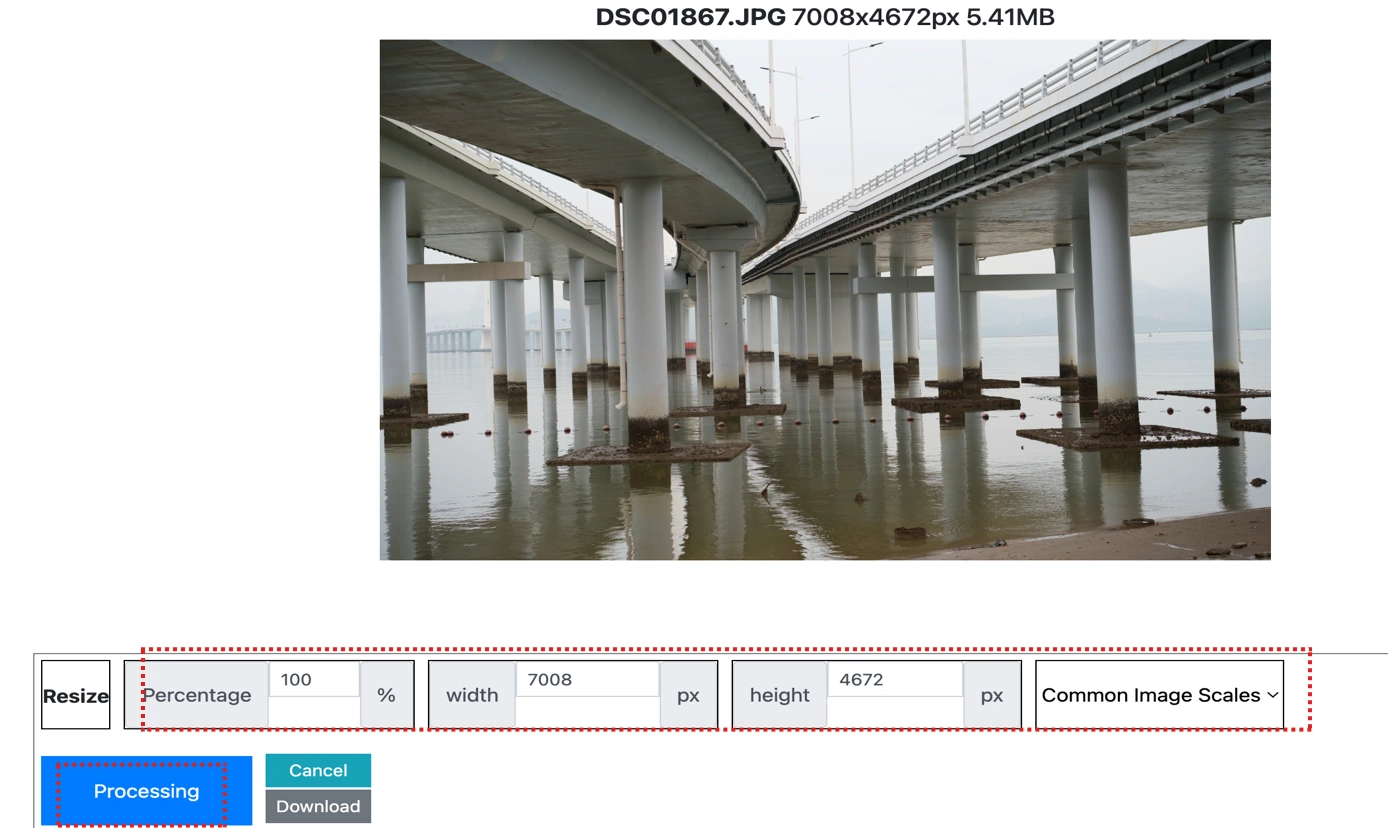
Save Your Images in Bulk
Once the cloud indicates that the resize is complete, you can preview the results by clicking on the images. Click Download Image to download a single resized photo, or click Download Images to download all batch resized images.
Bulk Image Resizer Online Technical Details & Tips
Supported Formats
All popular image formats supported:
Input & Output
jpeg, jpg, png, webp, bmp, gif, heic, heif, avif
Processing
Cloud-based, fast processing, no software required
File Limits
Up to 30 images per batch, high-resolution supported
Best Practices
Tips for optimal results:
Aspect Ratio Lock
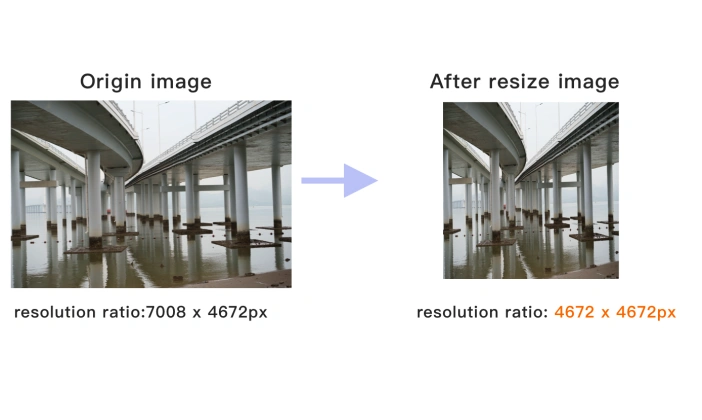
Maintain aspect ratio to prevent image distortion. Lock ratio for consistent results.
Common Sizes
Use standard sizes for social media: 1080x1080 for Instagram, 1200x630 for Facebook.
Batch Resize
Resize multiple images to the same dimensions. Perfect for product photos.
Frequently Asked Questions About Bulk Image Resizer Online
Find answers to common questions about Bulk Image Resizer Online.
Related Image Tools You May Need
Explore our complete suite of image processing tools