Interlaced Image Converter
Speed up your website by converting images to progressive JPEG or interlaced PNG — optimized loading behavior without visible quality loss.
Drag & drop images here
or click anywhere to browse from your device
Supports JPG, PNG, WEBP, GIF, AVIF, HEIF/HEIC (Max 30MB)
INTERLACING
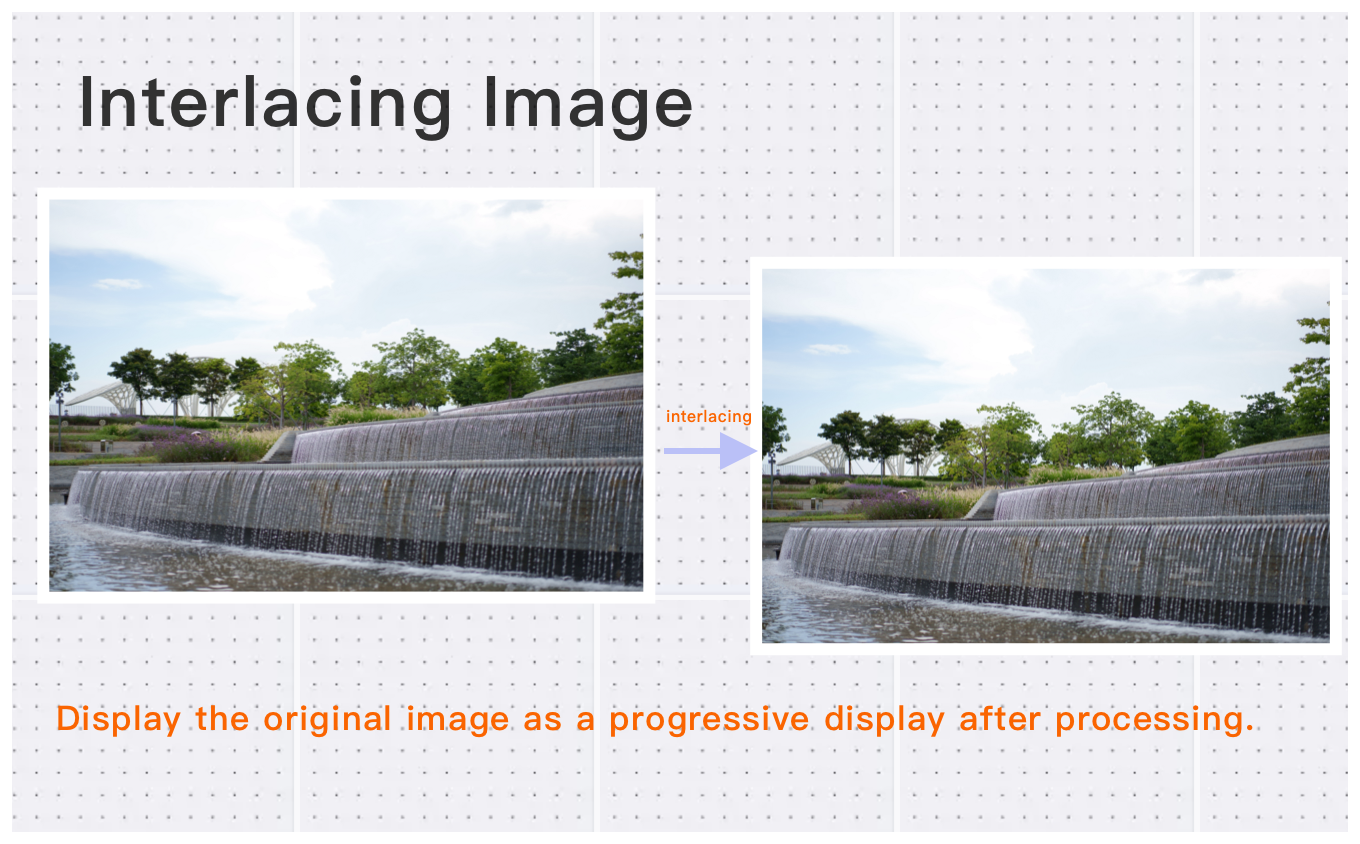
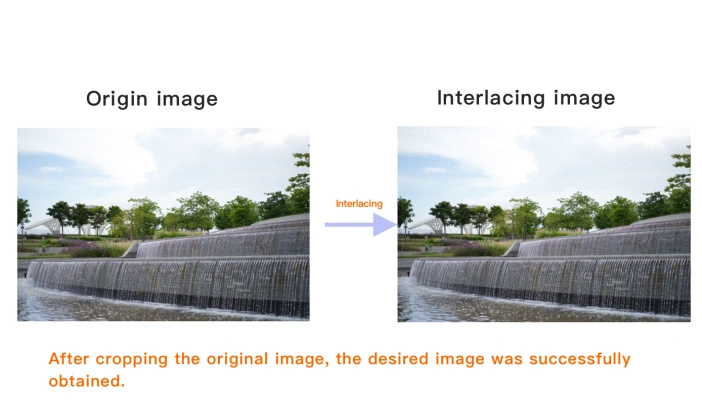
Interlacing Image
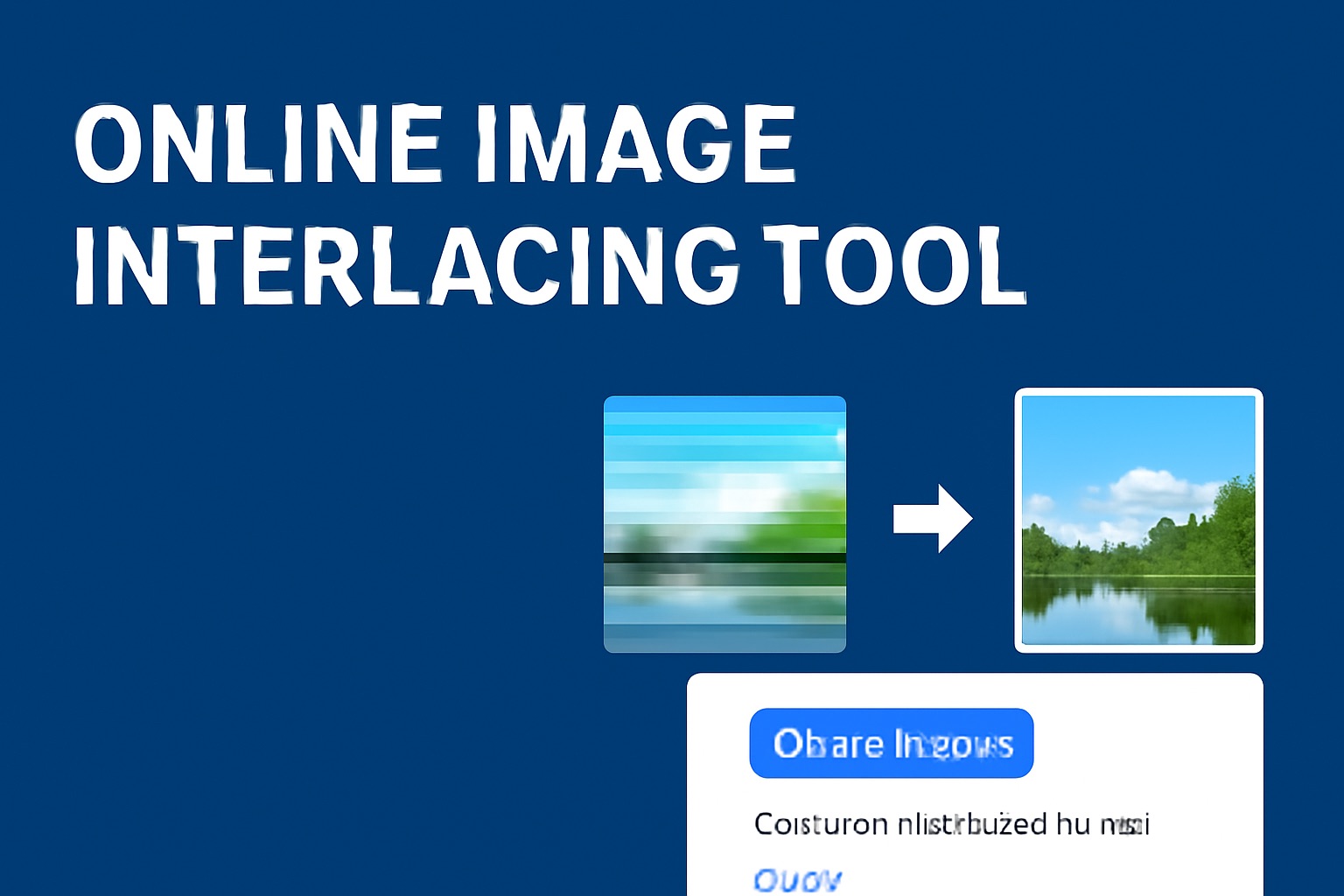
In traditional image loading, browsers display images from top to bottom, line by line. If the image is large or the internet connection is slow, it can take a while for the entire image to load. The interlacing technique solves this by showing a blurry version of the image first, which gradually becomes clearer as more data loads. This way, users can start seeing the image right away, even if it’s not fully loaded yet.
Why Use Interlaced Image Converter? Key Benefits & Advantages
Wide Format Support
Easily convert images in various formats—including JPEG/JPG, BMP, PNG, WebP, HEIF/HEIC, AVIF, and more—into progressive JPG or interlaced PNG images that load faster on the web.
High-Quality Conversion with Large File Support
Convert images to interlaced format effortlessly, handling single images up to 30MB and total pixel counts up to 200 million pixels without compromising quality.
Simple, Free, and Powerful Batch Conversion
Convert multiple images at once in just three easy steps—no software installation needed. Our tool also supports image compression, automatic rotation for correct orientation, and removal of EXIF metadata, making your image processing fast and hassle-free.
What Users Say About Interlaced Image Converter
Sarah J.
Easy to use and works perfectly. Great Interlaced Image Converter for image processing. Highly recommended!
Alex C.
Fast and reliable. Perfect for my daily image processing needs.
Michelle S.
Great free Interlaced Image Converter. No registration required and no watermarks.
How to Use Interlaced Image Converter?
Select Your Image
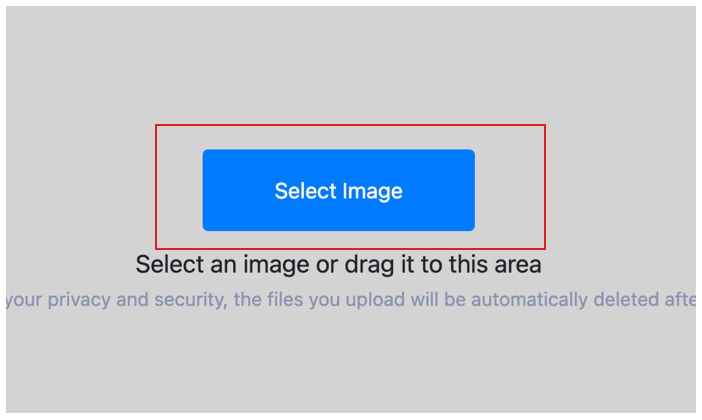
Upload the images you want to convert to progressive or interlaced format. You can drag and drop or click Choose More Files to upload multiple images at once. Our tool supports popular formats like JPG, PNG, WebP, AVIF, and HEIC—no compatibility issues to worry about.
Customize Settings
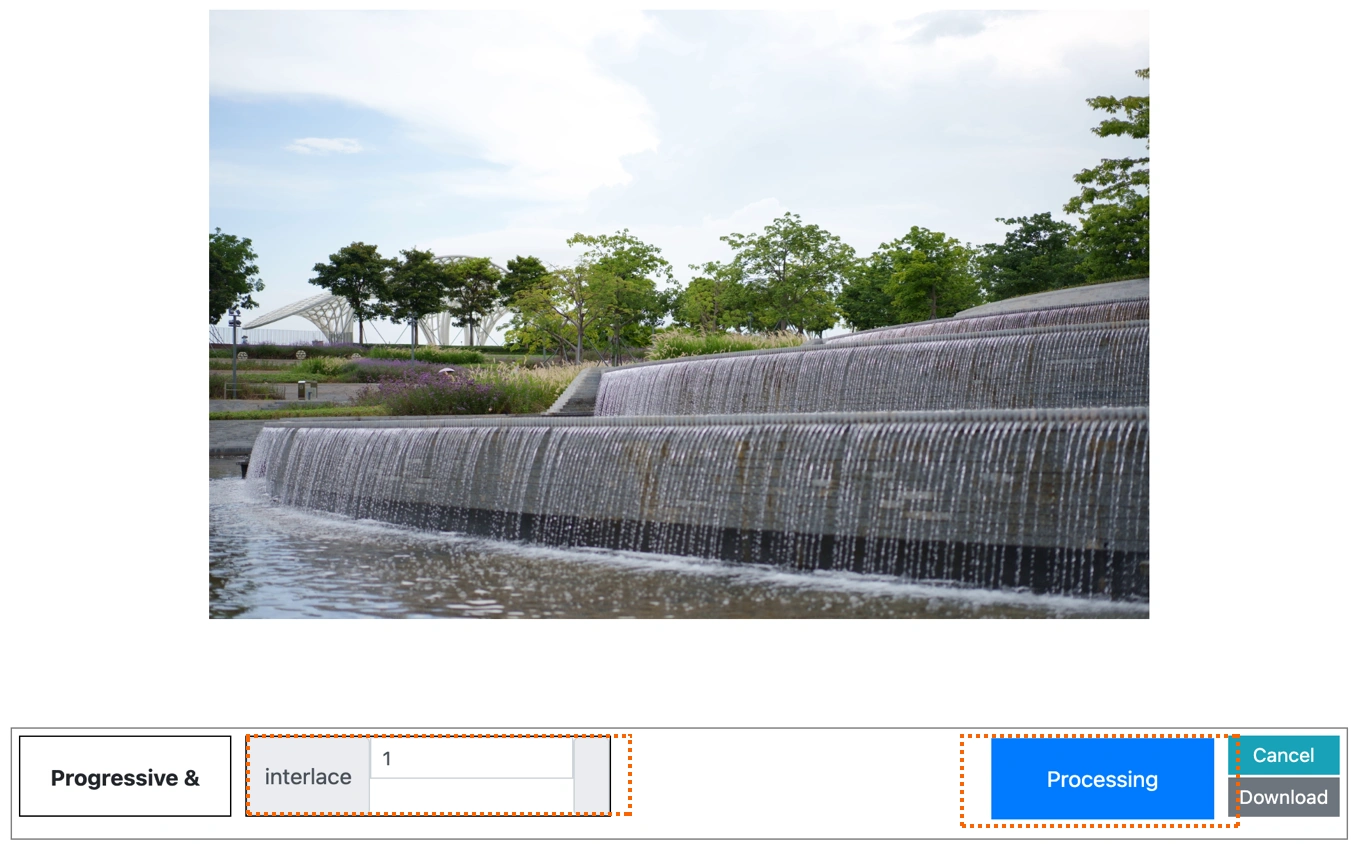
Click Start Process for individual images, or Start Process > to convert all selected images at once. You can deselect any image by simply clicking on it. Advanced options like image compression, auto-rotation, and EXIF removal are also supported.
Download Your Converted Images
After processing is complete, preview each result by clicking on the image. You can download images individually or download all at once. Your files remain high-quality, properly optimized, and ready for fast-loading performance online.
Interlaced Image Converter Technical Details & Tips
Supported Formats
All popular image formats supported:
Input & Output
jpeg, jpg, png, webp, bmp, gif, heic, heif, avif
Processing
Cloud-based, fast processing, no software required
File Limits
Up to 30 images per batch, high-resolution supported
Best Practices
Tips for optimal results:
Easy to Use
Simple interface, no registration required. Process images in seconds.
Privacy First
Files encrypted with 256-bit SSL and auto-deleted after 60 minutes.
Free Forever
100% free with no hidden costs. No watermarks, no file size limits.
Frequently Asked Questions About Interlaced Image Converter
Find answers to common questions about Interlaced Image Converter.
Related Image Tools You May Need
Explore our complete suite of image processing tools