Blur Image Online – Gaussian Blur & Pixelate Faces
Blur or pixelate faces, license plates and sensitive details in bulk — Gaussian privacy blur that handles images up to 250MP (HEIC/AVIF/PNG included), great for anonymizing photos and preparing UI mockups.
Drag & drop images here
or click anywhere to browse from your device
Supports JPG, PNG, WEBP, GIF, AVIF, HEIF/HEIC (Max 30MB)
BLUR
blur image
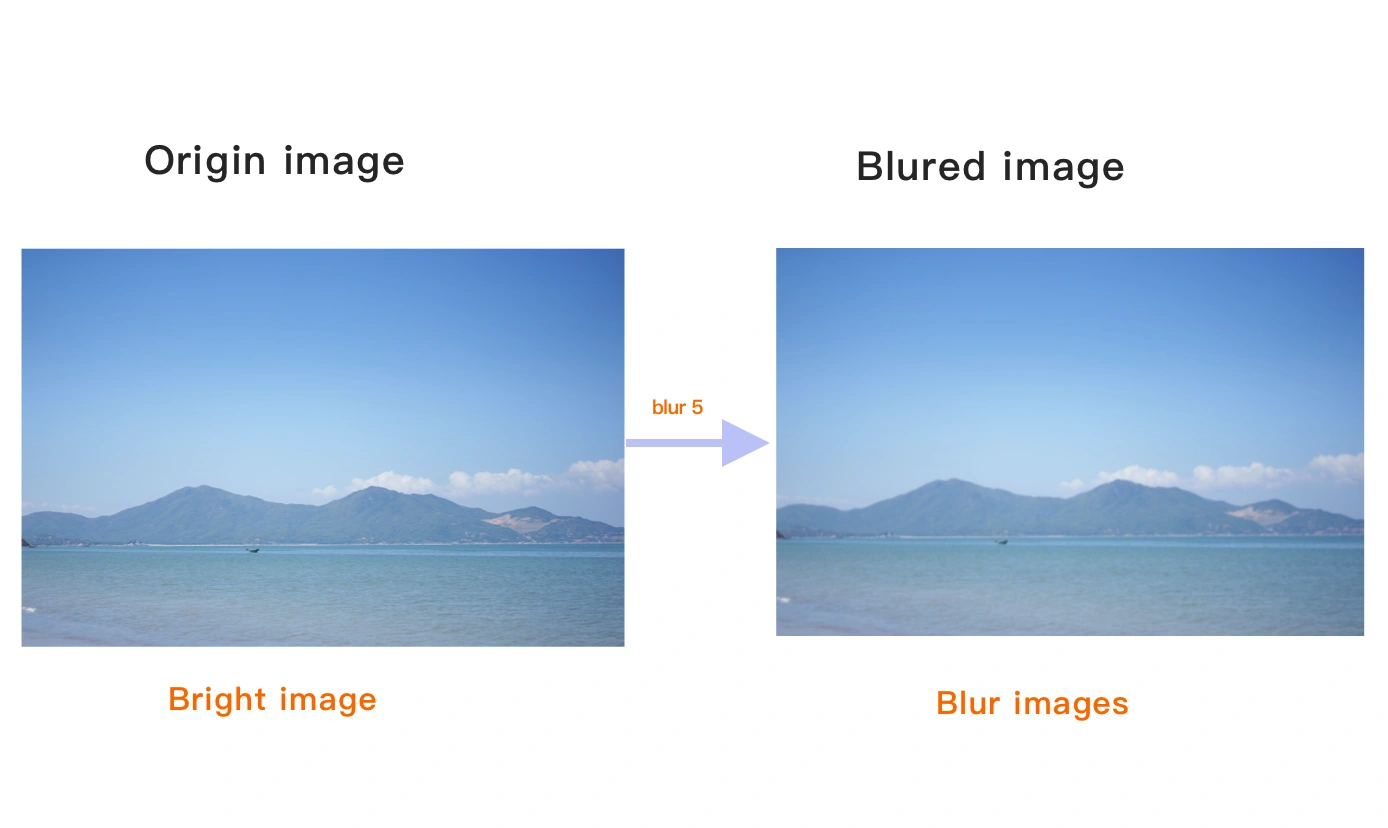
Gaussian blur (also known as Gaussian smoothing) is the result of blurring an image by a Gaussian function. In digital signal processing, it is a low-pass filter that significantly reduces high-frequency noise and detail. Our implementation ensures linear-time complexity even for large kernels, providing a high-fidelity 'frosted glass' aesthetic without pixelation.
Why Use Blur Image Online – Gaussian Blur & Pixelate Faces? Key Benefits & Advantages
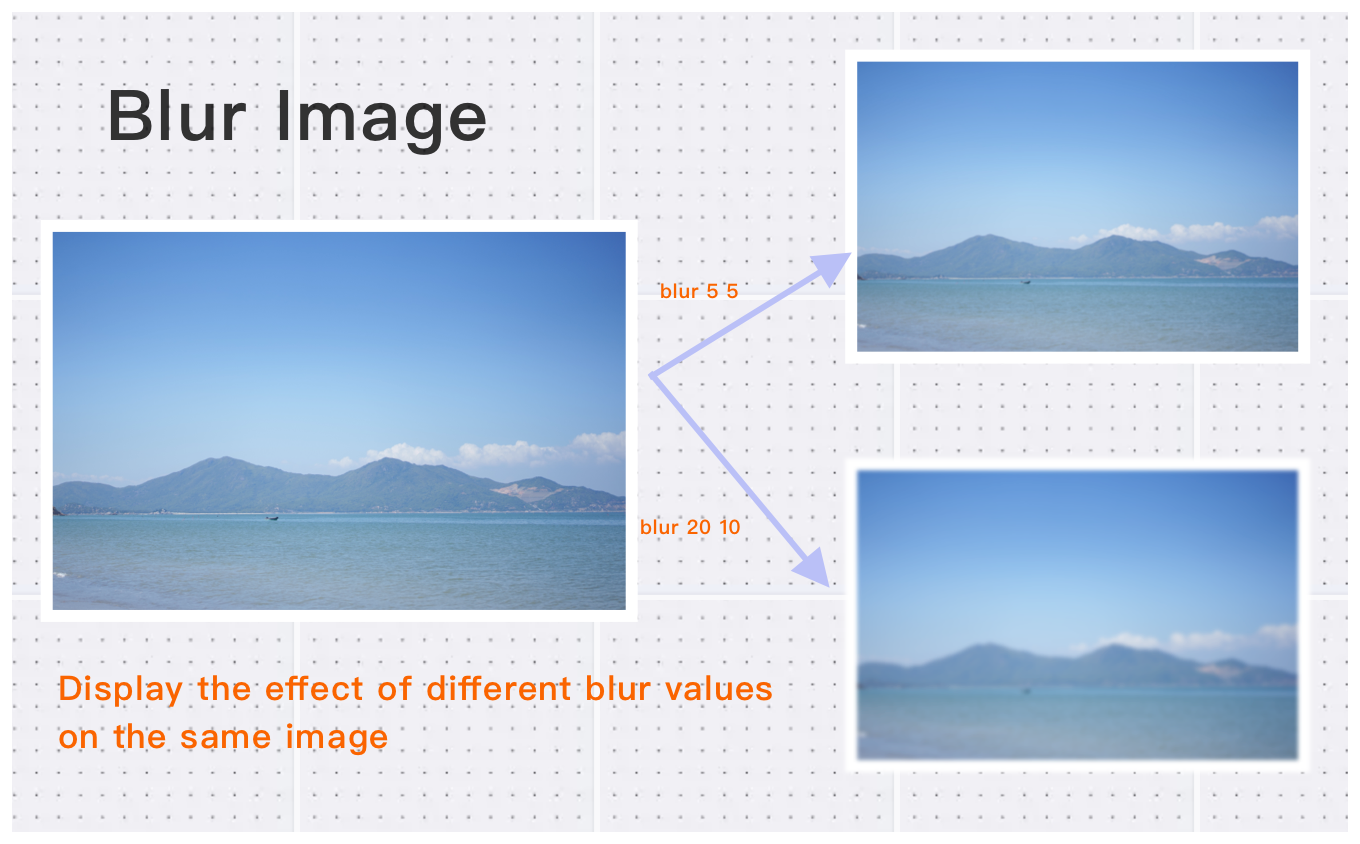
Advanced Gaussian Kernel Algorithm
Our tool utilizes high-precision Gaussian convolution kernels. This ensures a mathematically smooth transition between pixels, eliminating the "boxy" artifacts common in low-end browser filters.
Automated Privacy & Metadata Stripping
Beyond visual blurring, our engine can automatically strip EXIF/GPS metadata in the same batch. This provides a dual layer of protection for sensitive documents, legal evidence, or private social media uploads.
Heavy-Duty Processing for Designers
Engineered for professional workflows. Our server-side infrastructure handles ultra-high-resolution images (up to 200 megapixels) without the memory crashes typically seen in client-side web editors.
What Users Say About Blur Image Online – Gaussian Blur & Pixelate Faces
David K.
Used it to enhance my product photos. The brighten feature is excellent.
James R.
Easy to apply effects and adjust intensity. Professional results.
Emily W.
Great collection of effects. The grayscale filter is my favorite.
How to Use Blur Image Online – Gaussian Blur & Pixelate Faces?
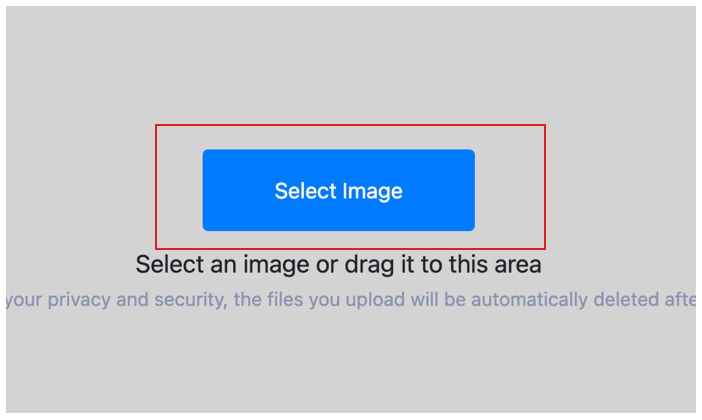
Select Image
Select the image you want to blur and upload it to the cloud. To batch blur multiple photos, click Choose More Files to upload additional photos. The cloud will automatically adapt to and support common image formats, so you don't need to worry about compatibility.
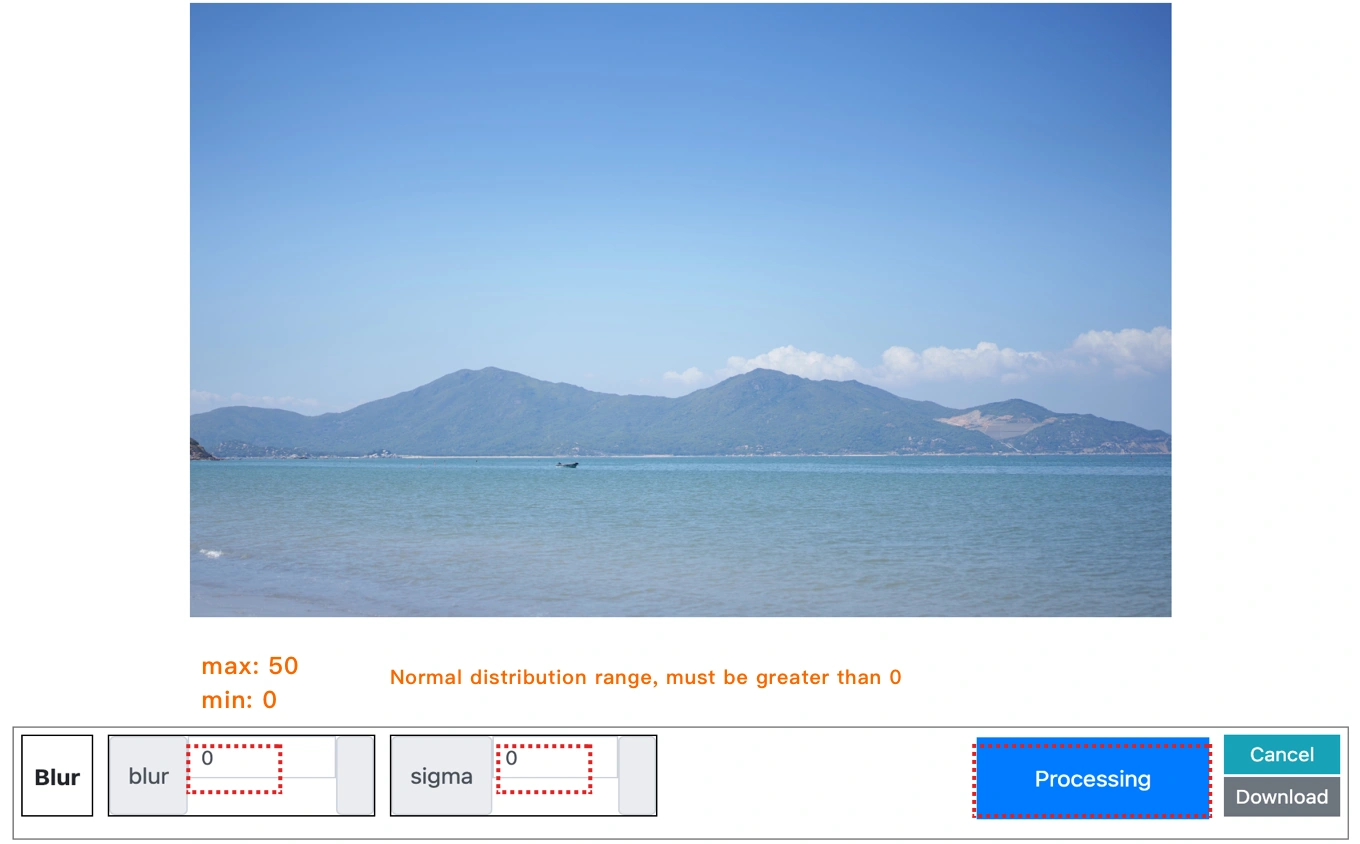
Adjust Blur Sigma & Processing Parameters
Fine-tune the Blur Intensity (Sigma) to achieve the desired level of obscuration or artistic softness. You can also toggle the Strip Metadata option to ensure complete data privacy before the server begins the rendering task.
Download Blurred image
Once the cloud indicates that the blur is complete, you can preview the results by clicking on the images. Click Download Image to download a single blurred photo, or click Download Images to download all batch blurred images.
Blur Image Online – Gaussian Blur & Pixelate Faces Technical Details & Tips
Supported Formats
All popular image formats supported:
Input & Output
jpeg, jpg, png, webp, bmp, gif, heic, heif, avif
Processing
Cloud-based, fast processing, no software required
File Limits
Up to 30 images per batch, high-resolution supported
Best Practices
Tips for optimal results:
Preview Before Apply
Preview effects before applying. Adjust intensity for the perfect look.
Combine Effects
Stack multiple effects for unique results. Try blur + brighten for soft glow.
Undo Changes
Easily undo any changes. Start over if you're not satisfied with the result.
Frequently Asked Questions About Blur Image Online – Gaussian Blur & Pixelate Faces
Find answers to common questions about Blur Image Online – Gaussian Blur & Pixelate Faces.
Related Image Tools You May Need
Explore our complete suite of image processing tools