Image Color Palette Extractor & Dominant Color Finder
Extract the dominant colors from any photo in seconds — the C++ engine handles images up to 250MP and outputs HEX, RGB and CSS codes you can copy straight into Figma, CSS or brand assets.
Drag & drop images here
or click anywhere to browse from your device
Supports JPG, PNG, WEBP, GIF, AVIF, HEIF/HEIC (Max 30MB)
AVE
Average Color Value
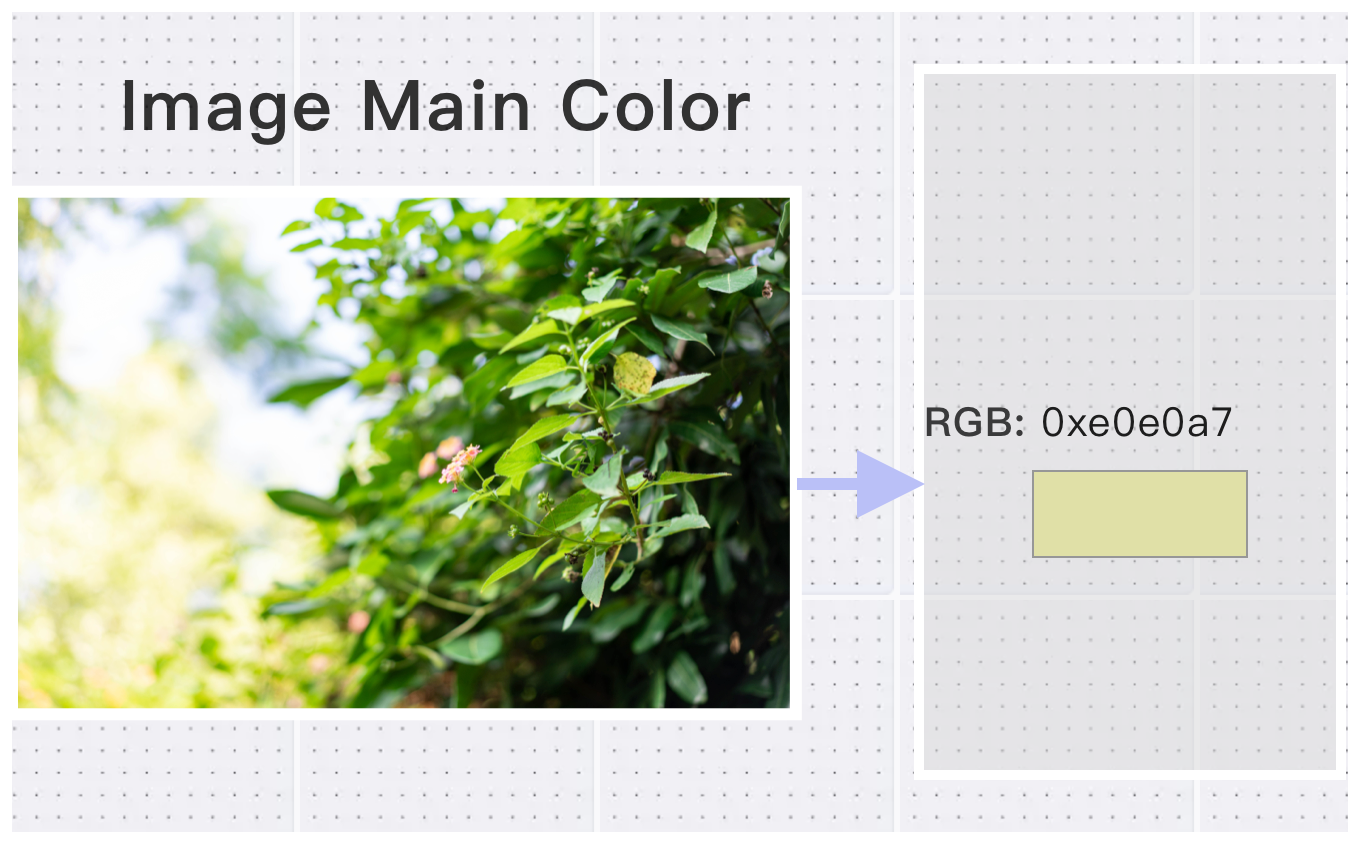
AVE stands for Average Color Value, which is a tool that helps you find the dominant color in any image. It calculates the average color by analyzing all the pixels in the image and gives you a single, representative color. Whether you're a photographer, designer, or content creator, this tool can help you quickly identify the main color of your image.
Why Use Image Color Palette Extractor & Dominant Color Finder? Key Benefits & Advantages
Supports All Common Image Formats
Compatible with JPG, PNG, WebP, BMP, HEIC, AVIF and other popular formats. Handles high-resolution images up to 200 megapixels — with no upload limits or software required.
One-Click Dominant Color Detection
Automatically extract the main color from your image using advanced color analysis. Fast, accurate, and easy to use.
Visual + Data Output in One
Instantly preview the dominant color with a visual swatch and precise RGB/HEX values. Copy ready-to-use CSS variables or Tailwind color codes directly.
What Users Say About Image Color Palette Extractor & Dominant Color Finder
Lisa M.
Detailed metadata viewer. Shows everything I need to know about my images. Will use again.
Alex C.
Perfect for photographers who want to check camera settings.
James R.
Essential Image Color Palette Extractor & Dominant Color Finder for privacy-conscious users. Removes all metadata cleanly.
How to Use Image Color Palette Extractor & Dominant Color Finder?
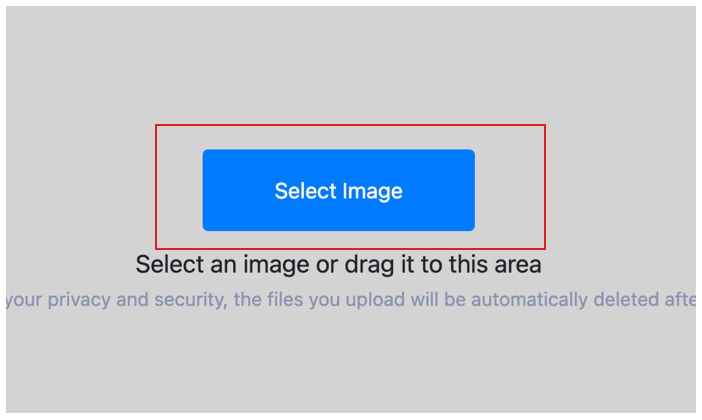
Select Image
Upload Your Design/Photo for dominant color viewing and upload to cloud.
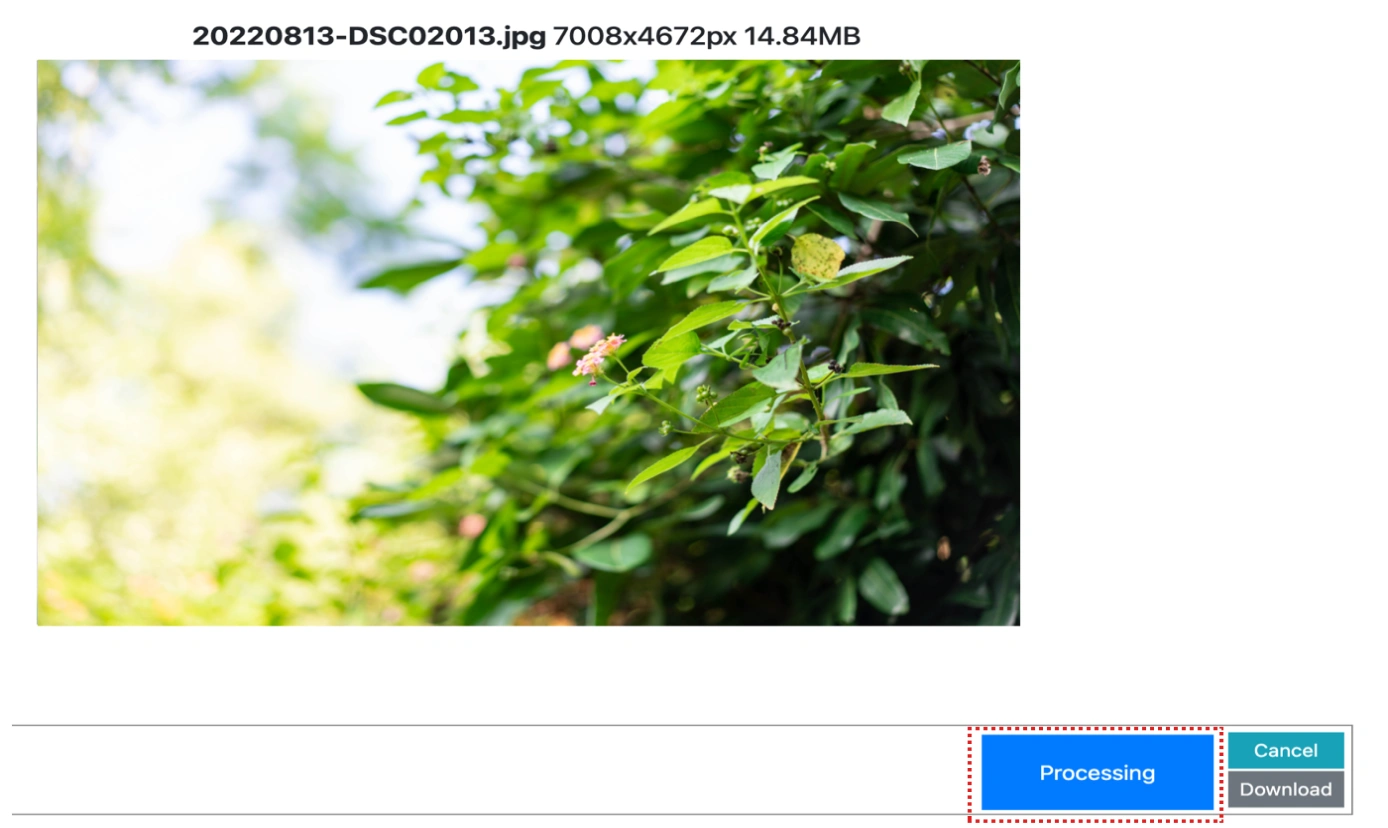
Customize Settings
Click the process button and wait for the cloud to retrieve the image dominant color.
View Dominant Color
Get Your HEX Codes & Export Palette of the image and freely copy any field from the results.
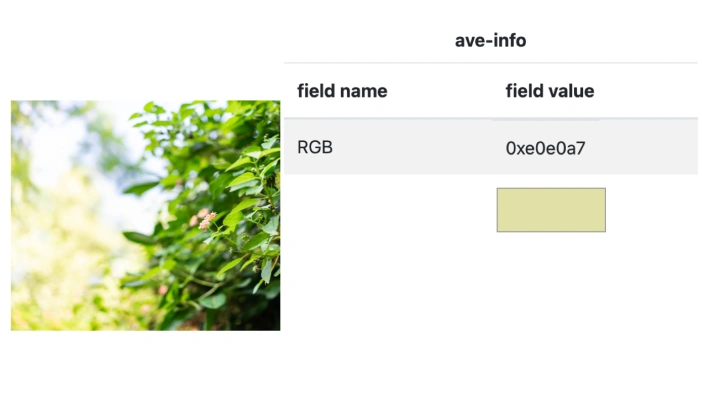
Image Color Palette Extractor & Dominant Color Finder Technical Details & Tips
Supported Formats
All popular image formats supported:
Input & Output
jpeg, jpg, png, webp, bmp, gif, heic, heif, avif
Processing
Cloud-based, fast processing, no software required
File Limits
Up to 30 images per batch, high-resolution supported
Best Practices
Tips for optimal results:
Privacy Protection
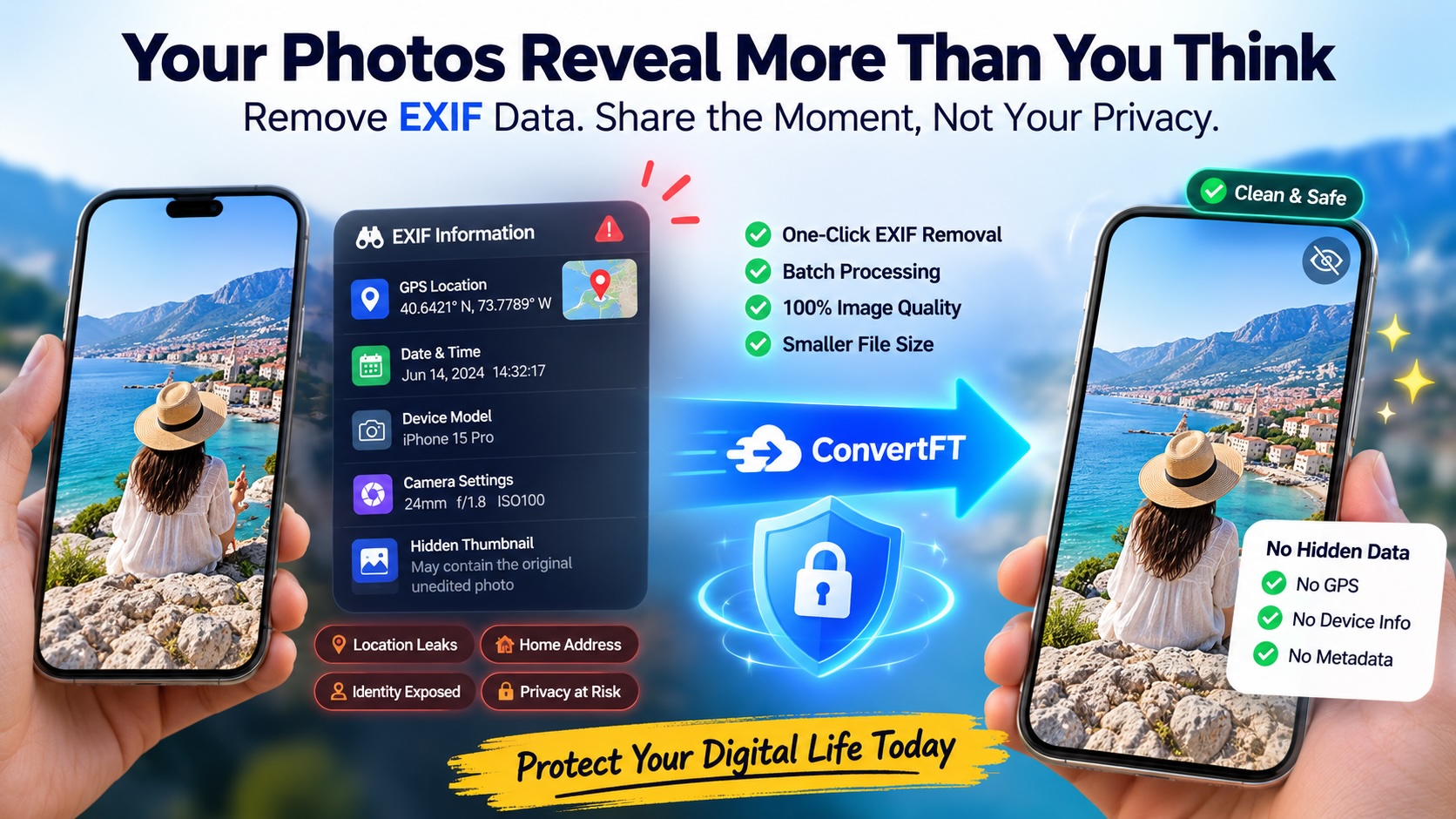
Remove EXIF data to protect your privacy. Contains location, camera info, and more.
Detailed Metadata
View complete image metadata including camera settings, GPS, and timestamps.
Batch Processing
Process multiple images at once. View or remove metadata from entire folders.
Frequently Asked Questions About Image Color Palette Extractor & Dominant Color Finder
Find answers to common questions about Image Color Palette Extractor & Dominant Color Finder.
Related Image Tools You May Need
Explore our complete suite of image processing tools


Tips for Image Color Palette Extractor & Dominant Color Finder Image Optimization
See also: More Image Editing Tools
For more usage tips about Image Color Palette Extractor & Dominant Color Finder, please refer to View image dominant colors .