Online EXIF Metadata Viewer
See what's hidden in your photos — view EXIF camera settings, GPS location, date and device info from JPG, PNG, WebP, AVIF and HEIC files instantly, with no software to install.
Drag & drop images here
or click anywhere to browse from your device
Supports JPG, PNG, WEBP, GIF, AVIF, HEIF/HEIC (Max 30MB)
EXIF
Exchangeable Image File Format
EXIF is a standard that specifies formats for images, sound, and ancillary tags used by digital cameras (including smartphones), scanners and other systems handling image and sound files recorded by digital cameras.
Why Use Online EXIF Metadata Viewer? Key Benefits & Advantages
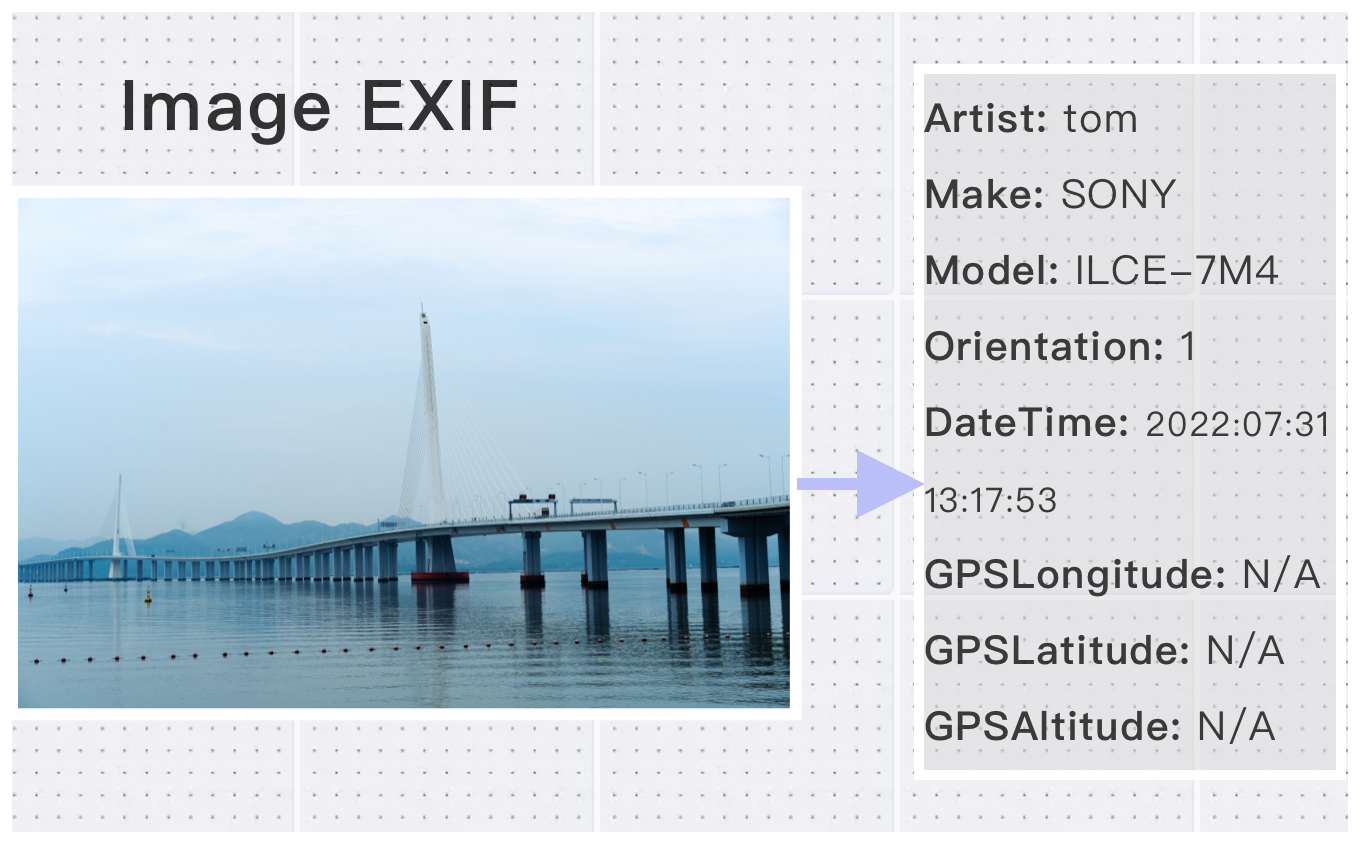
Broad Format Support
Easily extract EXIF metadata from a wide range of image formats including JPEG, PNG, BMP, WebP, HEIC, AVIF, and more — compatible with almost any photo you have.
View EXIF Metadata Online, Anytime
Instantly access detailed photo metadata directly in your browser, no downloads or software installations needed. Work seamlessly on any device, anywhere.
High-Definition Image Compatibility & Fast Processing
Analyze high-resolution images up to 30MB and 200 million pixels. Get accurate results in seconds with a simple three-step process — completely free.
What Users Say About Online EXIF Metadata Viewer
Kevin W.
Great for viewing and removing EXIF data. Protects my privacy perfectly.
James R.
Detailed metadata viewer. Shows everything I need to know about my images.
Emily W.
Perfect for photographers who want to check camera settings.
How to Use Online EXIF Metadata Viewer?
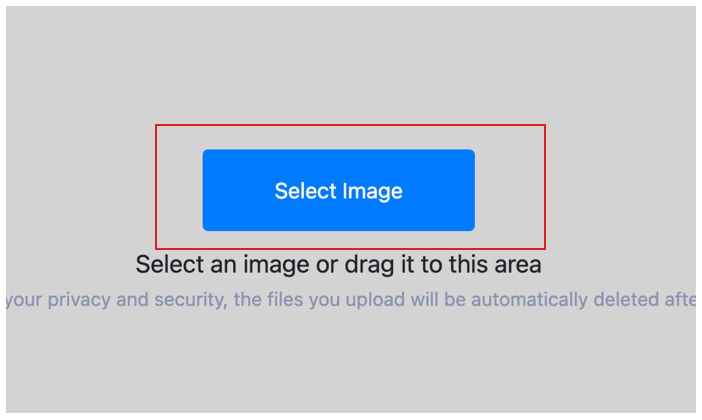
Select Image
Select the image you want to remove exif and upload it to the cloud. To batch strip multiple photos exif, click Choose More Files to upload additional photos. The cloud will automatically adapt to and support common image formats, so you don't need to worry about compatibility.
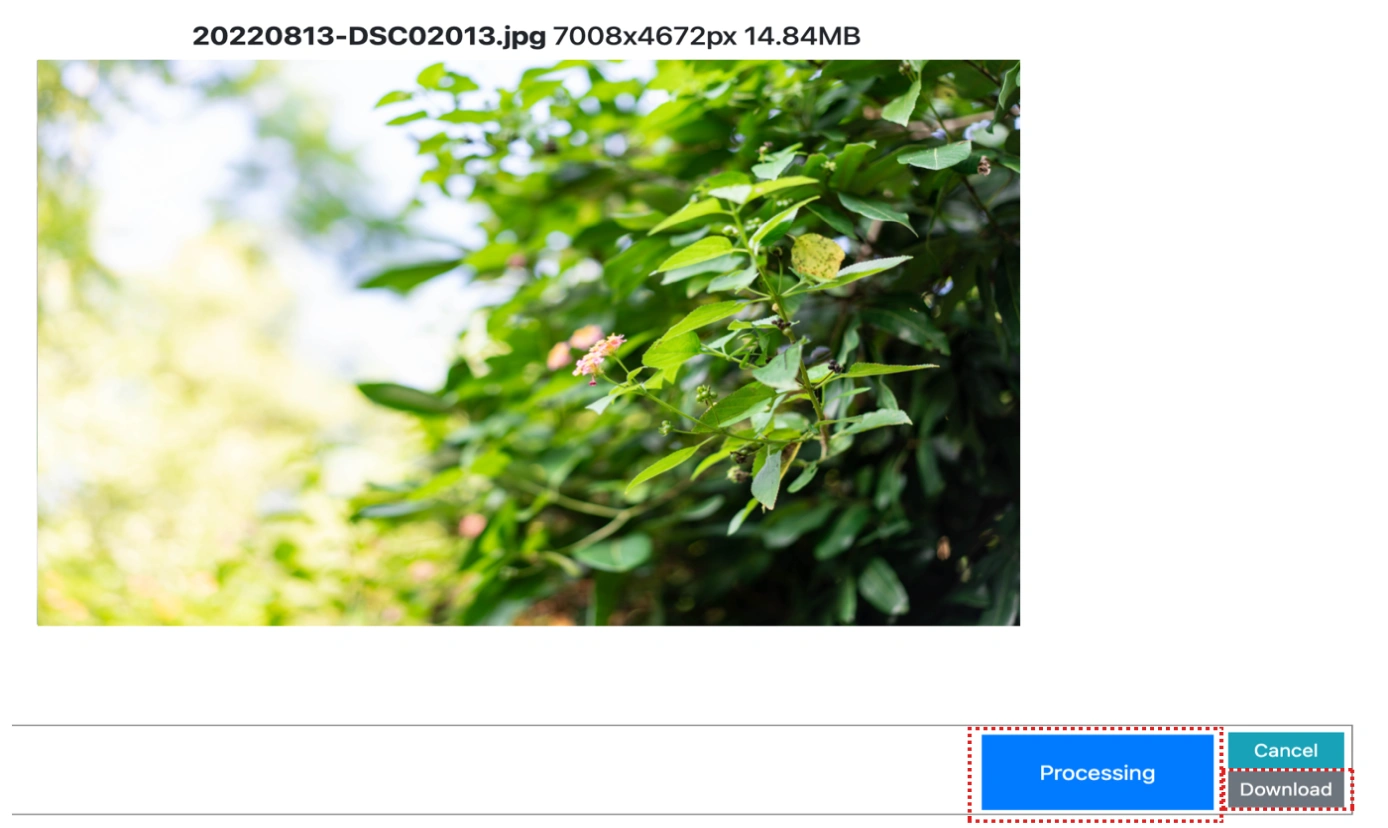
Customize Settings
Clicking the Start Process button for a specific photo will only strip that one image. To remove all selected images exif, click the Start Process > button. If there are photos you don't want to process, simply deselect them by clicking on the images.
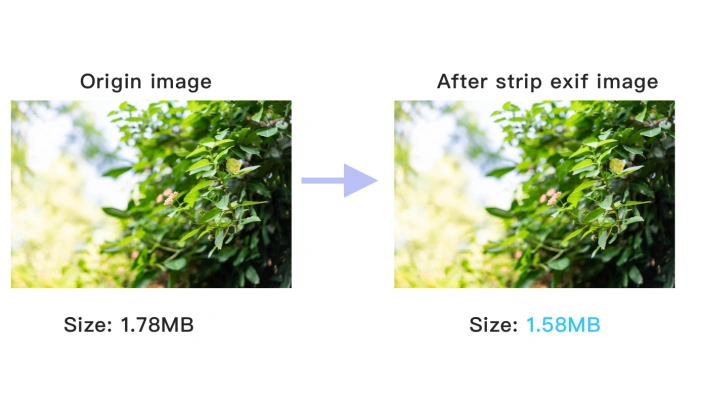
Download removed EXIF image
Once the cloud indicates that the remove exif is complete, you can preview the results by clicking on the images. Click Download Image to download a single photo without exif, or click Download Images to download all batch remove exif images.
Online EXIF Metadata Viewer Technical Details & Tips
Supported Formats
All popular image formats supported:
Input & Output
jpeg, jpg, png, webp, bmp, gif, heic, heif, avif
Processing
Cloud-based, fast processing, no software required
File Limits
Up to 30 images per batch, high-resolution supported
Best Practices
Tips for optimal results:
Privacy Protection
Remove EXIF data to protect your privacy. Contains location, camera info, and more.
Detailed Metadata
View complete image metadata including camera settings, GPS, and timestamps.
Batch Processing
Process multiple images at once. View or remove metadata from entire folders.
Frequently Asked Questions About Online EXIF Metadata Viewer
Find answers to common questions about Online EXIF Metadata Viewer.
Related Image Tools You May Need
Explore our complete suite of image processing tools


Tips for Online EXIF Metadata Viewer Image Optimization

See also: More Image Editing Tools
For more usage tips about Online EXIF Metadata Viewer, please refer to View image EXIF .