Sharpen Image Online
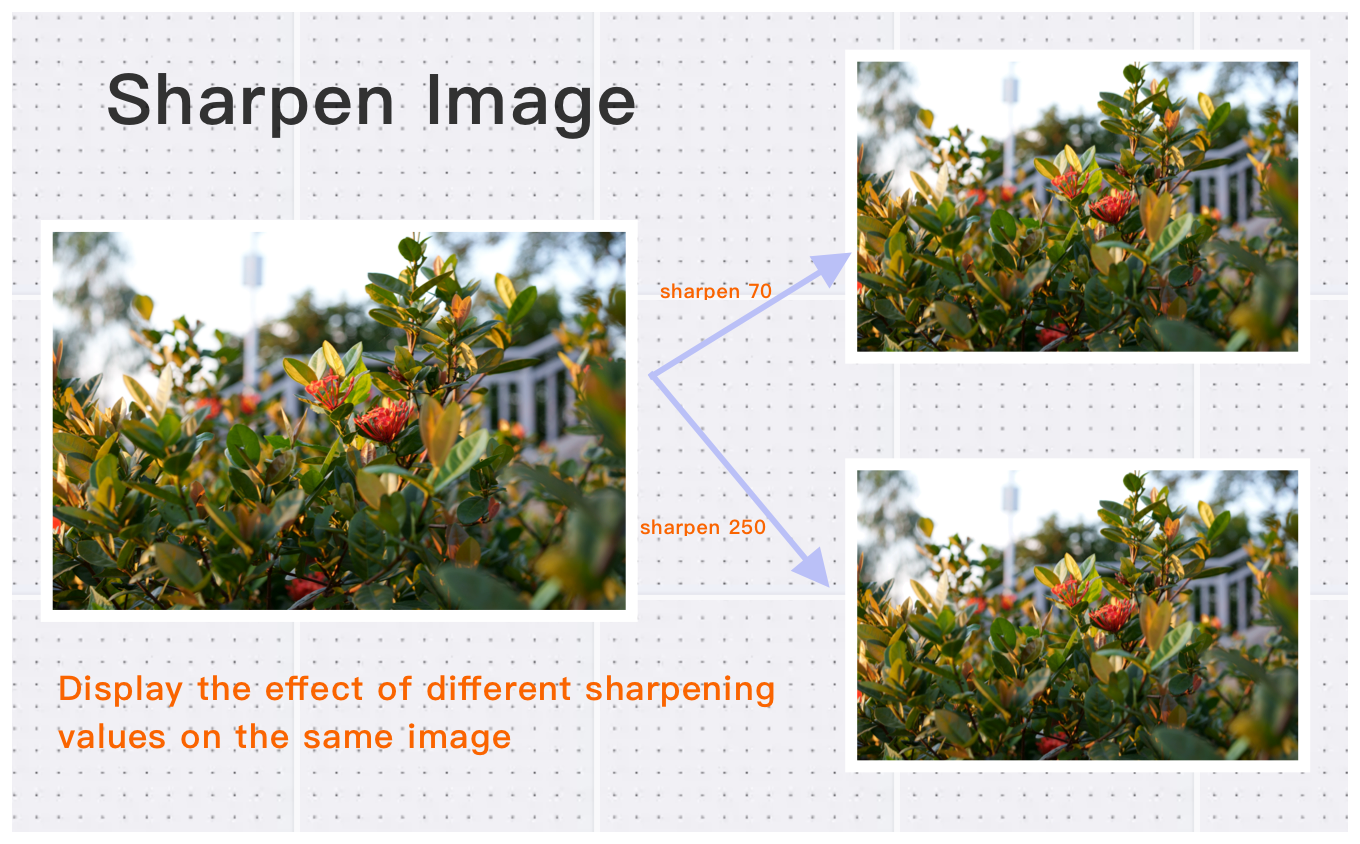
Bring blurry photos back to life — adjust sharpening strength in batch until every detail looks crisp, no signup, free to use.
Drag & drop images here
or click anywhere to browse from your device
Supports JPG, PNG, WEBP, GIF, AVIF, HEIF/HEIC (Max 30MB)
Why Use Sharpen Image Online? Key Benefits & Advantages
Supports multiple image formats
Easily adjust image sharpen in various formats including JPEG/JPG, BMP, PNG, WebP, HEIF/HEIC, AVIF, and more.
High-Definition Image Sharpen Supported
Sharpen for high-definition images, each up to 30MB, with a total pixel count of up to 200 million.
Effortless Sharpen Image Access
Adjust sharpen in just three simple steps, always free to use.
What Users Say About Sharpen Image Online
David K.
Used it to enhance my product photos. The brighten feature is excellent.
Michael T.
Easy to apply effects and adjust intensity. Professional results.
Amanda L.
Love the blur effect for privacy. Easy to use with great results.
How to Use Sharpen Image Online?
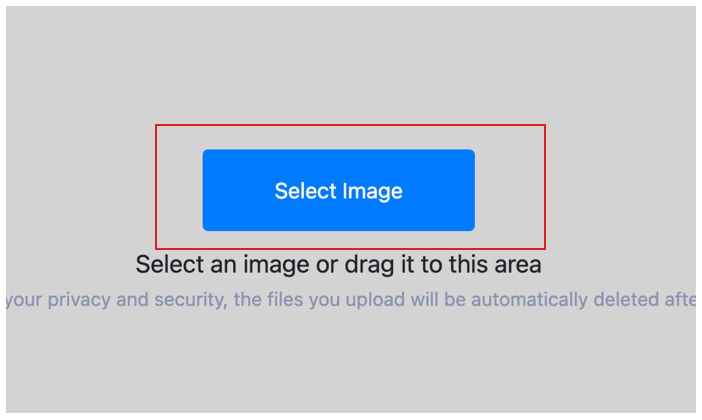
Select Image
Select the image you want to sharpen and upload it to the cloud. To batch sharpen multiple photos, click Choose More Files to upload additional photos. The cloud will automatically adapt to and support common image formats, so you don't need to worry about compatibility.
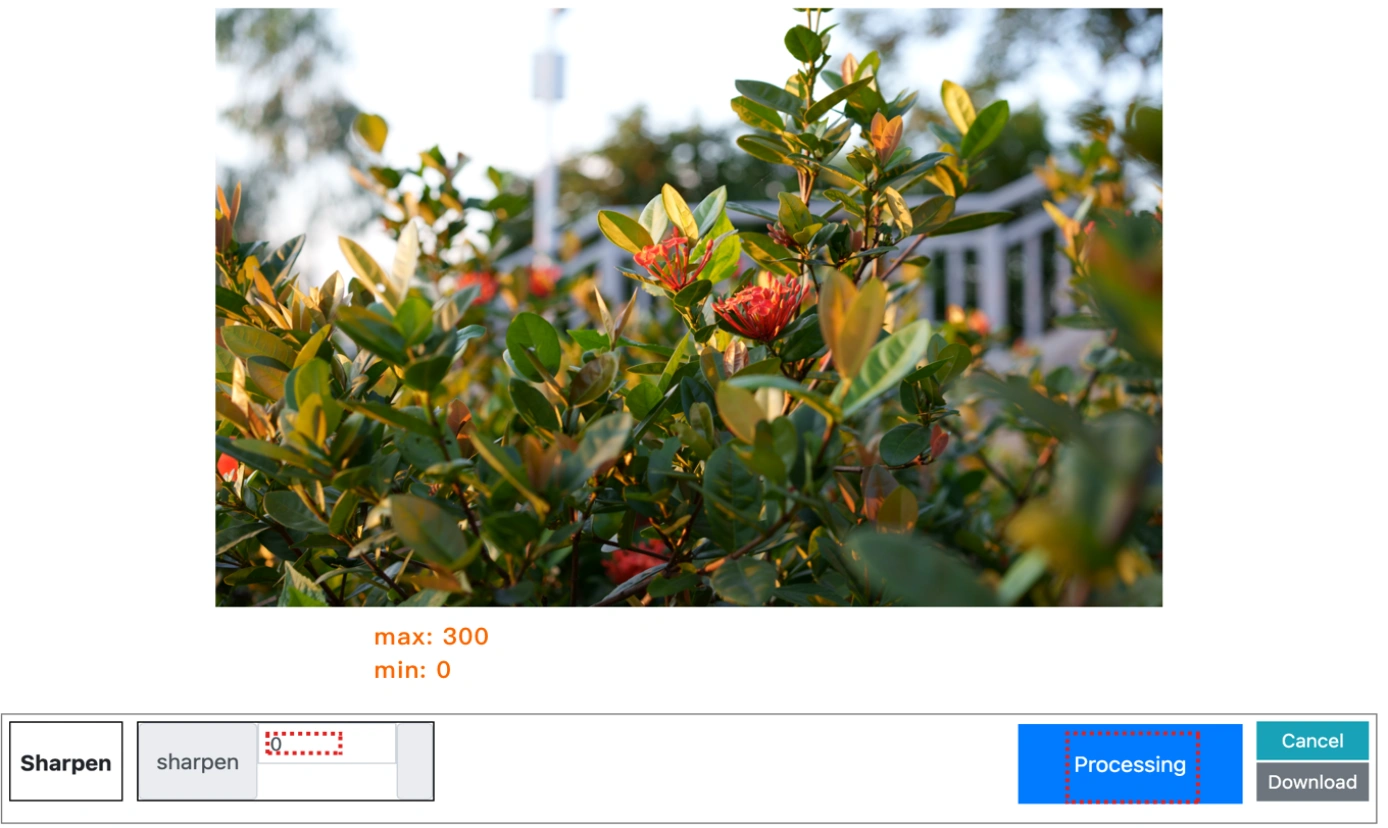
Customize Settings
Clicking the Start Process button for a specific photo will only sharpen that one image. To sharpen all selected images, click the Start Process > button. If you want to readjust the sharpen parameters, click the X button to reset this processing.
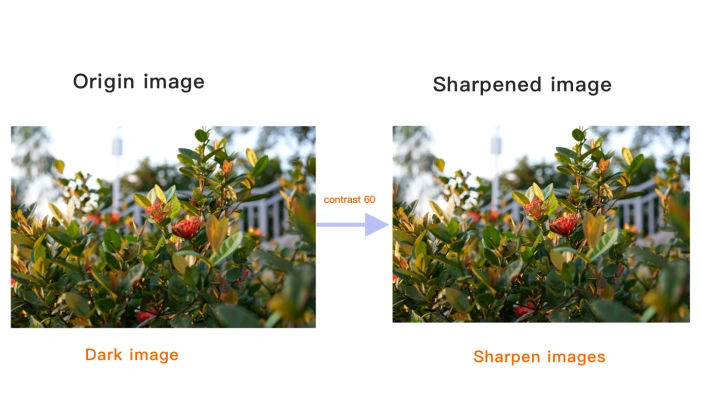
Download sharpened image
Once the cloud indicates that the sharpen is complete, you can preview the results by clicking on the images. Click Download Image to download a single sharpened photo, or click Download Images to download all batch sharpened images.
Sharpen Image Online Technical Details & Tips
Supported Formats
All popular image formats supported:
Input & Output
jpeg, jpg, png, webp, bmp, gif, heic, heif, avif
Processing
Cloud-based, fast processing, no software required
File Limits
Up to 30 images per batch, high-resolution supported
Best Practices
Tips for optimal results:
Preview Before Apply
Preview effects before applying. Adjust intensity for the perfect look.
Combine Effects
Stack multiple effects for unique results. Try blur + brighten for soft glow.
Undo Changes
Easily undo any changes. Start over if you're not satisfied with the result.
Frequently Asked Questions About Sharpen Image Online
Find answers to common questions about Sharpen Image Online.
Related Image Tools You May Need
Explore our complete suite of image processing tools