Auto Rotate Images in Bulk
Auto-fix sideways or upside-down photos in bulk — our EXIF-aware engine reads camera orientation from iPhone, Android and DSLR uploads and rotates every image with clean, high-quality output, so you never fix files one by one again.
Drag & drop images here
or click anywhere to browse from your device
Supports JPG, PNG, WEBP, GIF, AVIF, HEIF/HEIC (Max 30MB)
EXIF Orient
EXIF Orientation
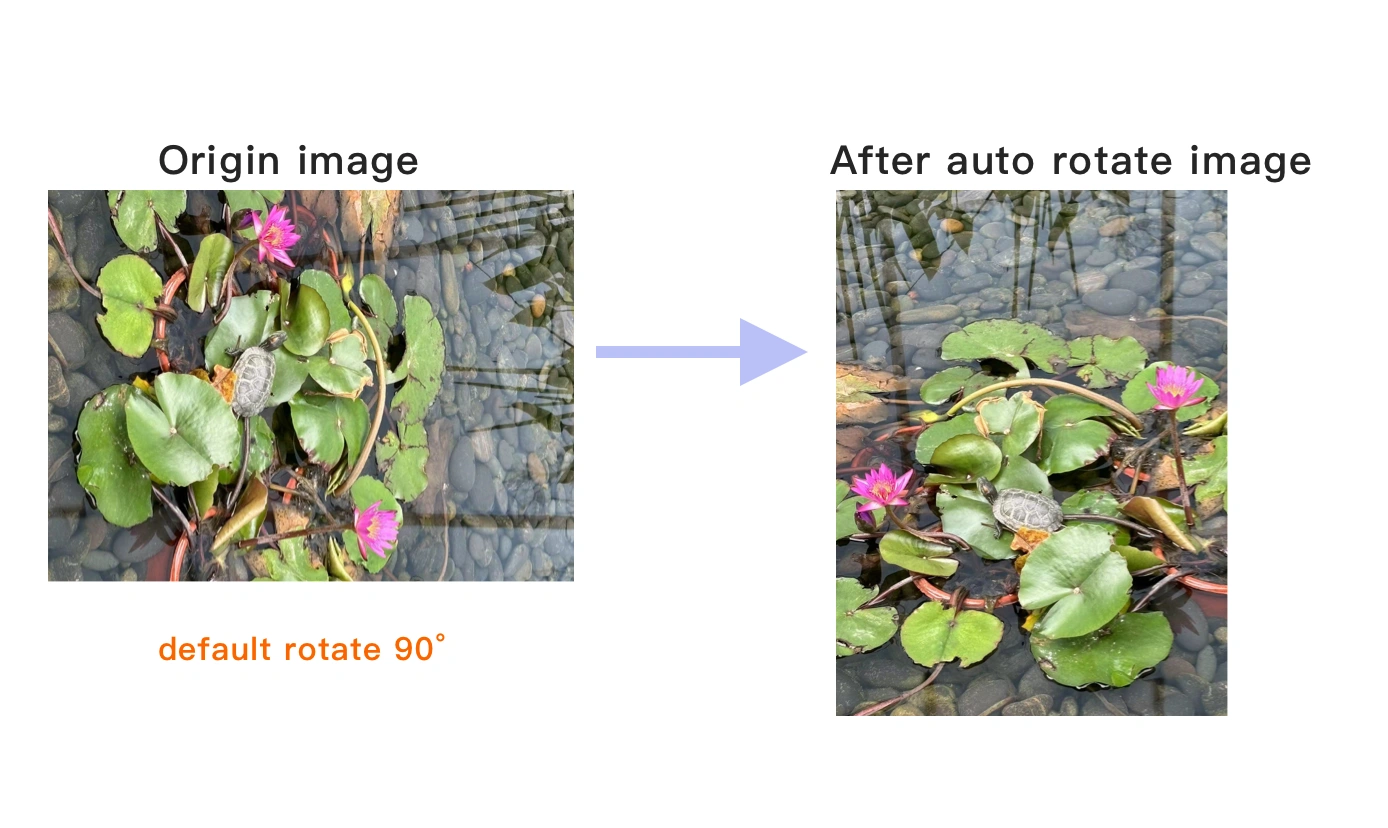
In an image's EXIF (Exchangeable Image File Format) data, the Orientation field indicates the image's orientation. This metadata tag is used to describe the image’s rotation or flip, helping devices and image viewers correctly display the image. Many digital cameras, smartphones, and other devices store the image's direction based on the physical position of the device during capture. The Orientation field instructs software on how to correctly display the image. However, some software may fail to interpret this field, causing the image to display incorrectly. We can help you adjust the image's orientation data, ensuring it is displayed in the correct direction.
Why Use Auto Rotate Images in Bulk? Key Benefits & Advantages
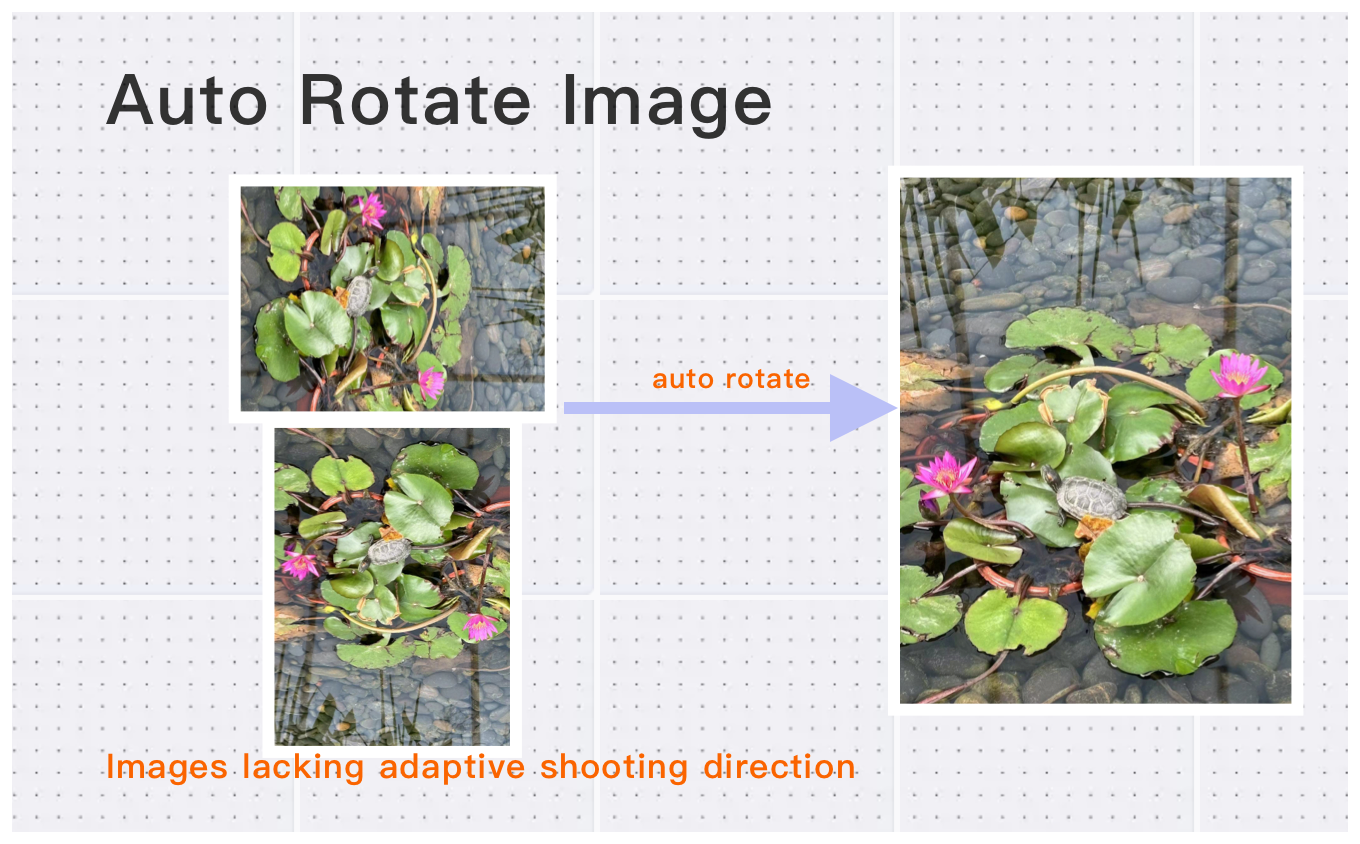
Smart & Lossless EXIF Correction
Our system analyzes EXIF metadata to fix sideways or upside-down photos automatically, ensuring your images are rotated to the correct orientation without any loss in image quality.
Convert and Rotate All Major Image Formats
Rotate and convert images in JPG, PNG, WebP, HEIC, AVIF, BMP, and more. Upload high-resolution photos up to 200 megapixels or 30MB.
Bulk Image Rotation in Just Three Steps
Process multiple images at once with our fast, free, and secure cloud infrastructure.
What Users Say About Auto Rotate Images in Bulk
David K.
Perfect for resizing product photos. Batch processing is a huge time-saver. Highly recommended!
Amanda L.
Easy to use and maintains aspect ratio. Great for social media images.
Alex C.
The aspect ratio lock feature is fantastic. No more distorted images.
How to Use Auto Rotate Images in Bulk?
Upload
Drag and drop your images into the upload zone. Click "Choose More Files" to add multiple photos for bulk processing. All major formats are supported.
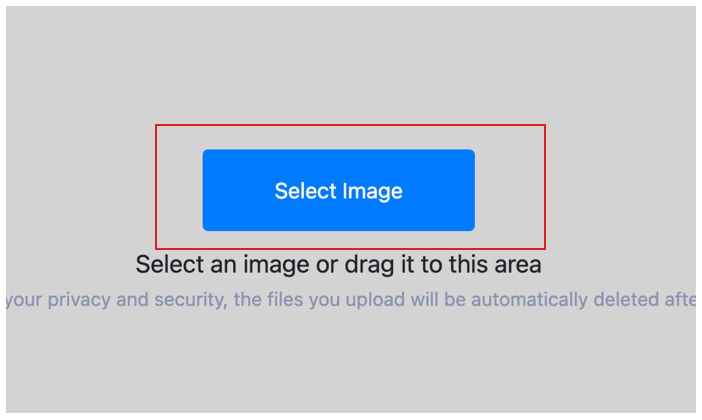
Auto-Process
Click
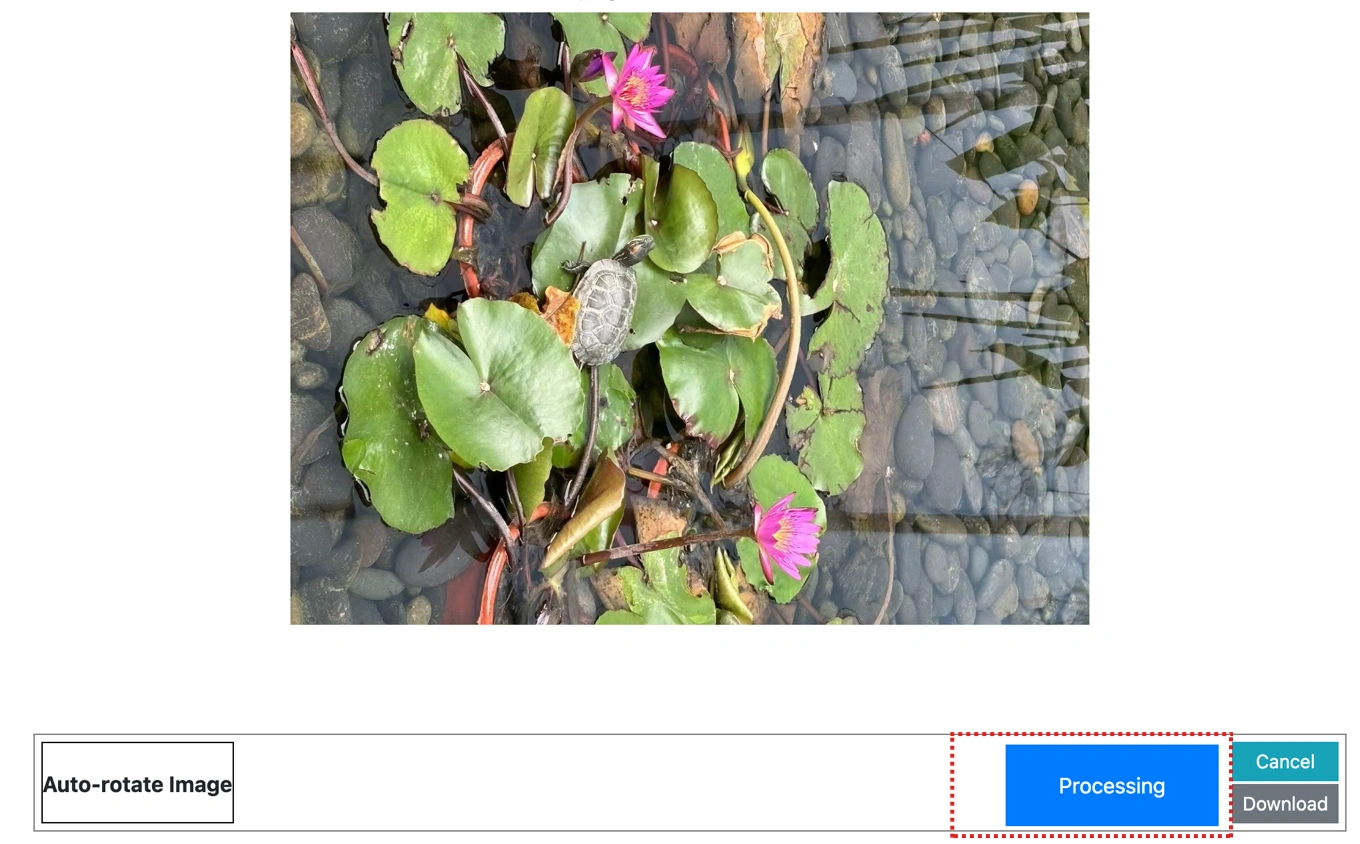
DoDownload
Preview the rotated results. Download them individually, or click
Auto Rotate Images in Bulk Technical Details & Tips
Supported Formats
All popular image formats supported:
Input & Output
jpeg, jpg, png, webp, bmp, gif, heic, heif, avif
Processing
Cloud-based, fast processing, no software required
File Limits
Up to 30 images per batch, high-resolution supported
Best Practices
Tips for optimal results:
Aspect Ratio Lock
Maintain aspect ratio to prevent image distortion. Lock ratio for consistent results.
Common Sizes
Use standard sizes for social media: 1080x1080 for Instagram, 1200x630 for Facebook.
Batch Resize
Resize multiple images to the same dimensions. Perfect for product photos.
Frequently Asked Questions About Auto Rotate Images in Bulk
Find answers to common questions about Auto Rotate Images in Bulk.
Related Image Tools You May Need
Explore our complete suite of image processing tools


Tips for Auto Rotate Images in Bulk Image Optimization

See also: More Image Editing Tools
For more usage tips about Auto Rotate Images in Bulk, please refer to Easily auto rotate images .