Rotate Image Online – 90°, 180° & 270°
Rotate photos or images 90, 180 or 270 degrees clockwise or counterclockwise — free online tool with batch support for JPEG, JPG, PNG, WebP, BMP, GIF, HEIC, HEIF and AVIF files, no signup.
Drag & drop images here
or click anywhere to browse from your device
Supports JPG, PNG, WEBP, GIF, AVIF, HEIF/HEIC (Max 30MB)
Why Use Rotate Image Online – 90°, 180° & 270°? Key Benefits & Advantages
Lossless Rotation & Auto-Orientation
Our engine utilizes smart EXIF detection to automatically correct orientation issues common in smartphone photography. Rotate JPG, HEIC, and AVIF without re-compression to preserve 100% of the original visual fidelity.
Enterprise-Grade Batch Engine
Built for scale. Process massive libraries of assets (up to 200MP each) using our high-performance server farm. Ideal for e-commerce catalogs and archival digitization where consistent horizontal/vertical alignment is critical.
Advanced Metadata & Privacy Shield
Beyond rotation, our tool offers granular control over EXIF data. Choose to preserve color profiles for printing or strip sensitive GPS/Camera tags to ensure privacy before public distribution.
What Users Say About Rotate Image Online – 90°, 180° & 270°
Lisa M.
Easy to use and maintains aspect ratio. Great for social media images.
Emily W.
Resized 200 images in one go. Perfect for our marketing team.
David K.
The aspect ratio lock feature is fantastic. No more distorted images.
How to Use Rotate Image Online – 90°, 180° & 270°?
Secure Upload & Format Recognition
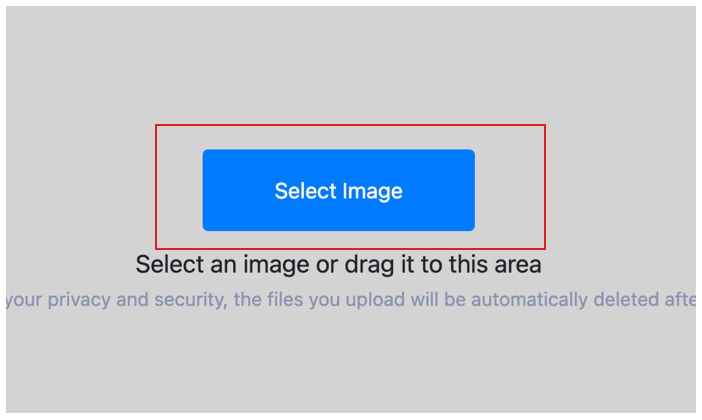
Upload your photos. Click "Add More Files" to add additional images for batch processing.
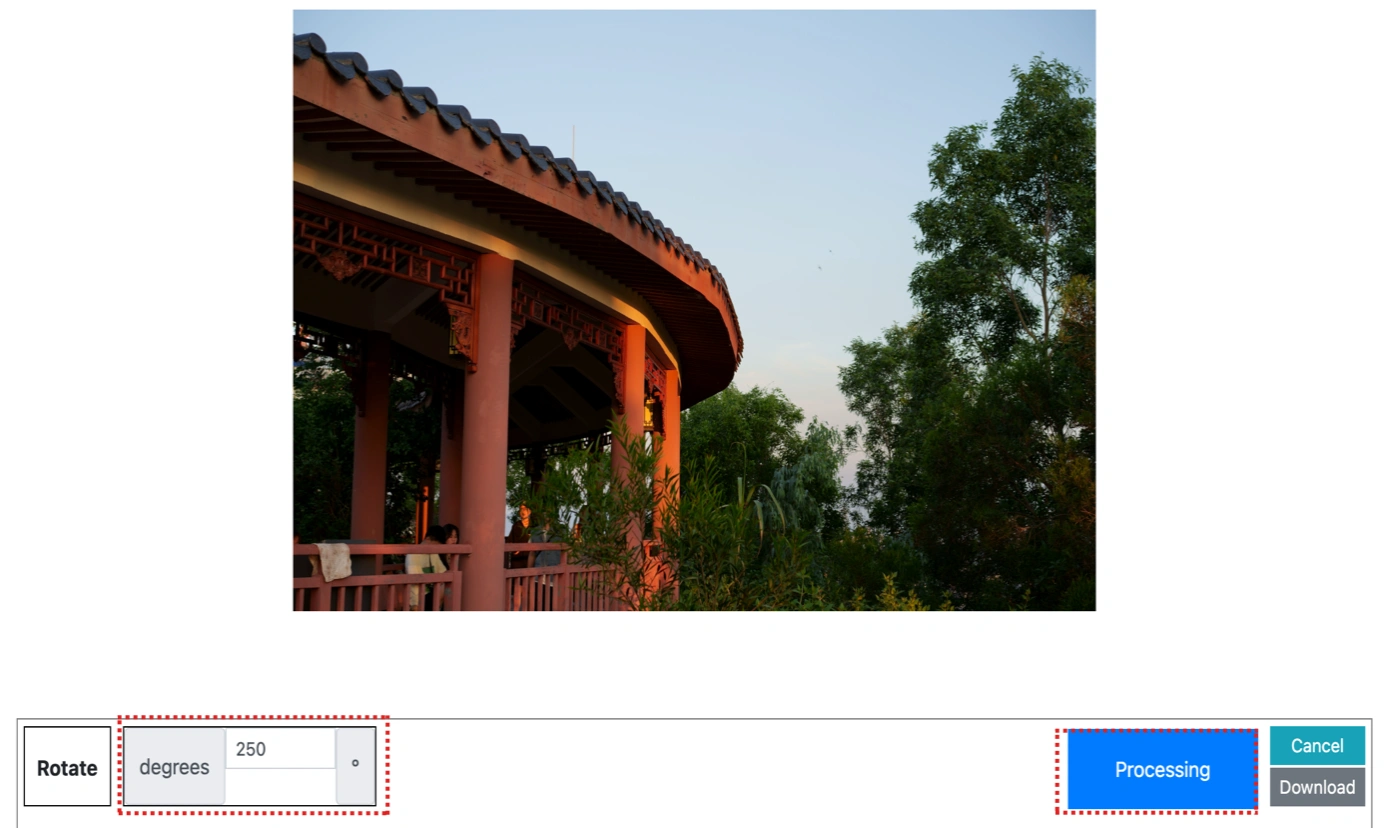
Configure Transformation Parameters
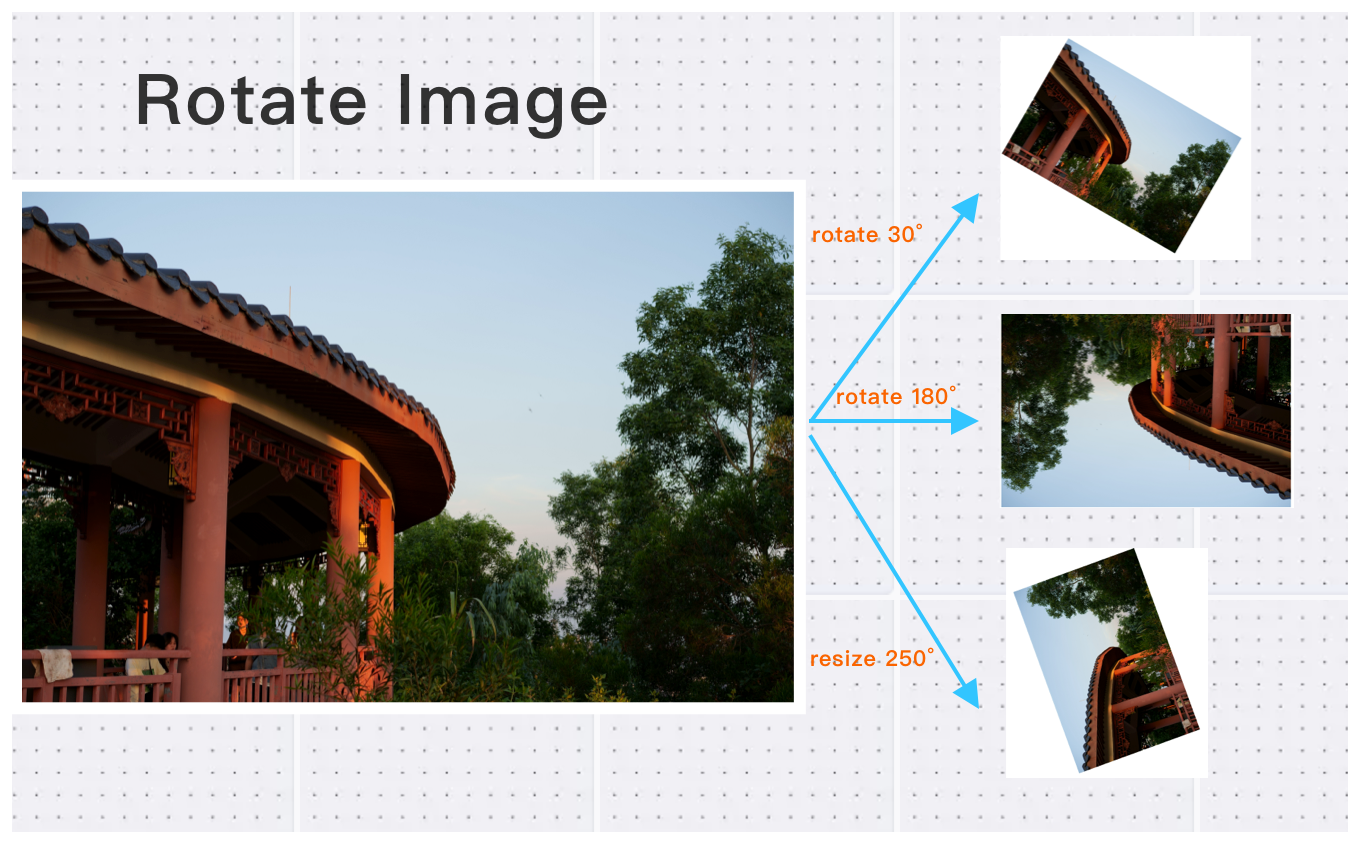
Configure your rotation settings. Choose to rotate images 90 degrees, 180 degrees, or 270 degrees. You can easily specify whether to turn them clockwise (CW) or counter-clockwise (CCW) to achieve the perfect orientation.
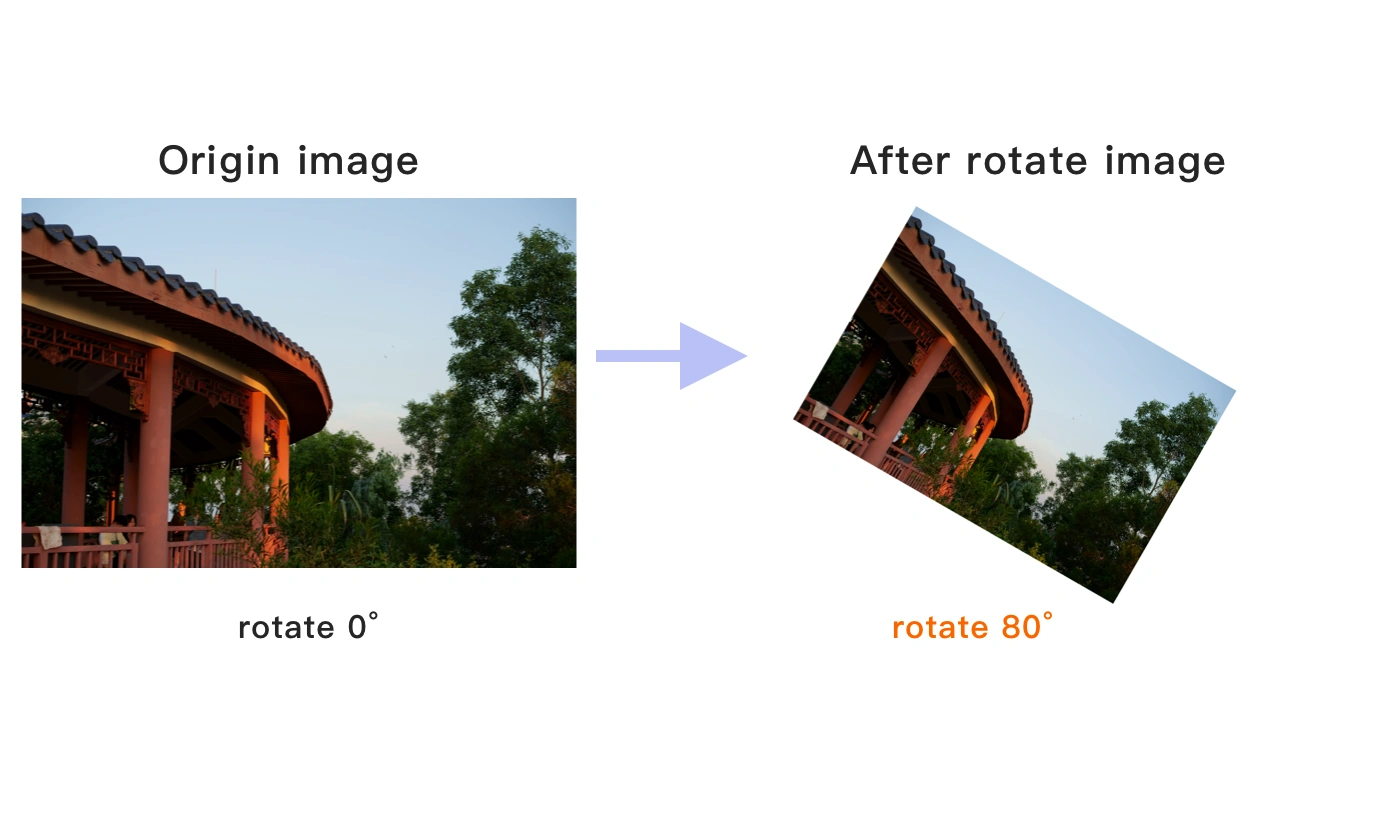
Final Rendering & Batch Export
Once the cloud indicates that the rotation is complete, you can preview the results by clicking on the images. Click Download Image to download a single rotated photo, or click Download Images to download all batch rotated images.
Rotate Image Online – 90°, 180° & 270° Technical Details & Tips
Supported Formats
All popular image formats supported:
Input & Output
jpeg, jpg, png, webp, bmp, gif, heic, heif, avif
Processing
Cloud-based, fast processing, no software required
File Limits
Up to 30 images per batch, high-resolution supported
Best Practices
Tips for optimal results:
Aspect Ratio Lock
Maintain aspect ratio to prevent image distortion. Lock ratio for consistent results.
Common Sizes
Use standard sizes for social media: 1080x1080 for Instagram, 1200x630 for Facebook.
Batch Resize
Resize multiple images to the same dimensions. Perfect for product photos.
Frequently Asked Questions About Rotate Image Online – 90°, 180° & 270°
Find answers to common questions about Rotate Image Online – 90°, 180° & 270°.
Related Image Tools You May Need
Explore our complete suite of image processing tools