Introduction
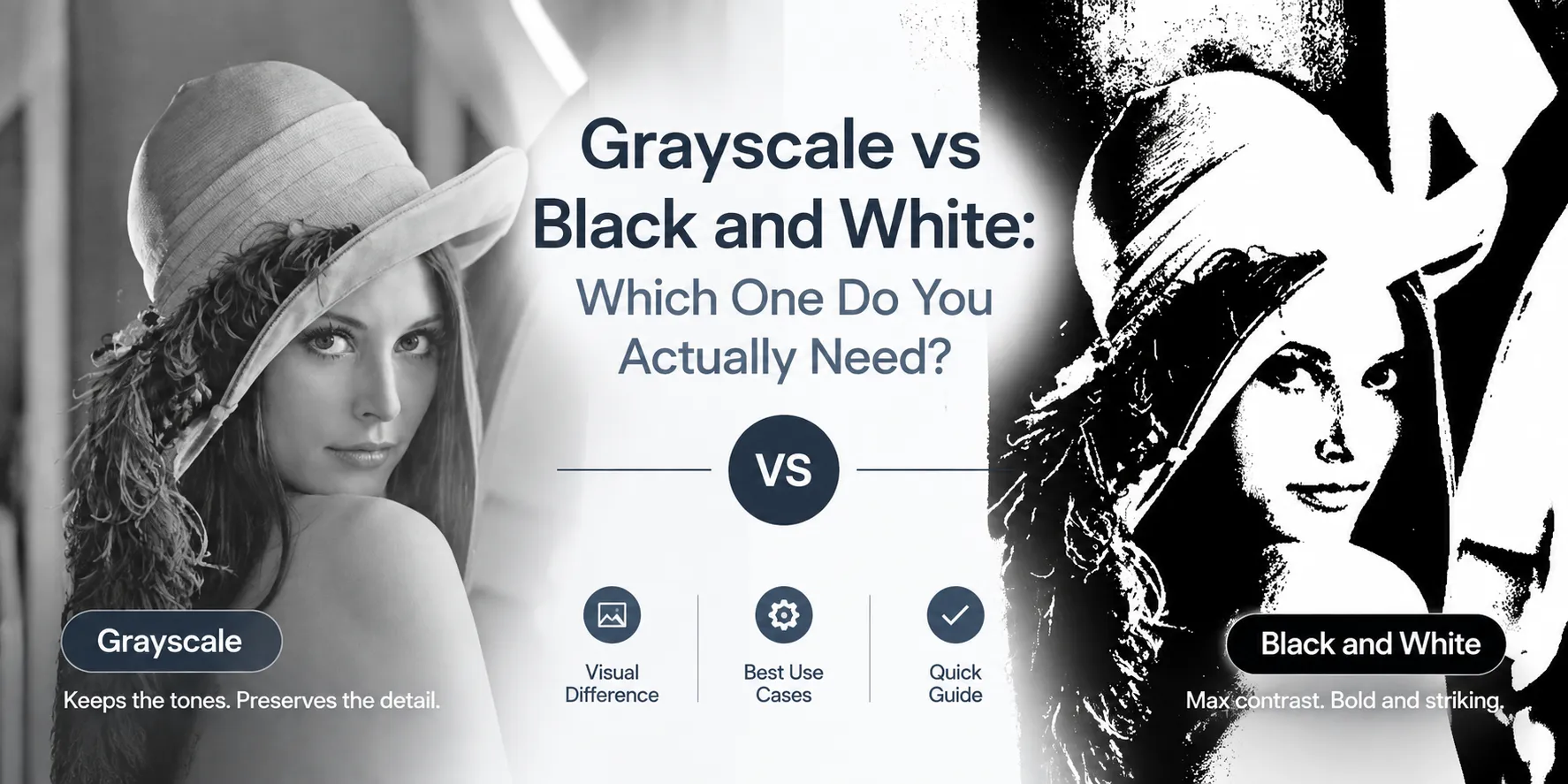
When people search for a way to turn an image black and white, they may actually be looking for two very different results: grayscale or pure black and white.
They may look similar at first, but the way they process and display an image is completely different.
What Is a Grayscale Image?
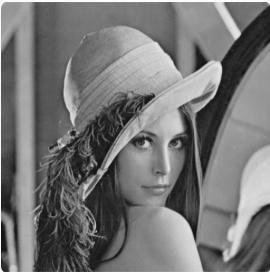
A grayscale image removes color while preserving the different shades between black and white.
In a typical 8-bit grayscale image, each pixel can have up to 256 shades, from pure black to pure white. This allows a grayscale photo to retain shadows, highlights, textures, facial details, and smooth transitions between light and dark areas.
That's why grayscale works well for photography, portraits, scanned documents, artwork, and print materials where preserving visual detail matters.
What Is a Pure Black and White Image?
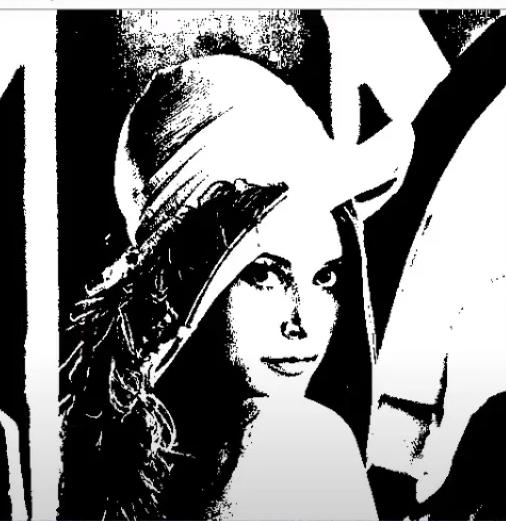
A pure black and white image, also called a binary or 1-bit image, contains only two possible values: black or white.
There are no intermediate gray tones.
This type of image is useful for line drawings, stamps, simple logos, fax-style documents, and other graphics where clear edges matter more than shading.
However, converting a photograph to pure black and white can remove a large amount of its original detail because subtle shadows and tones have to be reduced to either black or white.
Grayscale vs. Black and White: What's the Difference?
The key difference is simple:
- Grayscale preserves shades and tonal detail.
- Pure black and white keeps only black and white pixels.
This distinction matters when deciding which image conversion method to use.
If you want to remove color while keeping the original look and detail of a photo, grayscale is usually the better fit.
If you need a high-contrast image made entirely of black and white pixels, you need thresholding or binary conversion, rather than a standard grayscale conversion.
In this article, we'll look at common use cases and help you decide which image mode you actually need.
Note: ConvertFT's Grayscale Tool creates grayscale images with intermediate shades. It does not perform binary thresholding.
When Is Grayscale Enough?
For many common image-editing tasks, grayscale is exactly what you need.
1. Removing Color From Photos
Removing color can shift attention toward lighting, composition, contrast, shapes, and texture.
Grayscale is commonly used for:
- Portrait photography
- Street photography
- Documentary images
- Artistic photography
- Profile pictures
- Vintage-style images
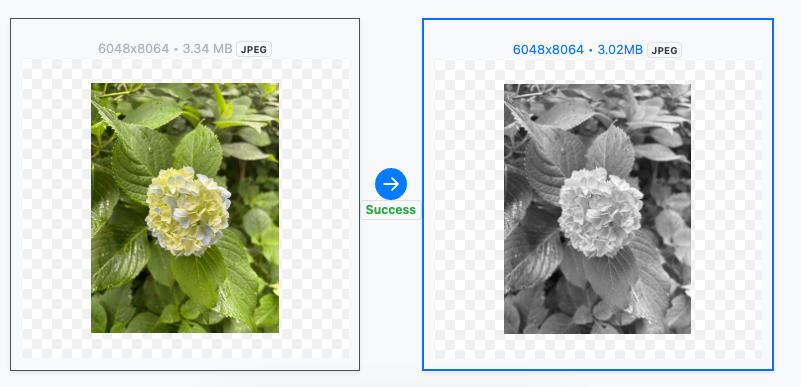
For portraits, grayscale can preserve subtle details such as skin texture, hair, shadows, and facial contours while removing distracting colors.
2. Scanned Documents and Digital Documents
Scanned documents often contain unwanted color from paper, lighting, or the scanner itself.
Converting a scan to grayscale can produce a cleaner image while preserving different levels of gray in the text and background.
For document-processing workflows, grayscale can also make certain image-processing and OCR tasks easier by reducing unnecessary color information.
However, whether grayscale or binary black and white works better for OCR depends on the quality of the original scan and the OCR system being used.
3. Printing and Layout
Grayscale is useful when you need a monochrome appearance without losing tonal information.
For example, a grayscale photograph can still show shadows and highlights when printed in black ink.
Converting the same image to pure black and white would remove those intermediate tones and can make the result look much harsher.
When Is Grayscale Not Enough?
The easiest way to decide is to ask yourself:
Do you need to preserve shades, or do you only need clear black-and-white shapes?
| Your use case | Recommended | Why |
|---|---|---|
| Photos, portraits, landscapes | Grayscale | Preserves tonal detail and smooth transitions |
| Scanned documents | Grayscale | Keeps variations in text and background |
| Handwritten notes | Grayscale | Preserves differences in stroke intensity |
| Monochrome printing with tonal detail | Grayscale | Retains shadows and highlights |
| Line drawings | Black and white | Clear edges are more important than shading |
| Stamps and simple logos | Black and white | Works well with solid shapes |
| Fax-style or 1-bit images | Black and white | Uses only two pixel values |
| Screen-printing or stencil-style graphics | Black and white | Creates clearly defined boundaries |
In other words:
Use grayscale when the shades are part of the information.
Use binary black and white when the shapes and boundaries are the information.
What Does ConvertFT's Grayscale Tool Do?
ConvertFT's Grayscale Tool converts images to grayscale with intermediate gray tones.
It does not perform:
- Binary conversion
- Thresholding
- 1-bit black-and-white conversion
So if your goal is to create an image containing only pure black and pure white, a grayscale converter is not the right type of tool. You need an image editor or processing tool that supports thresholding or binary conversion.