Compress Image Online
Shrink image file sizes in batch — high-quality output tuned for web, email and storage limits, free & unlimited.
Drag & drop images here
or click anywhere to browse from your device
Supports JPG, PNG, WEBP, GIF, AVIF, HEIF/HEIC (Max 30MB)
Why Use Compress Image Online? Key Benefits & Advantages
Compatible with All Popular Image Formats
Compress images in JPEG, JPG, PNG, BMP, GIF, WebP, HEIC, AVIF, and more. Our tool supports both traditional and next-gen formats to give you flexibility and maximum compression efficiency.
Smart Compression with Format Conversion
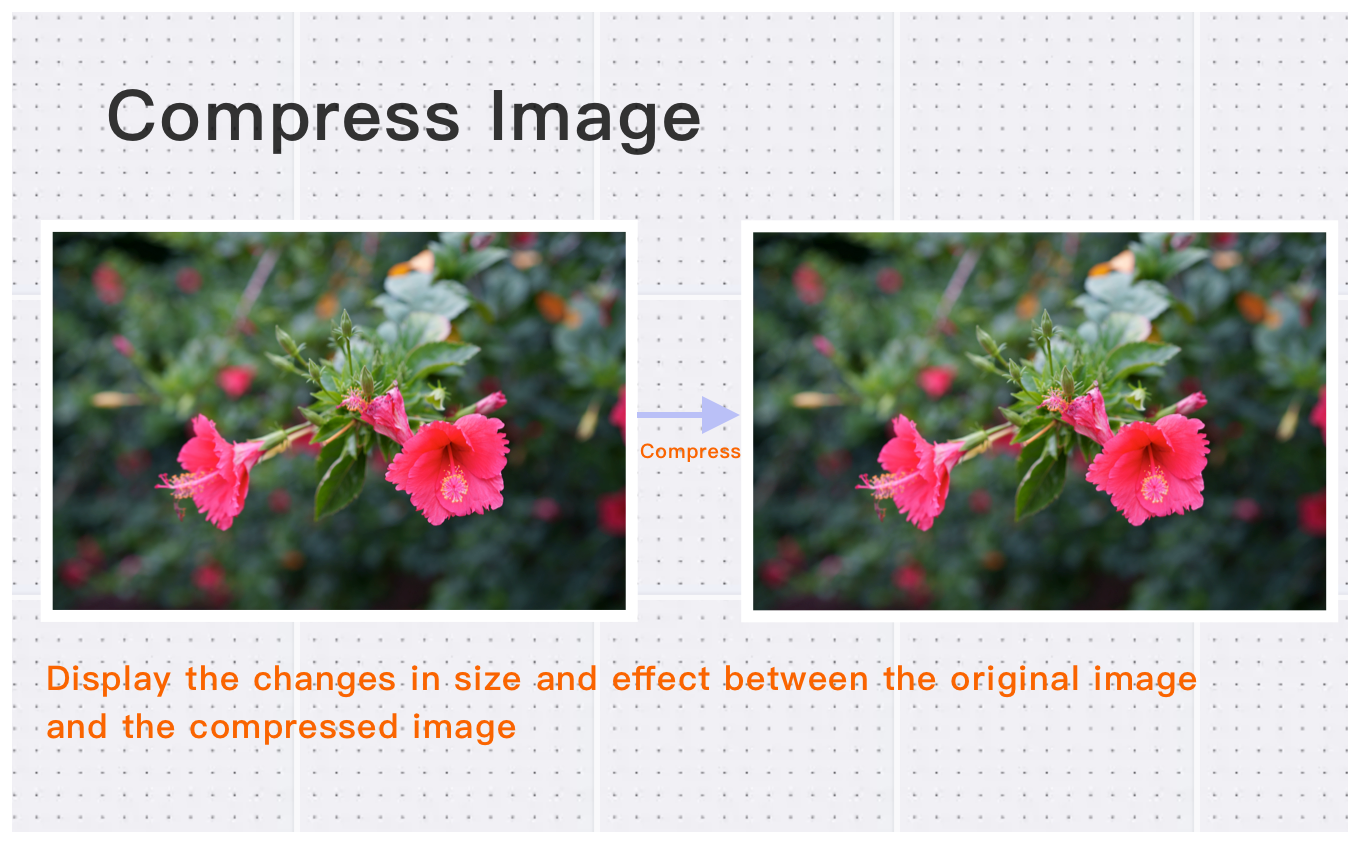
Reduce file size by adjusting image quality or converting to high-compression formats like WebP, AVIF, or HEIC — all without noticeable loss in visual quality. Supports large images up to 30MB or 200 megapixels.
Fast, Free, and Batch-Friendly
Compress one or multiple images in just three simple steps. No registration required, 100% free, and optimized for quick bulk processing.
What Users Say About Compress Image Online
Jennifer H.
The compression quality is outstanding. No visible quality loss. Exceeded expectations.
James R.
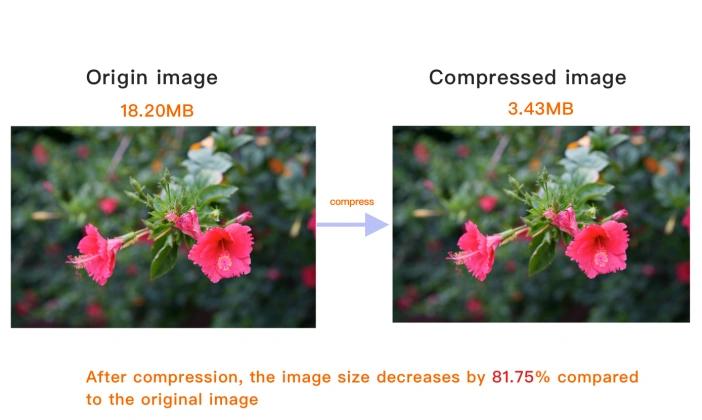
Reduced my image sizes by 70% without losing quality. Amazing compression Free Online Image Compressor!
Kevin W.
Great for batch compression. Saved us gigabytes of storage space.
How to Use Compress Image Online?
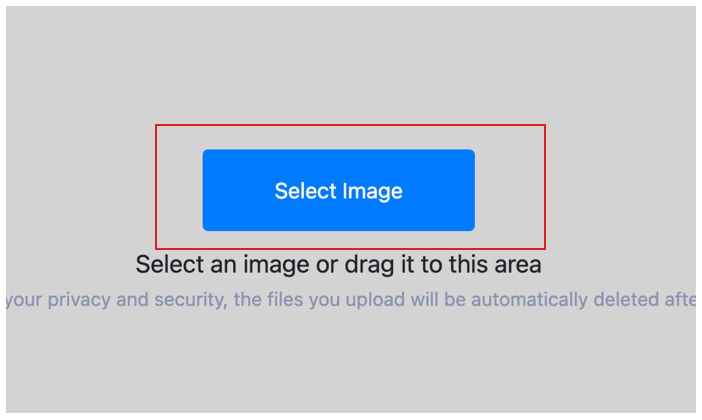
Select Image
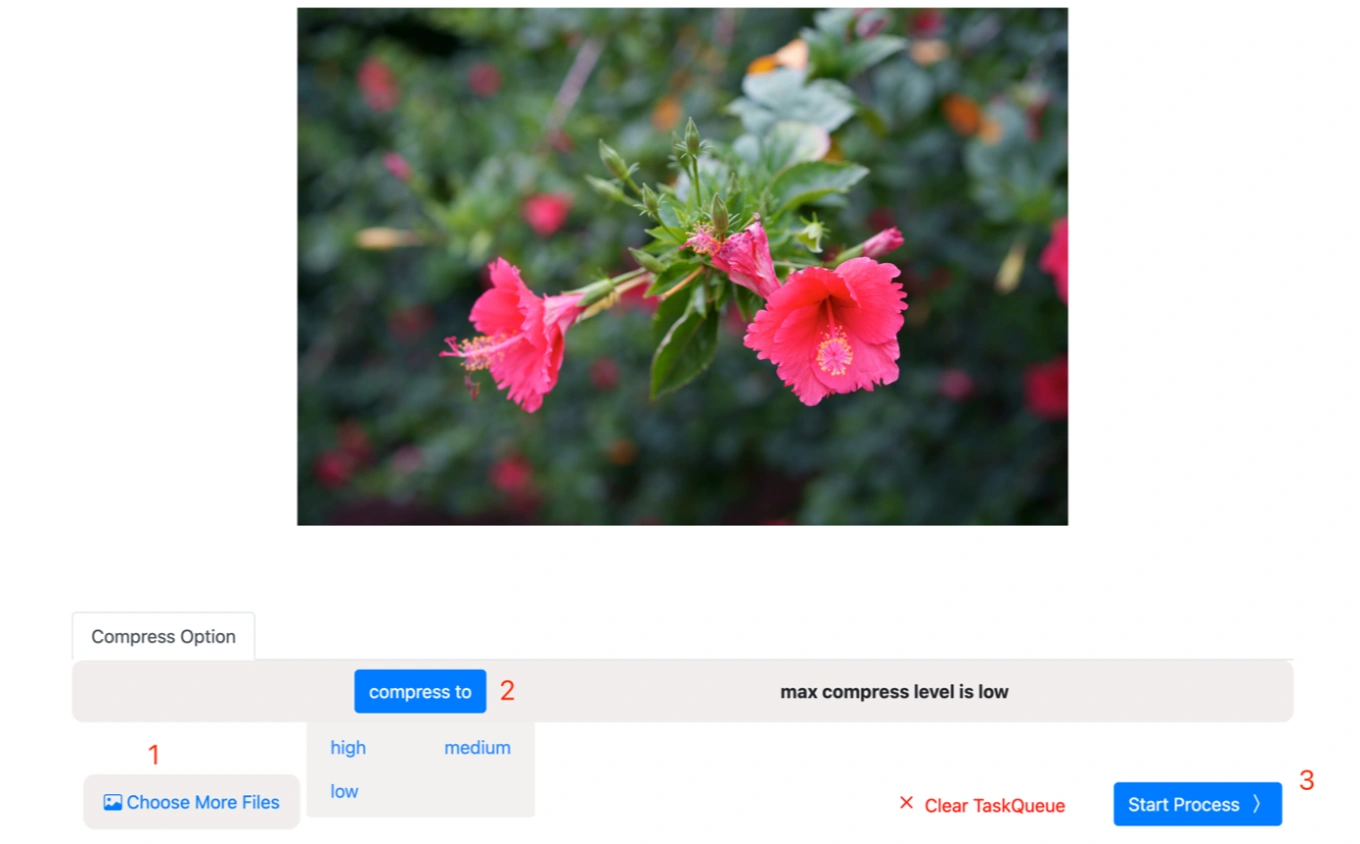
Select the image you want to compress and upload it to the cloud. To batch compress multiple photos, click Choose More Files to upload additional photos. The cloud will automatically adapt to and support common image formats, so you don't need to worry about compatibility.
Customize Settings
Clicking the Start Process button for a specific photo will only compress that one image. To compress all selected images, click the Start Process > button. If you want to readjust the compress level, click the X button to reset this processing.
Download compressed image
Once the cloud indicates that the compress is complete, you can preview the results by clicking on the images. Click Download Image to download a single compressed photo, or click Download Images to download all batch compressed images.
Compress Image Online Technical Details & Tips
Supported Formats
All popular image formats supported:
Input & Output
jpeg, jpg, png, webp, bmp, gif, heic, heif, avif
Processing
Cloud-based, fast processing, no software required
File Limits
Up to 30 images per batch, high-resolution supported
Best Practices
Tips for optimal results:
Smart Compression
Our algorithm reduces file size while maintaining visual quality. Perfect for web optimization.
Batch Processing
Compress up to 30 images simultaneously. Great for optimizing product photos and galleries.
Quality vs Size
Balance between quality and file size. Lower quality for smaller files, higher for better visuals.
Frequently Asked Questions About Compress Image Online
Find answers to common questions about Compress Image Online.
Related Image Tools You May Need
Explore our complete suite of image processing tools