WebP Converter
Convert WebP to and from JPG, PNG and GIF in batch — smaller, faster websites with high-quality output, no signup.
Drag & drop images here
or click anywhere to browse from your device
Supports JPG, PNG, WEBP, GIF, AVIF, HEIF/HEIC (Max 30MB)
Why Use WebP Converter? Key Benefits & Advantages
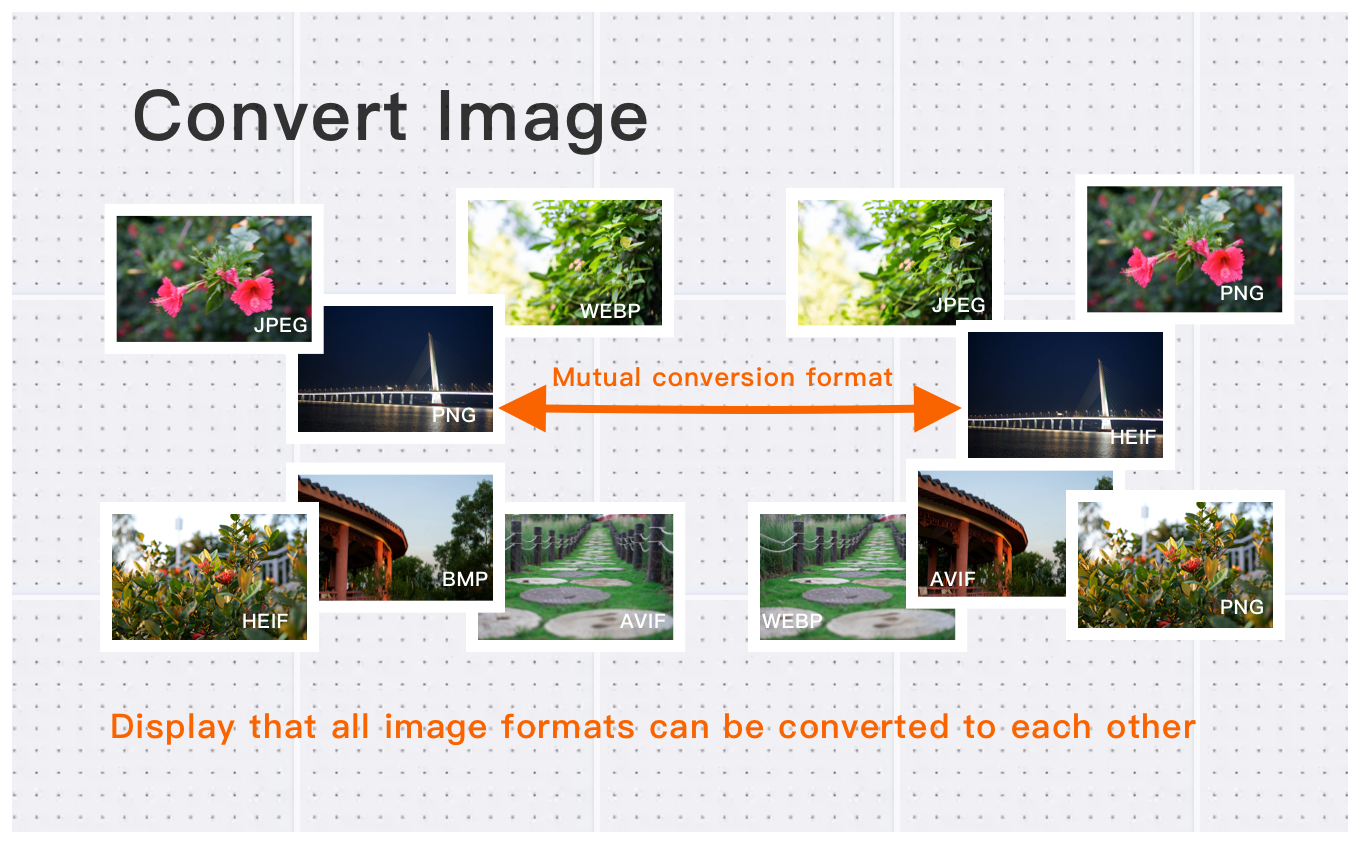
Lightning-Fast Conversion to and from WebP
Quickly convert JPG, PNG, HEIC, AVIF, GIF, BMP, and WebP files in seconds. Whether you're exporting images to WebP for smaller file sizes or converting WebP back to traditional formats, the tool delivers fast and stable results.
Batch Processing for Large Workloads
Upload dozens or hundreds of images and convert them all at once. Perfect for photographers, designers, and e-commerce users who need high-volume image conversion without delays.
High-Quality Output for Web & Professional Use
Maintain image clarity while achieving optimal compression. Suitable for high-resolution photos up to 30MB per file, making it a reliable choice for websites, creative projects, and professional workflows.
What Users Say About WebP Converter
David K.
Converted 100+ images in minutes. The quality is preserved perfectly.
Robert B.
Great for batch converting images between formats. Saves me hours of work!
Emily W.
Fast and reliable format conversion. Perfect for web development projects. Exceeded expectations.
How to Use WebP Converter?
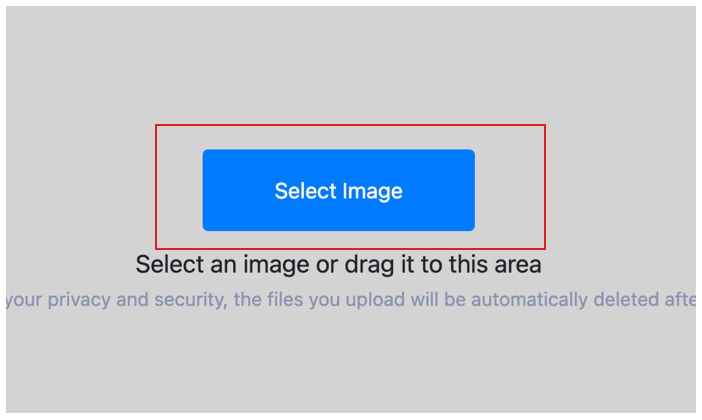
Select Image
Select the image you want to convert format and upload it to the cloud. To batch converting multiple photos, click Choose More Files to upload additional photos. The cloud will automatically adapt to and support common image formats, so you don't need to worry about compatibility.
Customize Settings
Clicking the Start Process button for a specific photo will only convert that one image format. To convert all selected images format, click the Start Process > button. If you want to readjust the convert format type, click the X button to reset this processing.

Download converted image
Once the cloud indicates that the convert format is complete, you can preview the results by clicking on the images. Click Download Image to download a single converted format photo, or click Download Images to download all batch converted format images.
What is WebP (Web Picture format)?
WebP is a modern image format released by Google in 2010, designed specifically for the web. It supports both lossy and lossless compression, plus transparency and animation — combining the strengths of JPEG, PNG and GIF in a single format.
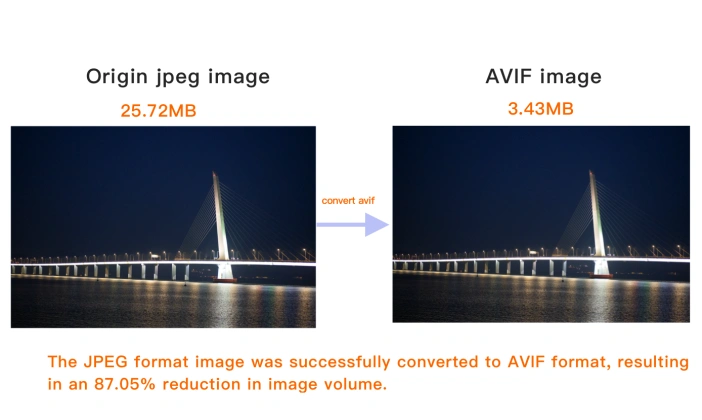
At the same visual quality, WebP files are typically 25–35% smaller than JPEG and PNG, which directly improves page load speed — a metric Google itself weighs. All modern browsers support WebP.
WebP is the go-to choice for web images: product photos, blog images and banners. For maximum compatibility with very old software, keep a JPEG or PNG fallback.
How to open a WebP file?
WebP opens in all modern browsers (Chrome, Edge, Firefox, Safari) and most image viewers. Older software may need a plugin or a quick conversion to JPEG or PNG.
WebP facts
- Developed by Google
- Initial release 2010
WebP vs other formats
WebP is smaller for the same quality, but JPEG is more universally compatible.
PNG keeps lossless quality; WebP adds smaller web-friendly file sizes.
AVIF can be even smaller than WebP, but with narrower support.
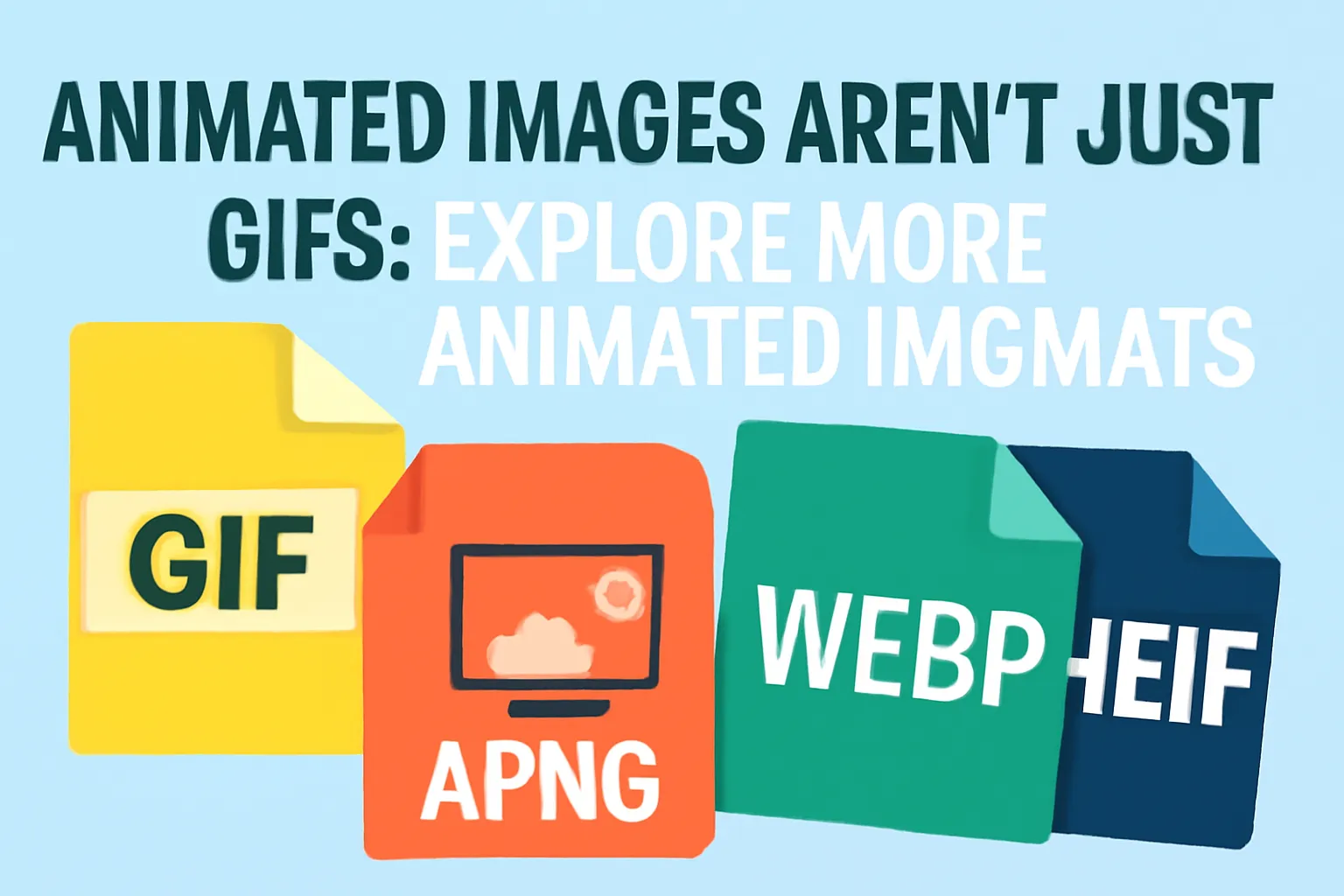
GIF handles simple animations; WebP animates too, with better compression.
WebP Converter Technical Details & Tips
Supported Formats
All popular image formats supported:
Input & Output
jpeg, jpg, png, webp, bmp, gif, heic, heif, avif
Processing
Cloud-based, fast processing, no software required
File Limits
Up to 30 images per batch, high-resolution supported
Best Practices
Tips for optimal results:
Batch Conversion
Convert multiple images at once to save time. Supports up to 30 images per batch.
Quality Preservation
Our converter maintains image quality while reducing file size. Choose the right format for your needs.
Format Selection Guide
JPEG for photos, PNG for graphics with transparency, WebP for web, AVIF for modern browsers.
Frequently Asked Questions About WebP Converter
Find answers to common questions about WebP Converter.
WebP Converter Conversions
Browse all available format conversions
Related Image Tools You May Need
Explore our complete suite of image processing tools

Tips for WebP Converter Image Optimization
See also: More Image Converter
For more usage tips about WebP Converter, please refer to Free Image Format Converter .