Convert Image to Grayscale Online
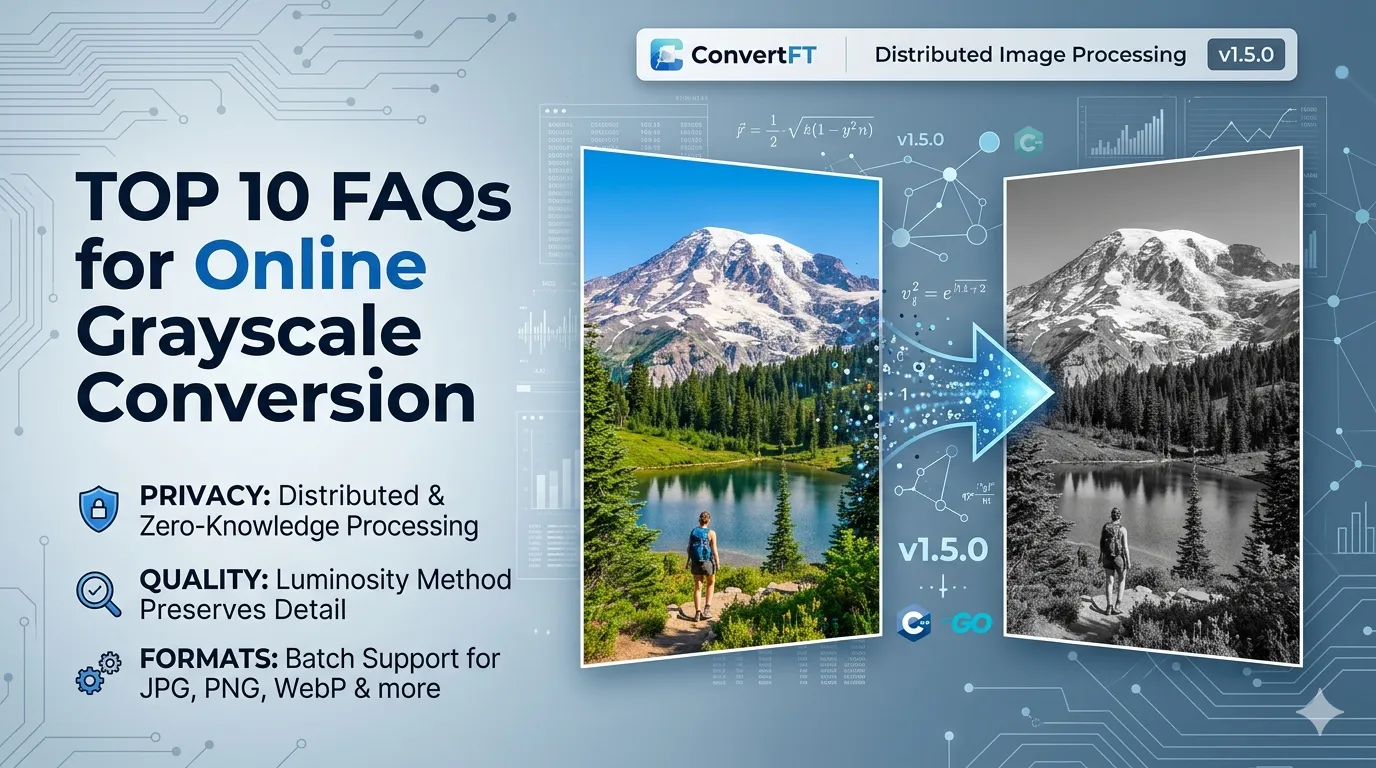
Convert photos to black and white in batch — works with any image format (JPG, PNG, WebP, AVIF, HEIC, GIF, BMP and more), clean output, free and no signup.
Drag & drop images here
or click anywhere to browse from your device
Supports JPG, PNG, WEBP, GIF, AVIF, HEIF/HEIC (Max 30MB)
Why Use Convert Image to Grayscale Online? Key Benefits & Advantages
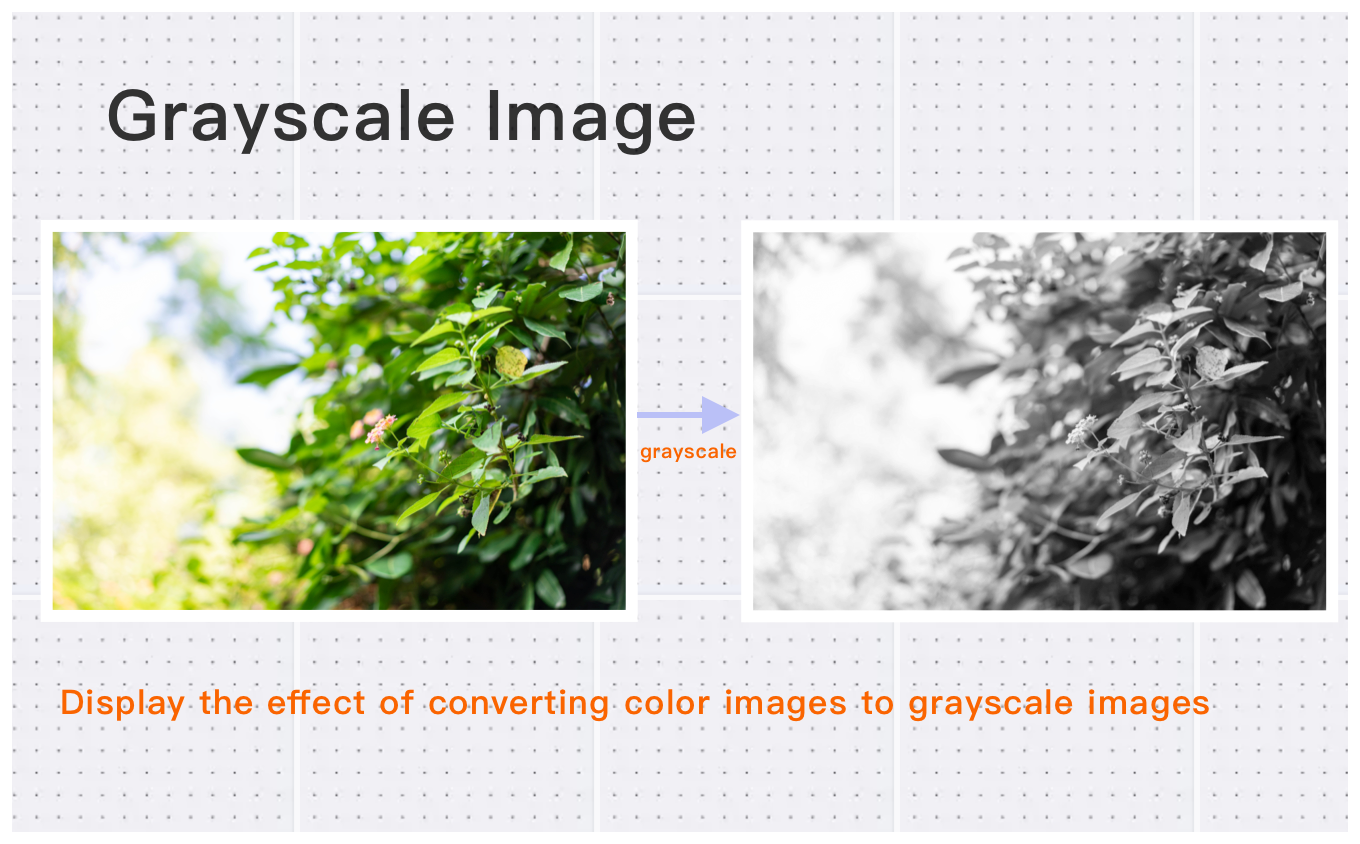
Batch Convert Multiple Formats to Grayscale
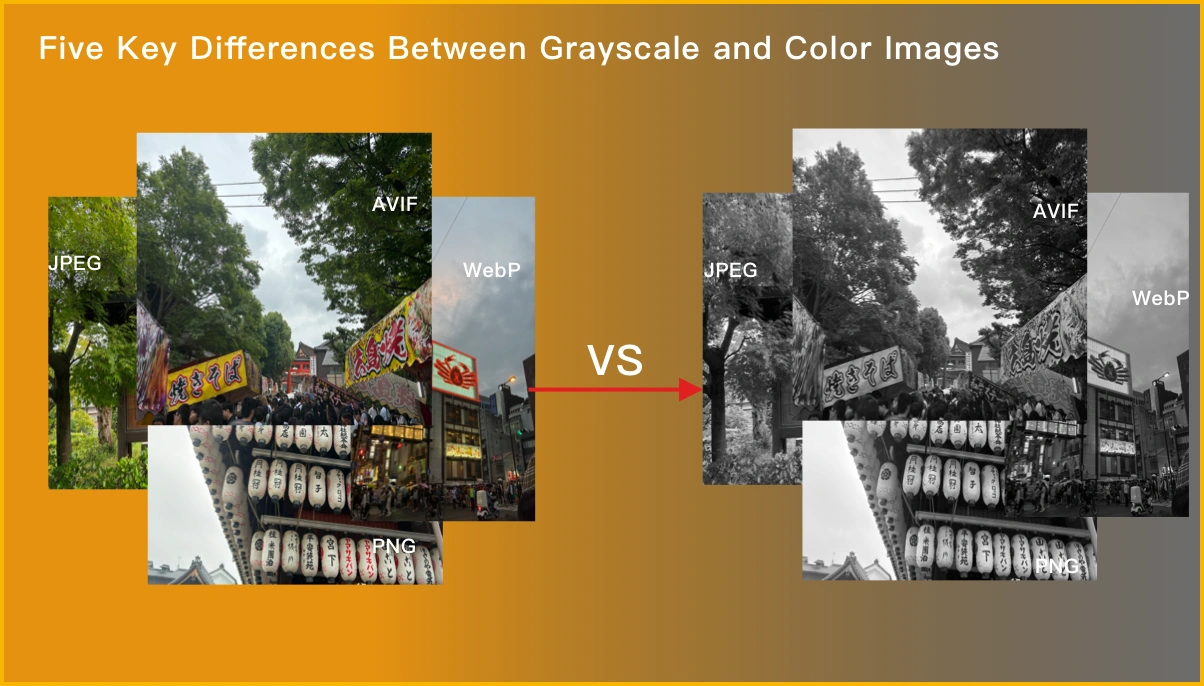
Effortlessly batch convert images (JPG, PNG, WebP, HEIC, AVIF, and more) to grayscale. Plus, automatically rotate images and remove exif to optimize file sizes and enhance privacy.
High-Quality Grayscale Conversion for Large Images
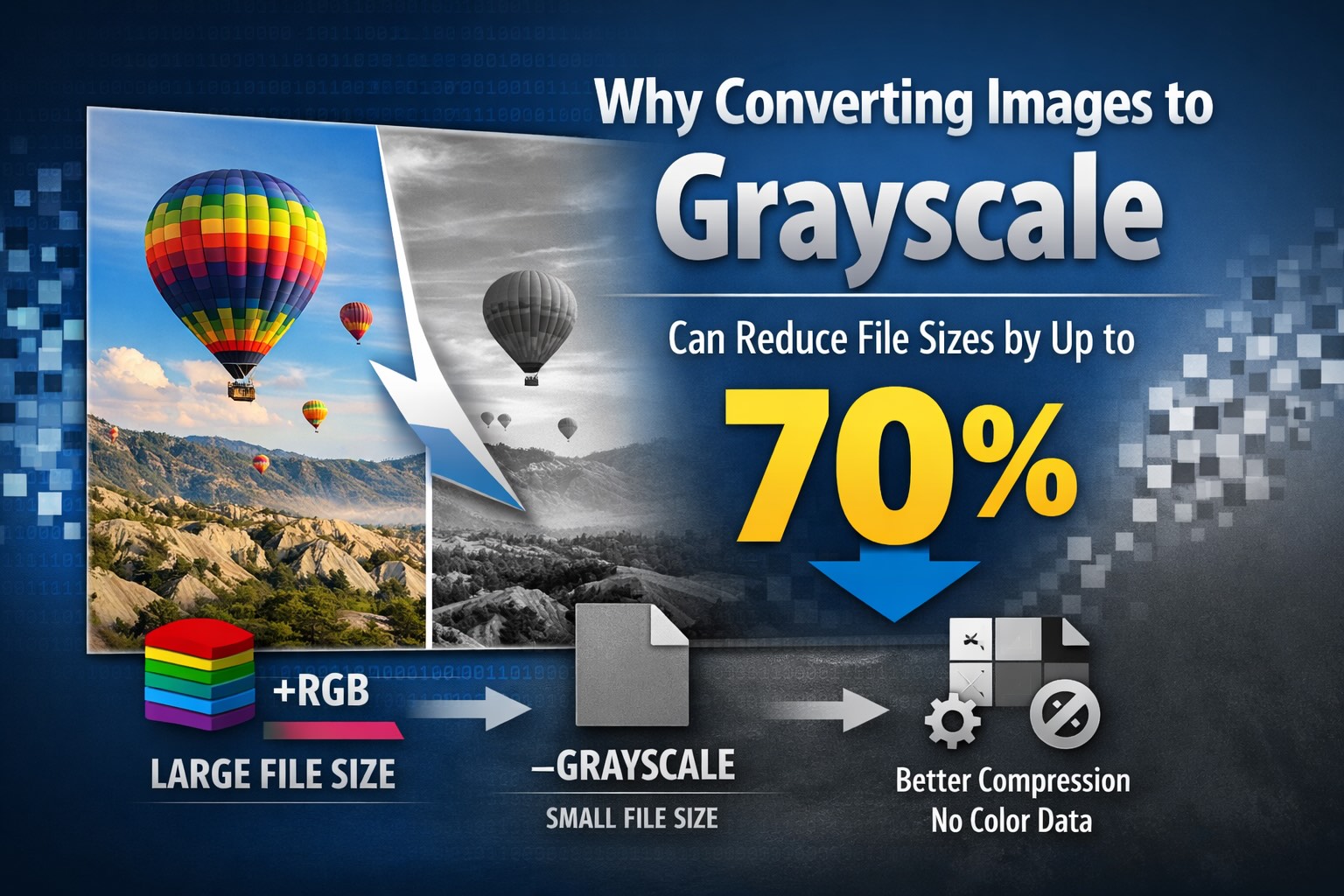
Convert large, high-resolution images (up to 30MB and 200 million pixels) to grayscale while preserving image quality and reducing file size by over 10%.
Fast & Free Bulk Conversion
Convert images to grayscale in just three simple steps with bulk processing, always free, no installation required.
What Users Say About Convert Image to Grayscale Online
Alex C.
Resized 200 images in one go. Perfect for our marketing team.
Michael T.
Great Convert Image to Grayscale Online for preparing images for different platforms.
Emily W.
Easy to use and maintains aspect ratio. Great for social media images. Great experience.
How to Use Convert Image to Grayscale Online?
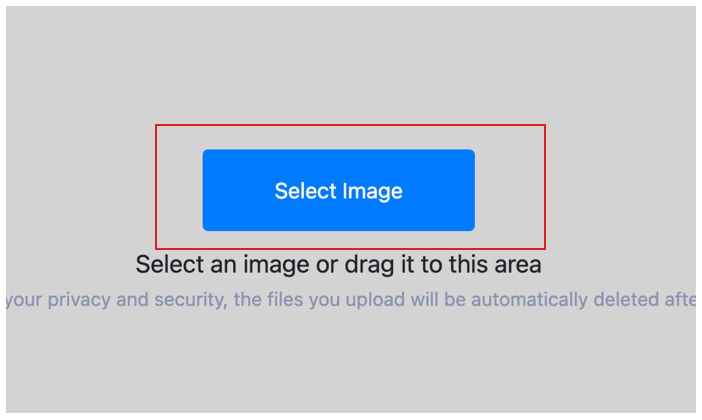
Select Image
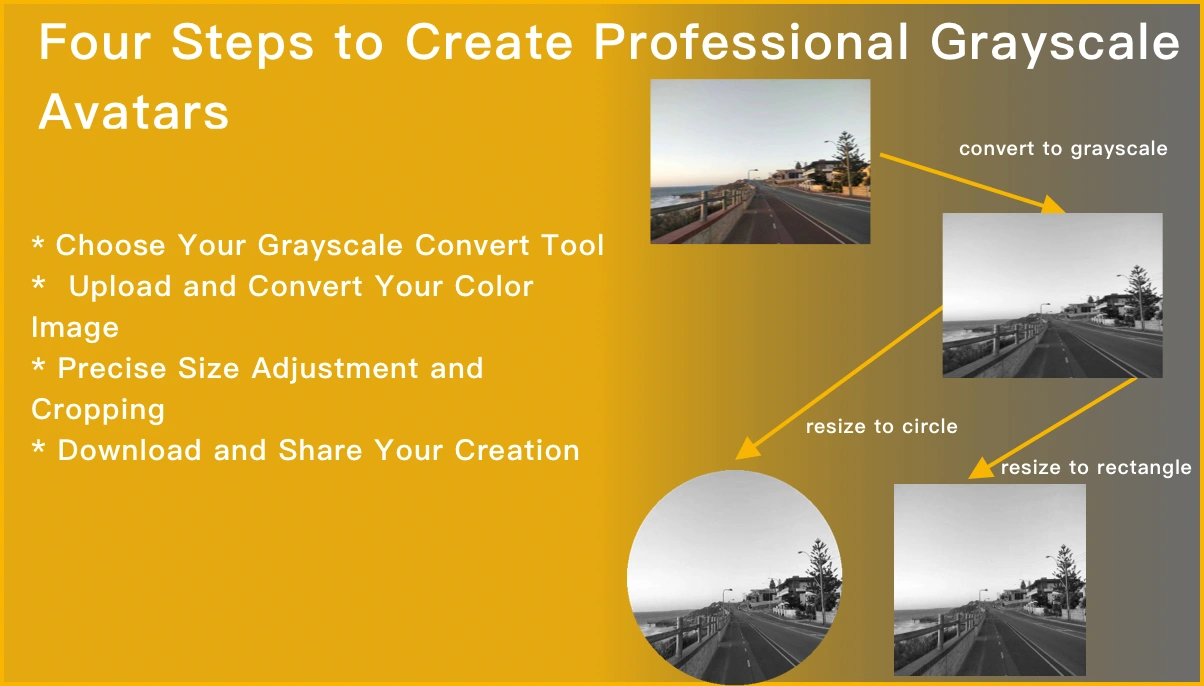
Select the image you want to grayscale and upload it to the cloud. To batch grayscale multiple photos, click Choose More Files to upload additional photos. The cloud will automatically adapt to and support common image formats, so you don't need to worry about compatibility.
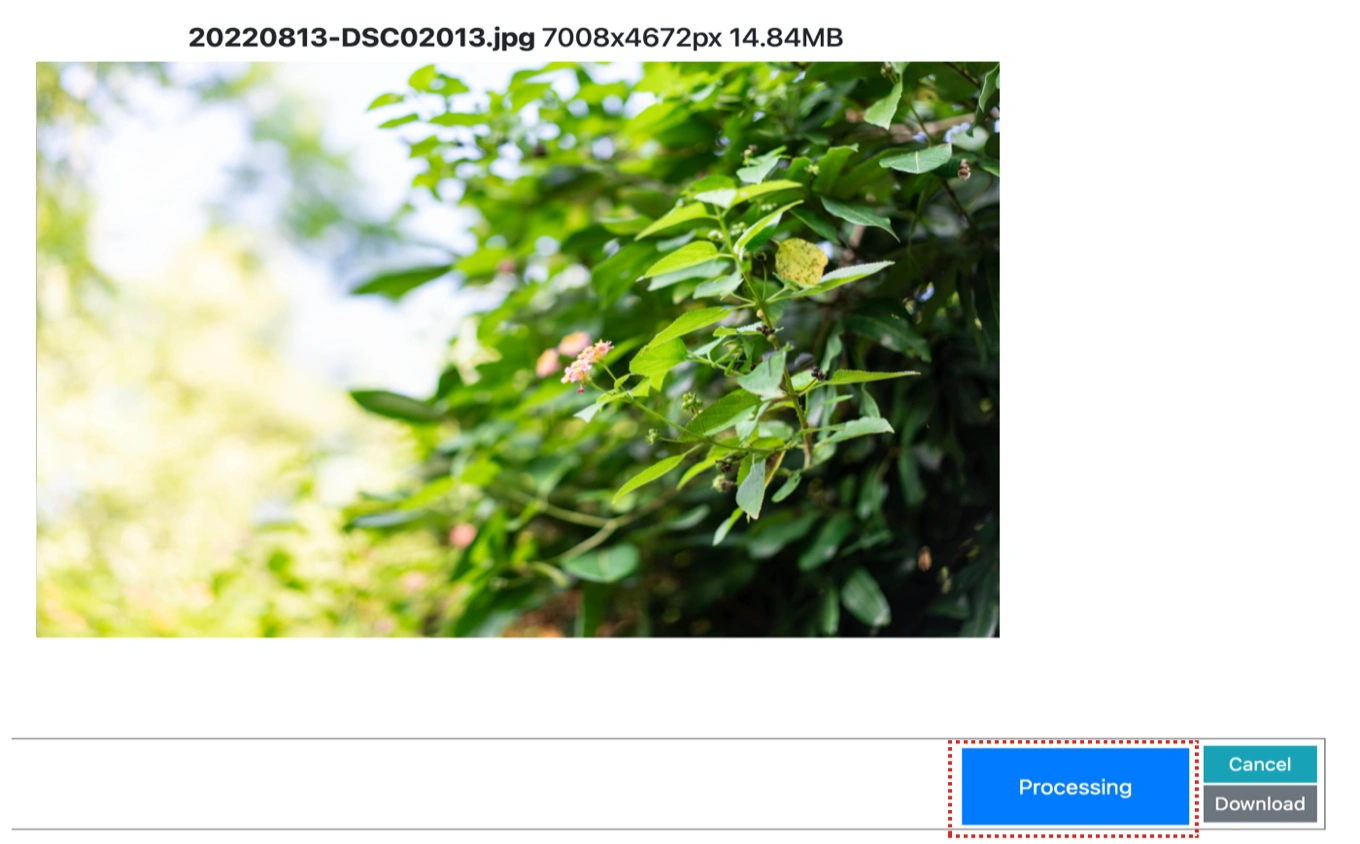
Customize Settings
Clicking the Start Process button for a specific photo will only grayscale that one image. To grayscale all selected images, click the Start Process > button. If there are photos you don't want to process, simply deselect them by clicking on the images.
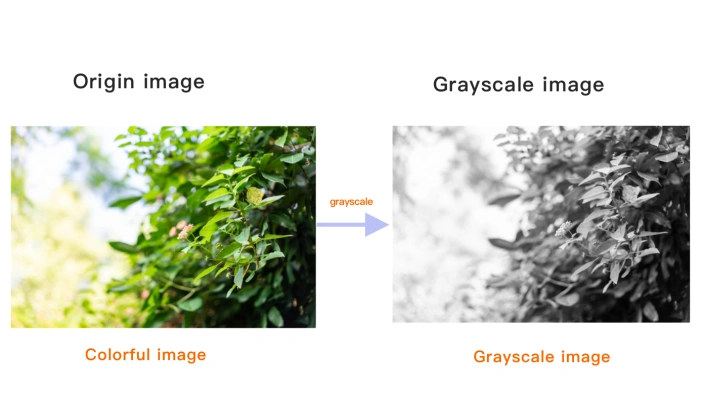
Download Grayscale Image
Once the cloud indicates that the grayscale is complete, you can preview the results by clicking on the images. Click Download Image to download a single grayscale photo, or click Download Images to download all batch grayscale images.
Convert Image to Grayscale Online Technical Details & Tips
Supported Formats
All popular image formats supported:
Input & Output
jpeg, jpg, png, webp, bmp, gif, heic, heif, avif
Processing
Cloud-based, fast processing, no software required
File Limits
Up to 30 images per batch, high-resolution supported
Best Practices
Tips for optimal results:
Aspect Ratio Lock
Maintain aspect ratio to prevent image distortion. Lock ratio for consistent results.
Common Sizes
Use standard sizes for social media: 1080x1080 for Instagram, 1200x630 for Facebook.
Batch Resize
Resize multiple images to the same dimensions. Perfect for product photos.
Frequently Asked Questions About Convert Image to Grayscale Online
Find answers to common questions about Convert Image to Grayscale Online.
Related Image Tools You May Need
Explore our complete suite of image processing tools


Tips for Convert Image to Grayscale Online Image Optimization
See also: More Image Editing Tools
For more usage tips about Convert Image to Grayscale Online, please refer to Easily convert images to grayscale .