PNG Converter
Convert PNG to WebP, JPEG, AVIF and more in batch — transparency and rich colors kept, ideal for web and product images.
Drag & drop images here
or click anywhere to browse from your device
Supports JPG, PNG, WEBP, GIF, AVIF, HEIF/HEIC (Max 30MB)
Why Use PNG Converter? Key Benefits & Advantages
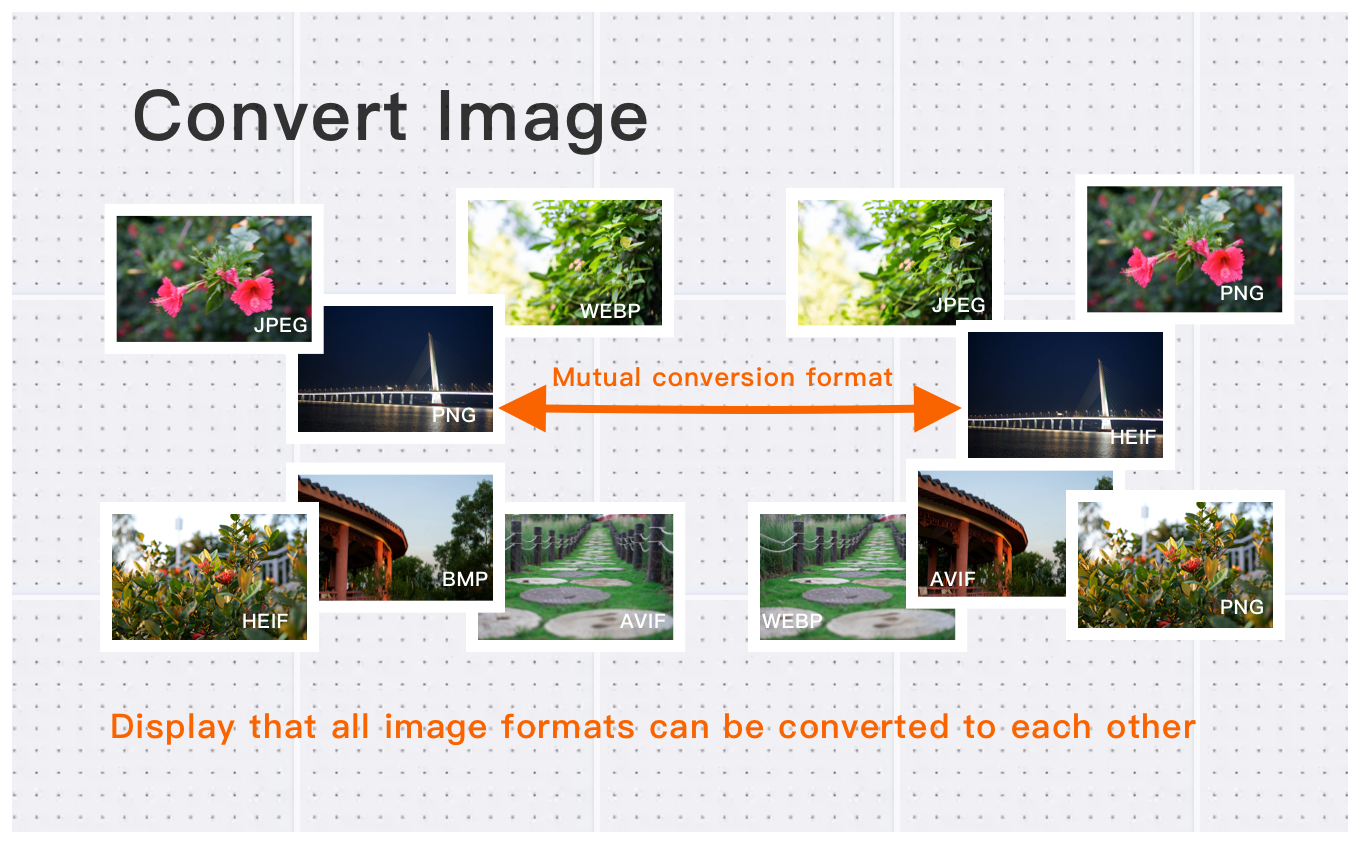
Batch Conversion for PNG Images
Easily convert multiple PNG images to various formats at once. Save time with batch processing while maintaining full image quality.
High-Resolution PNG Conversion
Convert PNG images up to 30MB each, with pixel counts up to 250 million. Maintain sharp detail, vibrant colors, and transparency for professional use.
PNG Advantages and Use Cases
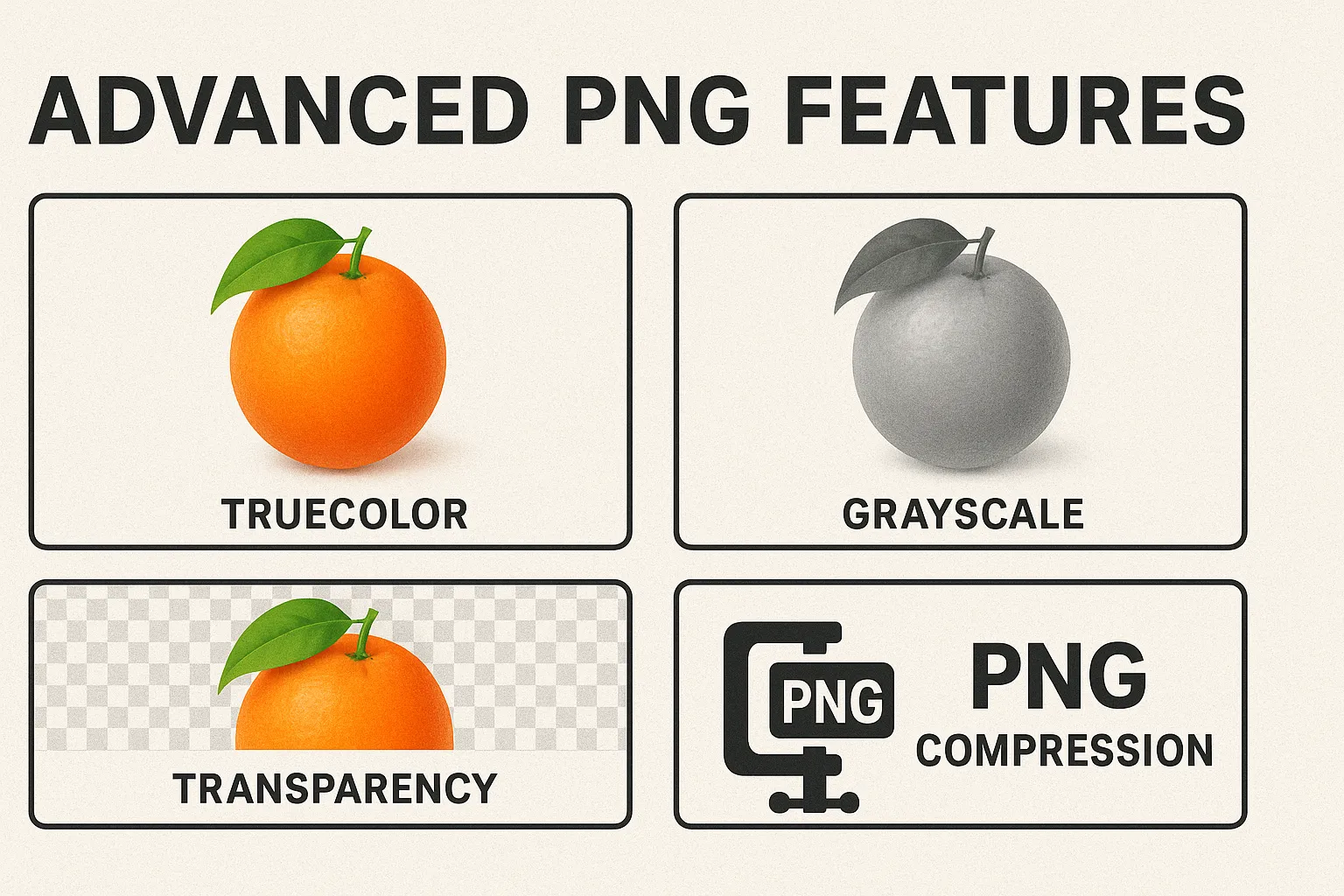
PNG supports transparent backgrounds and richer colors than many other formats. Ideal for designers, web developers, photographers, and any use case requiring high-quality images or transparency.
What Users Say About PNG Converter
Kevin W.
Perfect for my e-commerce store. Converts product photos quickly.
Michael T.
Great for batch converting images between formats. Saves me hours of work!
Jennifer H.
Converted 100+ images in minutes. The quality is preserved perfectly. Will use again.
How to Use PNG Converter?
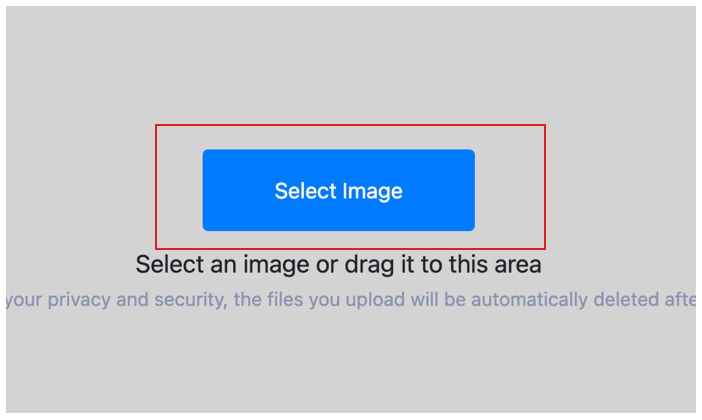
Select Image
Select the image you want to convert format and upload it to the cloud. To batch converting multiple photos, click Choose More Files to upload additional photos. The cloud will automatically adapt to and support common image formats, so you don't need to worry about compatibility.
Customize Settings
Clicking the Start Process button for a specific photo will only convert that one image format. To convert all selected images format, click the Start Process > button. If you want to readjust the convert format type, click the X button to reset this processing.

Download converted image
Once the cloud indicates that the convert format is complete, you can preview the results by clicking on the images. Click Download Image to download a single converted format photo, or click Download Images to download all batch converted format images.
What is PNG (Portable Network Graphics)?
PNG (Portable Network Graphics) is a lossless image format created in 1996 as a free, patent-free replacement for GIF. It stores every pixel exactly, so an image saved as PNG never loses quality no matter how many times you re-save it.
Its standout feature is the alpha channel — full transparency — which is why PNG is the default for logos, icons, screenshots and UI graphics that sit cleanly over any background. It also supports millions of colors, unlike GIF's 256.
The trade-off is file size: PNG files are much larger than JPEG or WebP for photographs. Use PNG when you need transparency, sharp text or lossless quality; use JPEG or WebP for photos.
How to open a PNG file?
PNG files open in every web browser, image viewer, and editor — double-click to view, or open in Photoshop, GIMP, Figma, or any image tool.
PNG facts
- Developed by PNG Development Group
- Initial release 1996
PNG vs other formats
Smaller for photos but lossy and has no transparency.
Smaller than PNG for web photos, and also supports transparency.
Even smaller with transparency, but less compatible than PNG.
Supports animation; PNG is better for static images with full color.
PNG Converter Technical Details & Tips
Supported Formats
All popular image formats supported:
Input & Output
jpeg, jpg, png, webp, bmp, gif, heic, heif, avif
Processing
Cloud-based, fast processing, no software required
File Limits
Up to 30 images per batch, high-resolution supported
Best Practices
Tips for optimal results:
Batch Conversion
Convert multiple images at once to save time. Supports up to 30 images per batch.
Quality Preservation
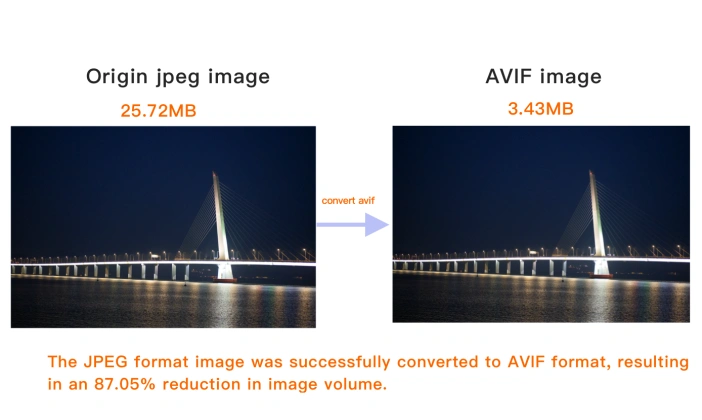
Our converter maintains image quality while reducing file size. Choose the right format for your needs.
Format Selection Guide
JPEG for photos, PNG for graphics with transparency, WebP for web, AVIF for modern browsers.
Frequently Asked Questions About PNG Converter
Find answers to common questions about PNG Converter.
PNG Converter Conversions
Browse all available format conversions
Related Image Tools You May Need
Explore our complete suite of image processing tools

Tips for PNG Converter Image Optimization

See also: More Image Converter
For more usage tips about PNG Converter, please refer to Free Image Format Converter .