JPEG to PNG Converter
Convert JPEG to PNG losslessly — keep full detail and transparency in batch, perfect for editors, web creators and designers.
Drag & drop images here
or click anywhere to browse from your device
Supports JPG, PNG, WEBP, GIF, AVIF, HEIF/HEIC (Max 30MB)
JPEG
Joint Photographic Experts Group
JPEG is a commonly used method of lossy compression for digital images, particularly for those images produced by digital photography. The degree of compression can be adjusted, allowing a selectable trade off between storage size and image quality.
PNG
Portable Network Graphics
PNG is a raster-graphics file format that supports lossless data compression. PNG was developed as an improved, non-patented replacement for GIF.supports palette-based images (with palettes of 24-bit RGB or 32-bit RGBA colors), grayscale images,and full-color non-palette-based RGB or RGBA images.A PNG file contains a single image in an extensible structure of chunks, encoding the basic pixels and other information.
Why Use JPEG to PNG Converter? Key Benefits & Advantages
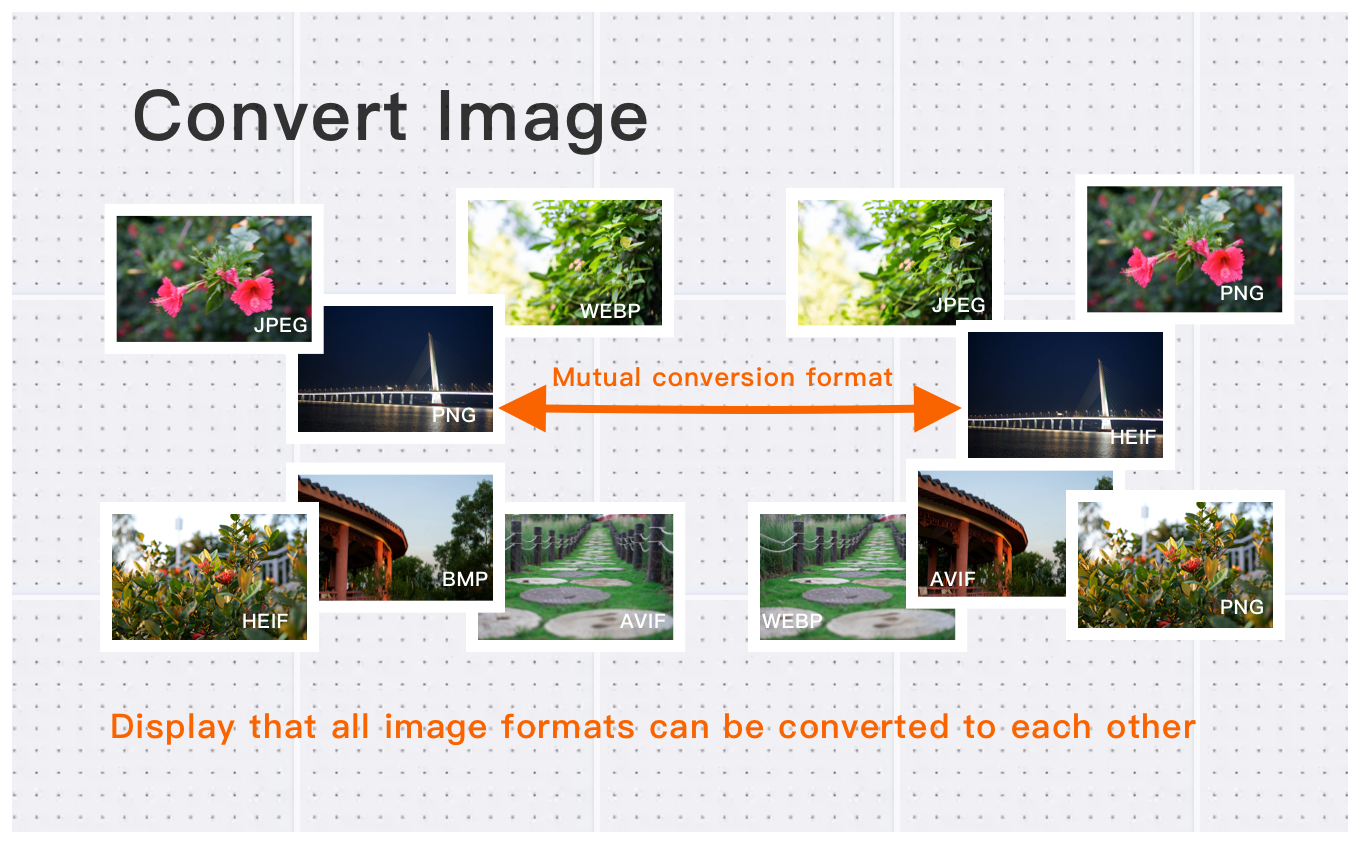
Batch JPEG to PNG – Perfect for Transparent Logos & Web
Easily convert images between popular formats such as JPG, PNG, WebP, HEIC, AVIF, and more. Batch process multiple images at once, saving you time while ensuring seamless conversions for all your image needs.
Professional JPEG to PNG – 30MB & 250MP Batch Ready
Convert high-definition images up to 30MB each, with pixel counts reaching up to 250 million. Perfect for photographers, designers, and content creators, our tool maintains image quality while converting images to various formats.
JPEG to PNG in Three Steps – Lossless & Transparent Ready
Convert your images quickly and effortlessly in just three simple steps. Whether you're converting one image or multiple, our free tool ensures a fast and high-quality experience every time, without the need for registration or software installation.
What Users Say About JPEG to PNG Converter
Amanda L.
Perfect for my workflow. Saves so much time on format conversion. Will use again.
James R.
Great quality output. Converted 50 images in seconds without any quality loss.
Alex C.
Reliable and fast. Used it for converting hundreds of images.
How to Use JPEG to PNG Converter?
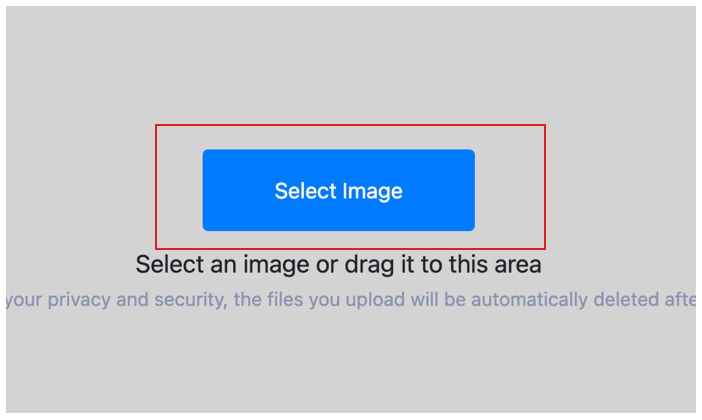
Select Image
Select the image you want to convert format and upload it to the cloud. To batch converting multiple photos, click Choose More Files to upload additional photos. The cloud will automatically adapt to and support common image formats, so you don't need to worry about compatibility.
Customize Settings
Clicking the Start Process button for a specific photo will only convert that one image format. To convert all selected images format, click the Start Process > button. If you want to readjust the convert format type, click the X button to reset this processing.

Download converted image
Once the cloud indicates that the convert format is complete, you can preview the results by clicking on the images. Click Download Image to download a single converted format photo, or click Download Images to download all batch converted format images.
JPEG to PNG Converter Technical Details & Tips
Supported Formats
All popular image formats supported:
Input & Output
jpeg, jpg, png, webp, bmp, gif, heic, heif, avif
Processing
Cloud-based, fast processing, no software required
File Limits
Up to 30 images per batch, high-resolution supported
Best Practices
Tips for optimal results:
Batch Conversion
Convert multiple images at once to save time. Supports up to 30 images per batch.
Quality Preservation
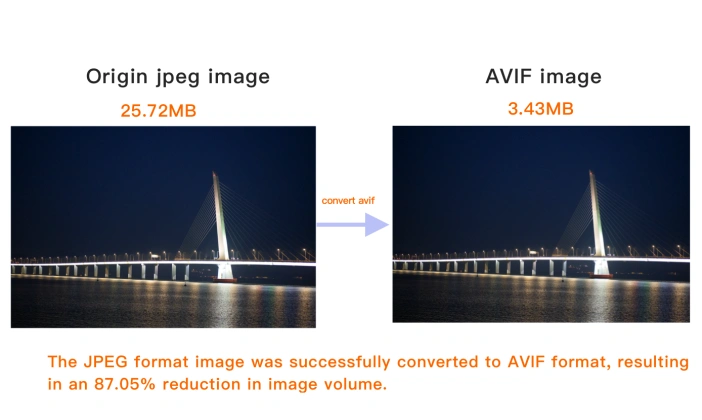
Our converter maintains image quality while converting between formats. No quality loss.
Wide Format Support
Supports JPEG, PNG, WebP, AVIF, GIF, BMP, TIFF, and more. Convert between any formats.
Frequently Asked Questions About JPEG to PNG Converter
Find answers to common questions about JPEG to PNG Converter.
Related Image Tools You May Need
Explore our complete suite of image processing tools

Tips for JPEG to PNG Converter Image Optimization
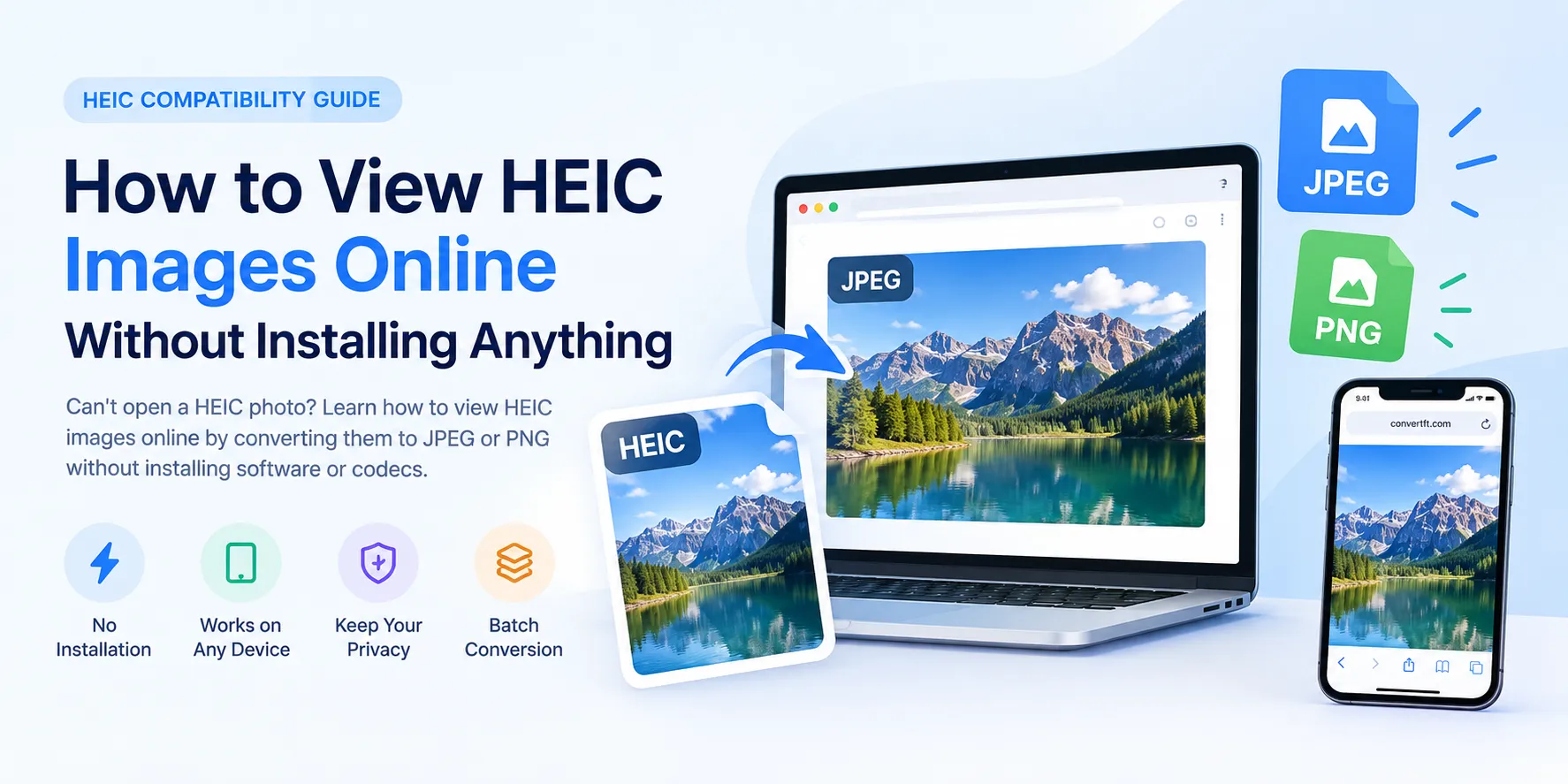
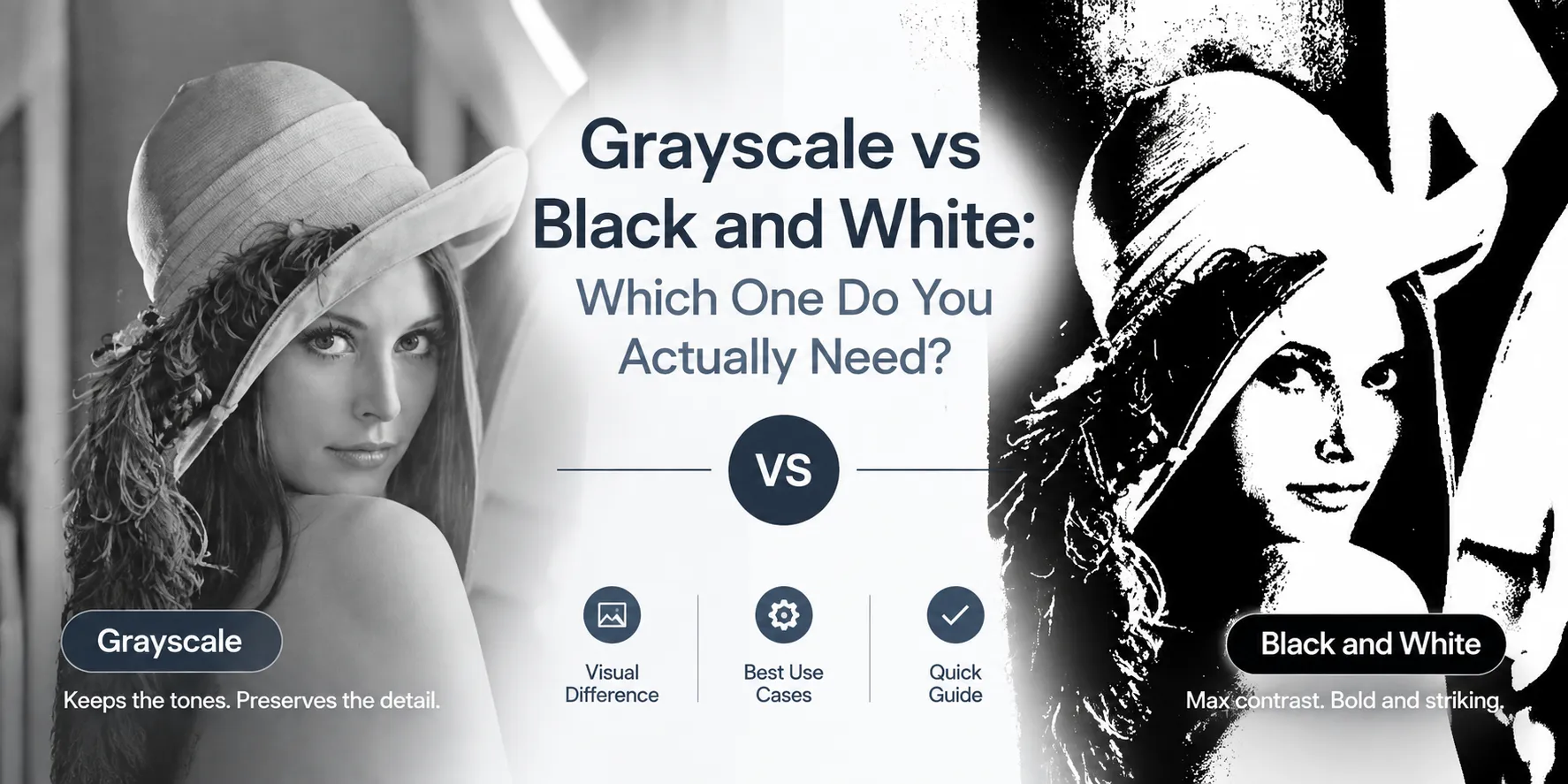
See also: More JPEG Converter
For more usage tips about JPEG to PNG Converter, please refer to Free Image Format Converter .