Remove EXIF Data Online
Permanently strip EXIF, GPS and privacy metadata from JPG, PNG, WebP, HEIC & more in bulk — secure binary-level cleaning, so data is really gone, with no quality loss.
Drag & drop images here
or click anywhere to browse from your device
Supports JPG, PNG, WEBP, GIF, AVIF, HEIF/HEIC (Max 30MB)
STRIP EXIF
strip exif
Strip EXIF removes hidden metadata from your photos. EXIF data includes information like the camera model, date, time, and even the location where the photo was taken. While this data can be helpful, it may also contain personal details you don’t want to share. Stripping the EXIF data helps protect your privacy, reduces the file size, and ensures your images are ready for safe sharing. It’s a simple and effective way to clean up your photos!
Why Use Remove EXIF Data Online? Key Benefits & Advantages
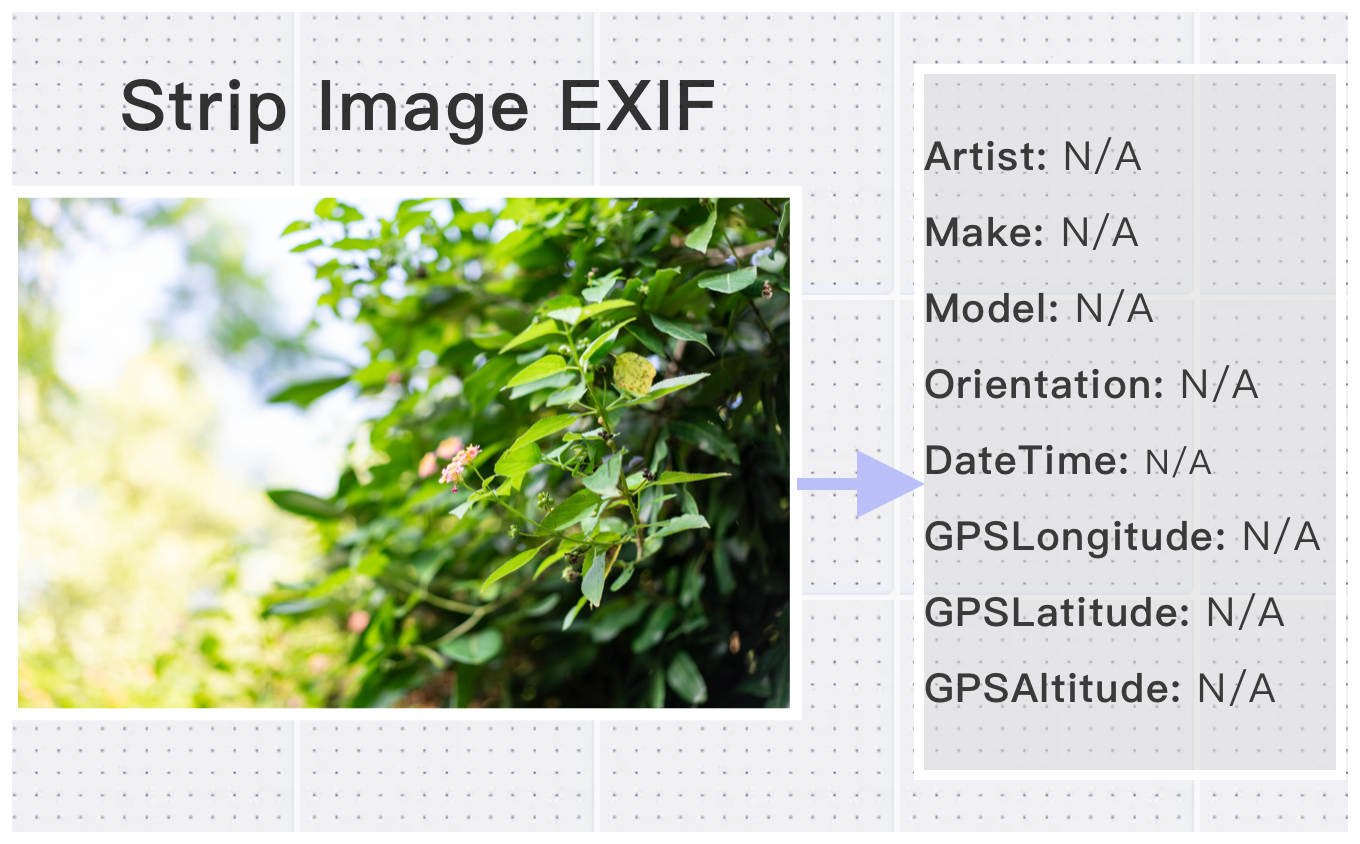
Binary-Level Permanent Stripping
Unlike common editors that only 'hide' tags, ConvertFT performs a binary-level strip. We reconstruct the image bitstream, ensuring private data is physically destroyed and unrecoverable..
GPS & Location Privacy Protection
Instantly wipe GPS coordinates and address metadata. Share your photos on social media with peace of mind, knowing your home or current location is hidden.
Color-Space Aware (ICC Profile Safety)
Professional-grade processing: Clean sensitive EXIF data while preserving ICC color profiles. Your images won't look 'washed out'—they stay vibrant and professional.
What Users Say About Remove EXIF Data Online
Alex C.
Essential Bulk EXIF Remover Online for privacy-conscious users. Removes all metadata cleanly. Will use again.
Jennifer H.
Perfect for photographers who want to check camera settings.
Kevin W.
Easy to check image metadata. The remove feature is very useful.
How to Use Remove EXIF Data Online?
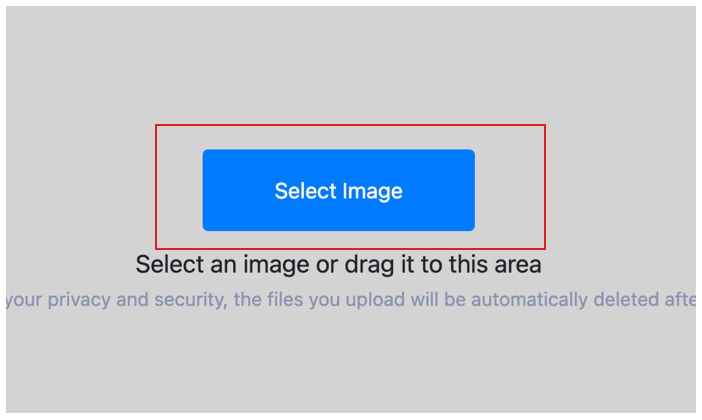
Select Image
Select the image you want to remove exif and upload it to the cloud. To batch strip multiple photos exif, click Choose More Files to upload additional photos. The cloud will automatically adapt to and support common image formats, so you don't need to worry about compatibility.
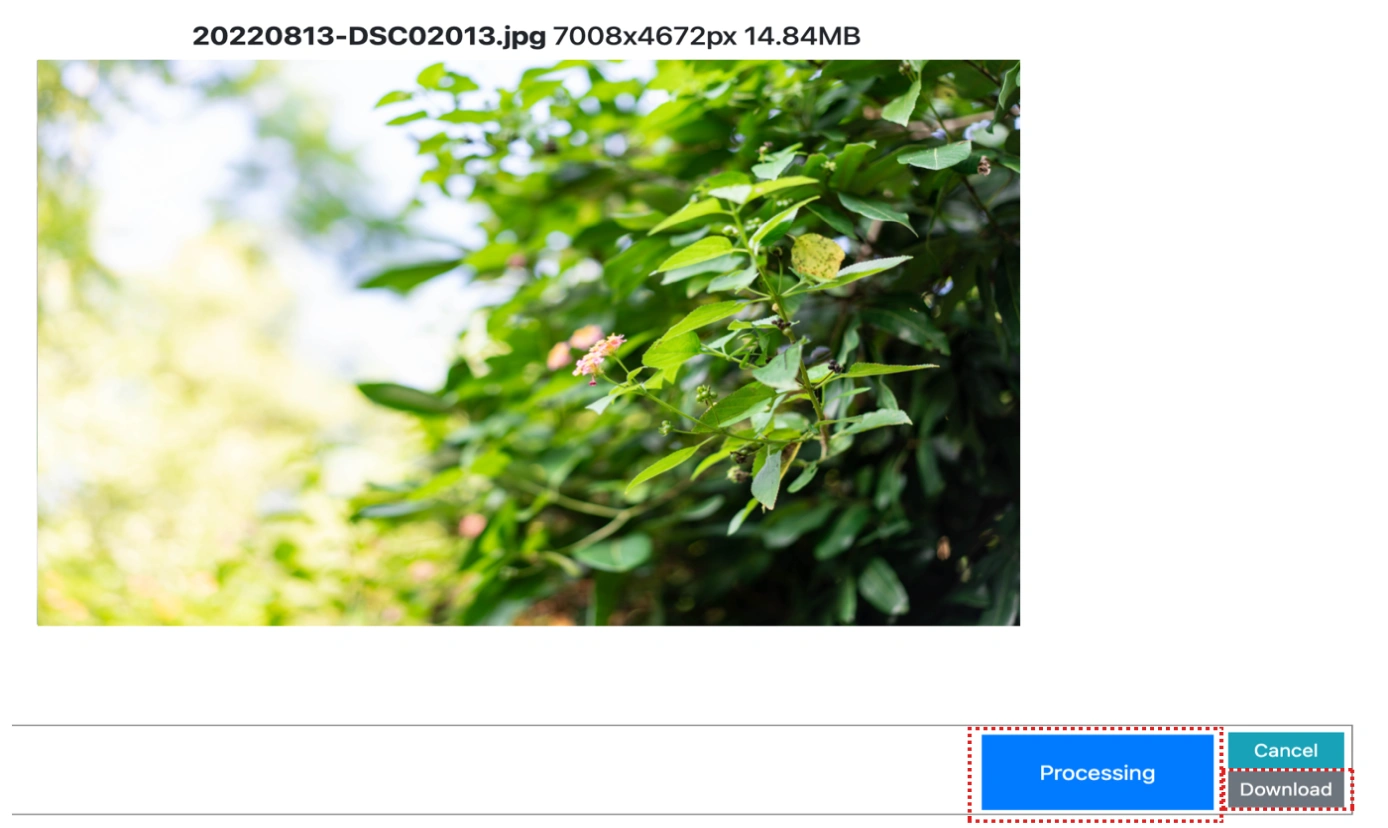
Customize Settings
Clicking the Start Process button for a specific photo will only strip that one image. To remove all selected images exif, click the Start Process > button. If there are photos you don't want to process, simply deselect them by clicking on the images.
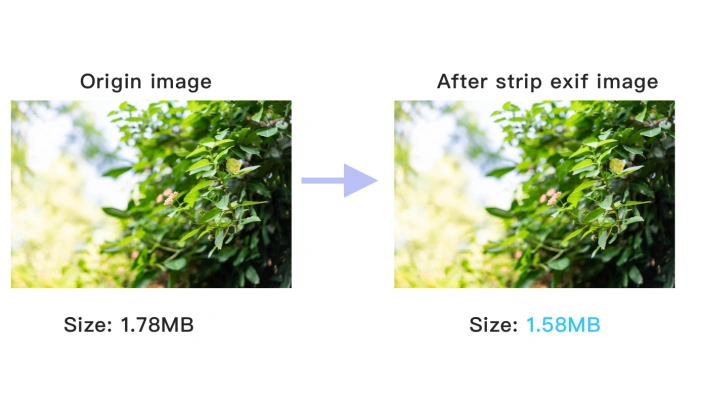
Download removed EXIF image
Once the cloud indicates that the remove exif is complete, you can preview the results by clicking on the images. Click Download Image to download a single photo without exif, or click Download Images to download all batch remove exif images.
Remove EXIF Data Online Technical Details & Tips
Supported Formats
All popular image formats supported:
Input & Output
jpeg, jpg, png, webp, bmp, gif, heic, heif, avif
Processing
Cloud-based, fast processing, no software required
File Limits
Up to 30 images per batch, high-resolution supported
Best Practices
Tips for optimal results:
Privacy Protection
Remove EXIF data to protect your privacy. Contains location, camera info, and more.
Detailed Metadata
View complete image metadata including camera settings, GPS, and timestamps.
Batch Processing
Process multiple images at once. View or remove metadata from entire folders.
Frequently Asked Questions About Remove EXIF Data Online
Find answers to common questions about Remove EXIF Data Online.
Related Image Tools You May Need
Explore our complete suite of image processing tools


Tips for Remove EXIF Data Online Image Optimization


See also: More Image Editing Tools
For more usage tips about Remove EXIF Data Online, please refer to Strip Image EXIF .