BMP and Bitmap Image Converter
Convert BMP to JPG, PNG or WebP — or create 8-bit and 24-bit Bitmap files — all in one batch tool built for print and legacy workflows.
Drag & drop images here
or click anywhere to browse from your device
Supports JPG, PNG, WEBP, GIF, AVIF, HEIF/HEIC (Max 30MB)
Why Use BMP and Bitmap Image Converter? Key Benefits & Advantages
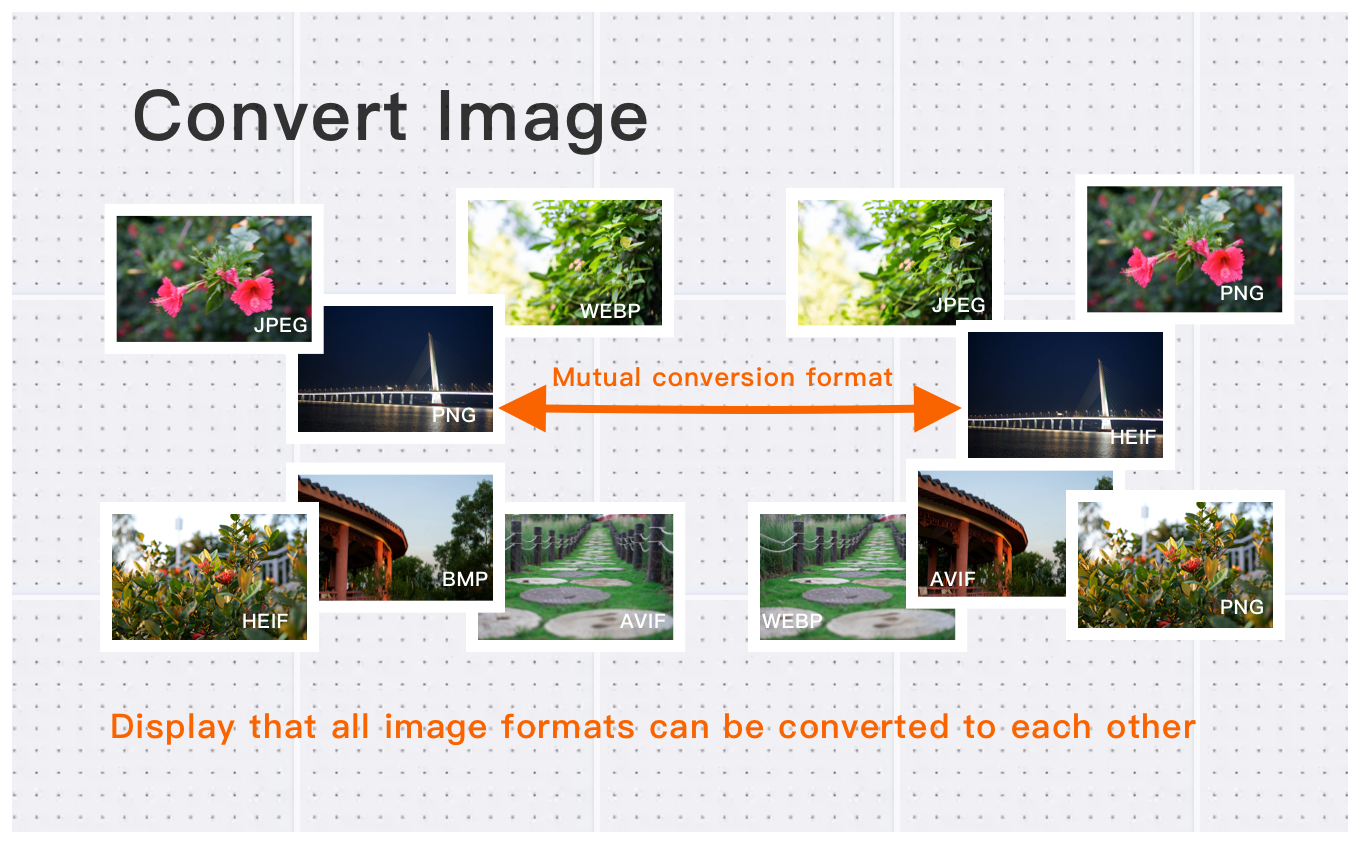
Batch Conversion for BMP Images
Easily convert multiple BMP files at once to popular formats like JPG, PNG, WebP, or AVIF. Save time with batch processing while maintaining image resolution and quality.
High-Resolution BMP Conversion
Supports BMP files up to 30MB each, keeping all original details, sharpness, and colors intact. Ideal for professional designers, photographers, and content creators.
BMP Advantages and Use Cases
BMP offers lossless quality, making it perfect for image editing, archiving, and printing. Convert BMP to more web-friendly formats to optimize file size without sacrificing clarity.
What Users Say About BMP and Bitmap Image Converter
Robert B.
Great for batch converting images between formats. Saves me hours of work! Perfect for my needs.
Michelle S.
Fast and reliable format conversion. Perfect for web development projects.
James R.
Best converter I've used. Simple interface and excellent results. Highly recommended!
How to Use BMP and Bitmap Image Converter?
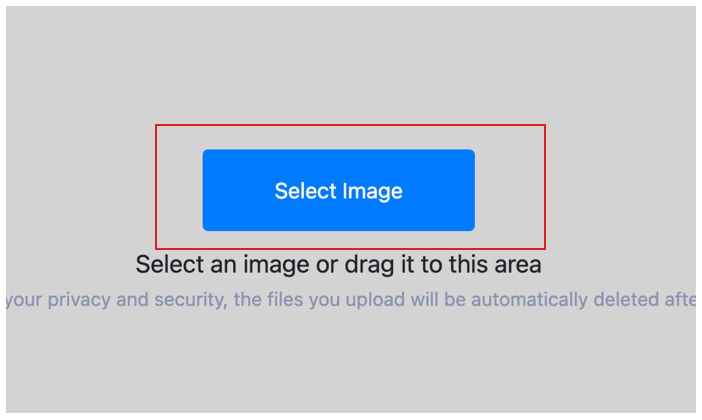
Upload Your BMP Images
Upload the BMP bitmap image you want to convert. You can select multiple BMP files for batch conversion.
Choose Output Format
Select your desired output format, such as JPG, PNG, WebP, or AVIF, and start converting your BMP image.

Download Converted Images
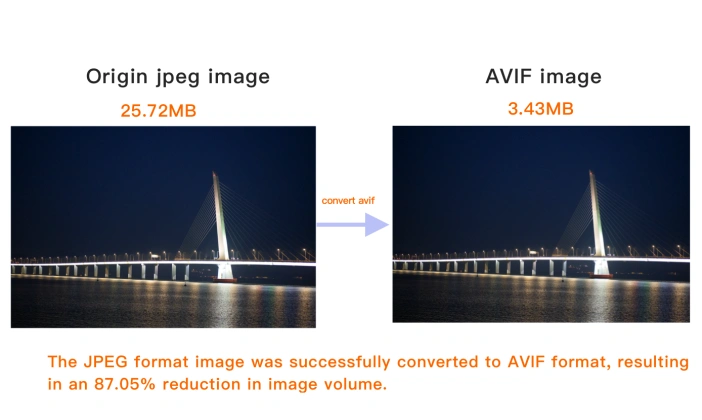
Once conversion is complete, preview your images directly in the browser. Click Download Image to save individual files, or select Download All to save your processed batch in a ZIP archive.
What is BMP (Bitmap)?
BMP (Bitmap) is an uncompressed raster format developed by Microsoft for Windows. It stores raw pixel data with no compression, so it preserves exact quality — at the cost of very large files.
Because the data is uncompressed, BMP is rarely used on the web. It survives mainly in legacy Windows software, printing pipelines and situations where a simple, uncompressed bitmap is required.
For almost all modern uses, PNG is a better lossless alternative — the same quality in far smaller files. Convert BMP to PNG or JPEG for the web and for sharing.
How to open a BMP file?
BMP opens in Windows Paint, macOS Preview, and most image editors. Because files are large, converting to PNG or JPEG is common for web and sharing.
BMP facts
- Developed by Microsoft
- Initial release 1990
BMP vs other formats
PNG is also lossless but far smaller — a better archival choice.
JPEG is much smaller for photos, with minor quality loss.
WebP is dramatically smaller for web delivery.
TIFF is another lossless format, common in print and scanning.
BMP and Bitmap Image Converter Technical Details & Tips
Supported Formats
All popular image formats supported:
Input & Output
jpeg, jpg, png, webp, bmp, gif, heic, heif, avif
Processing
Cloud-based, fast processing, no software required
File Limits
Up to 30 images per batch, high-resolution supported
Best Practices
Tips for optimal results:
Batch Conversion
Convert multiple images at once to save time. Supports up to 30 images per batch.
Quality Preservation
Our converter maintains image quality while reducing file size. Choose the right format for your needs.
Format Selection Guide
JPEG for photos, PNG for graphics with transparency, WebP for web, AVIF for modern browsers.
Frequently Asked Questions About BMP and Bitmap Image Converter
Find answers to common questions about BMP and Bitmap Image Converter.
BMP and Bitmap Image Converter Conversions
Browse all available format conversions
Related Image Tools You May Need
Explore our complete suite of image processing tools

Tips for BMP and Bitmap Image Converter Image Optimization
See also: More Image Converter
For more usage tips about BMP and Bitmap Image Converter, please refer to Free Image Format Converter .