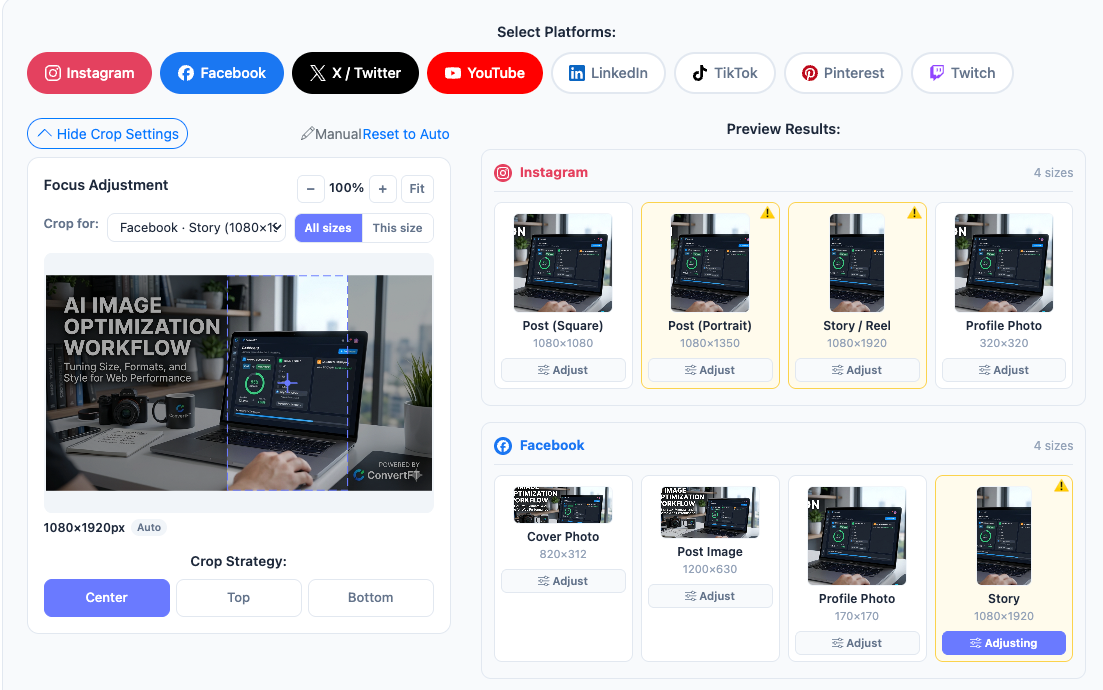
Creating content for multiple social media platforms shouldn't mean resizing the same image over and over again.
Instagram, Facebook, X, YouTube, Pinterest, and LinkedIn all use different image dimensions and aspect ratios. Creating each version manually takes time—and it's easy to crop out important content or use the wrong size.
ConvertFT Social Media Kit lets you upload one image and automatically generate up to 27 social media sizes in seconds.
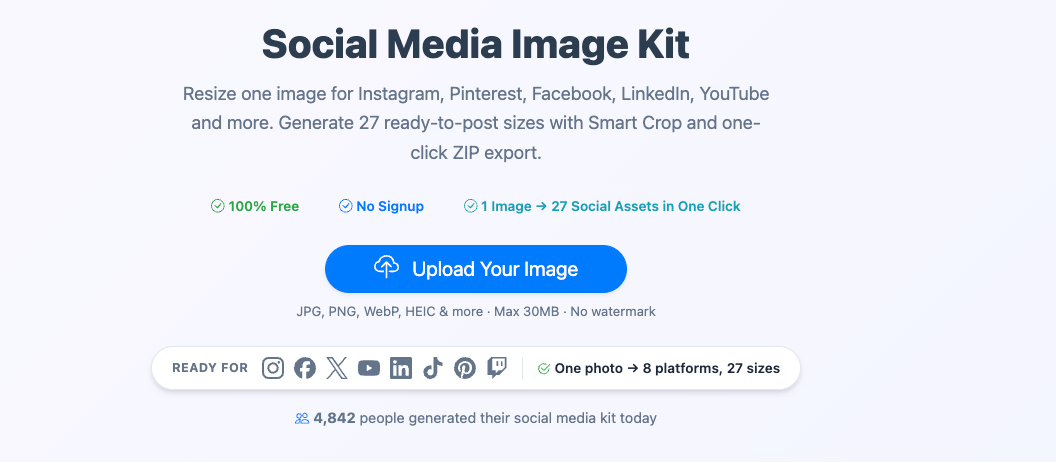
Just upload your image, choose the platforms you need, and generate all the required sizes at once. Your images can then be downloaded together as a ZIP file.
One image → 27 sizes → a few seconds.
What Is a Social Media Kit?
ConvertFT's Social Media Image Kit is a free online tool designed to solve one simple problem:
How do you turn one image into the right sizes for multiple social media platforms without manually editing each version?
Simply upload one image, select the platforms you need, and click Generate.
The tool automatically creates the required image sizes and packages them into a ZIP file for you to download.
One upload. 27 image sizes. Done in seconds.
What Problem Does It Solve?
Anyone who has manually resized images knows how frustrating the process can be:
- Open a different editor for each platform
- Manually adjust the aspect ratio for every image
- Reposition the subject after every crop
- Rename files one by one so you can tell them apart
- Check compression and image quality for every version
- Spend 15–30 minutes processing a single image
- Repeat the entire process every day
With the Social Media Kit, you can skip most of that repetitive work:
- Upload once and automatically generate all 27 image sizes
- Smart cropping keeps the main subject in focus so important content is less likely to be cut off
- Files are automatically named by their dimensions, such as
ig-square_1080x1080.jpg - Compression and output formats can be handled consistently across all generated images
- When the source image and target dimensions differ significantly, the tool provides a helpful display warning
- Generate everything in seconds with consistent results
Which Platforms and Image Sizes Are Supported?
The Social Media Kit covers common image sizes for major social media platforms.
- Square Post: 1080 × 1080
- Portrait Post: 1080 × 1350
- Story / Reel: 1080 × 1920
- Profile Picture: 320 × 320
- Cover Photo: 820 × 312
- Post: 1200 × 630
- Profile Picture: 170 × 170
- Story: 1080 × 1920
X / Twitter
- Header Image: 1500 × 500
- Post Image: 1600 × 900
- Profile Picture: 400 × 400
YouTube
- Thumbnail: 1280 × 720
- Channel Banner: 2560 × 1440
- Profile Picture: 800 × 800
And that's not all.
You can also generate image sizes for Pinterest, LinkedIn, and other major platforms—all from the same original image.
Who Is the Social Media Kit For?
Content Creators
Take a photo once and prepare it for Instagram, Facebook, YouTube, and other platforms without manually resizing it every time.
Small Business Owners
Create professional-looking cover images, product posts, and social media graphics while keeping your brand visuals consistent across all your accounts—without hiring a designer for every image.
Social Media Managers
Generate platform-ready images quickly instead of opening five or six different editing tools and resizing everything manually.
E-commerce Sellers
Turn one product image into square posts, portrait images, banners, and other formats for different social channels and marketing campaigns.
Bloggers and Marketers
Take a blog's featured image and quickly create versions for social sharing, Open Graph previews, Pinterest, email newsletters, and other channels.
Agencies and Creative Studios
Create complete social media asset packages for clients with consistent dimensions, cropping, naming, and ZIP packaging.
How Does It Work?
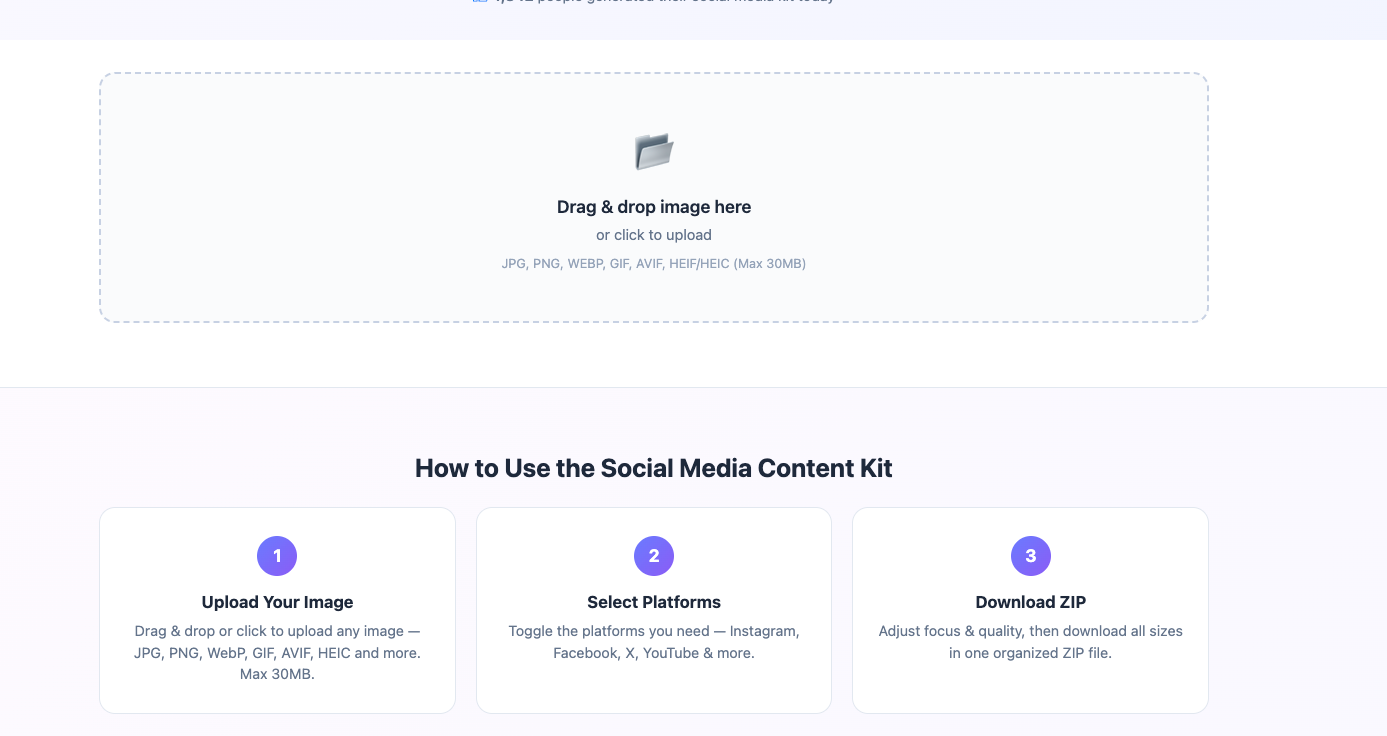
Step 1: Upload Your Image
Drag and drop your image or click to upload.
The tool supports multiple formats, including JPG, PNG, WebP, GIF, AVIF, and HEIC, with a maximum file size of 30 MB.
Step 2: Select Your Platforms
Choose the platforms you need, such as Instagram, Facebook, X, YouTube, and more.
By default, images are generated in JPEG format. You can also choose WebP or PNG as the output format.
Step 3: Generate and Download
Adjust the crop focus and quality settings if needed, then click Generate All Sizes.
All of your platform-ready images will be generated and packaged into a ZIP file for easy download.
That's it.
Completely Free. No Signup. No Watermarks.
The Social Media Kit is 100% free, with no registration and no watermarks.
You don't need to enter your credit card details or email address, and there are no annoying signup walls getting in the way.
It's simply designed to make image preparation faster and easier.
So far, more than 4,800 people have used ConvertFT to generate social media image packs.
ConvertFT is built to help creators spend less time dealing with repetitive image editing and more time creating great content.
Stop Manually Cropping and Resizing Your Images
The biggest productivity killers in content creation aren't always the obvious ones.
Sometimes, it's the small repetitive tasks that quietly consume your time.
Resizing and cropping images for different social media platforms is one of them.
Instead of:
1 image → 10+ manual edits → 15–30 minutes
You can now do:
1 image → 27 sizes → a few seconds
Try ConvertFT Social Media Kit and spend your time on the content that actually matters.
👉 Use it for free: ConvertFT Social Media Kit