Free Online HEIC to BMP Converter
Convert HEIC images to BMP online for free. Supports batch processing, high-resolution output, and produces BMP images ideal for printing, editing, and archival purposes.
Drag & drop images here
or click anywhere to browse from your device
Supports JPG, PNG, WEBP, GIF, AVIF, HEIF/HEIC (Max 30MB)
HEIC
High Efficiency Image Container
HEIC utilizes HEVC (H.265) compression and is the default format for modern Apple devices (iOS/macOS). While it offers superior quality and up to 50% file reduction compared to JPEG, its major drawback is limited compatibility; native support is poor outside of the Apple ecosystem, often requiring file conversion or external plugins on Windows and Android.
BMP
BitMap
BMP is a standard image file format primarily used in Microsoft Windows. Its main characteristic is that it typically stores pixel data uncompressed, resulting in very large file sizes but offering perfect image quality. Although it supports some basic compression, BMP lacks the efficiency and features (like transparency) of modern formats, making its use mostly limited to simple, high-fidelity internal application images.
Why Use Free Online HEIC to BMP Converter? Key Benefits & Advantages
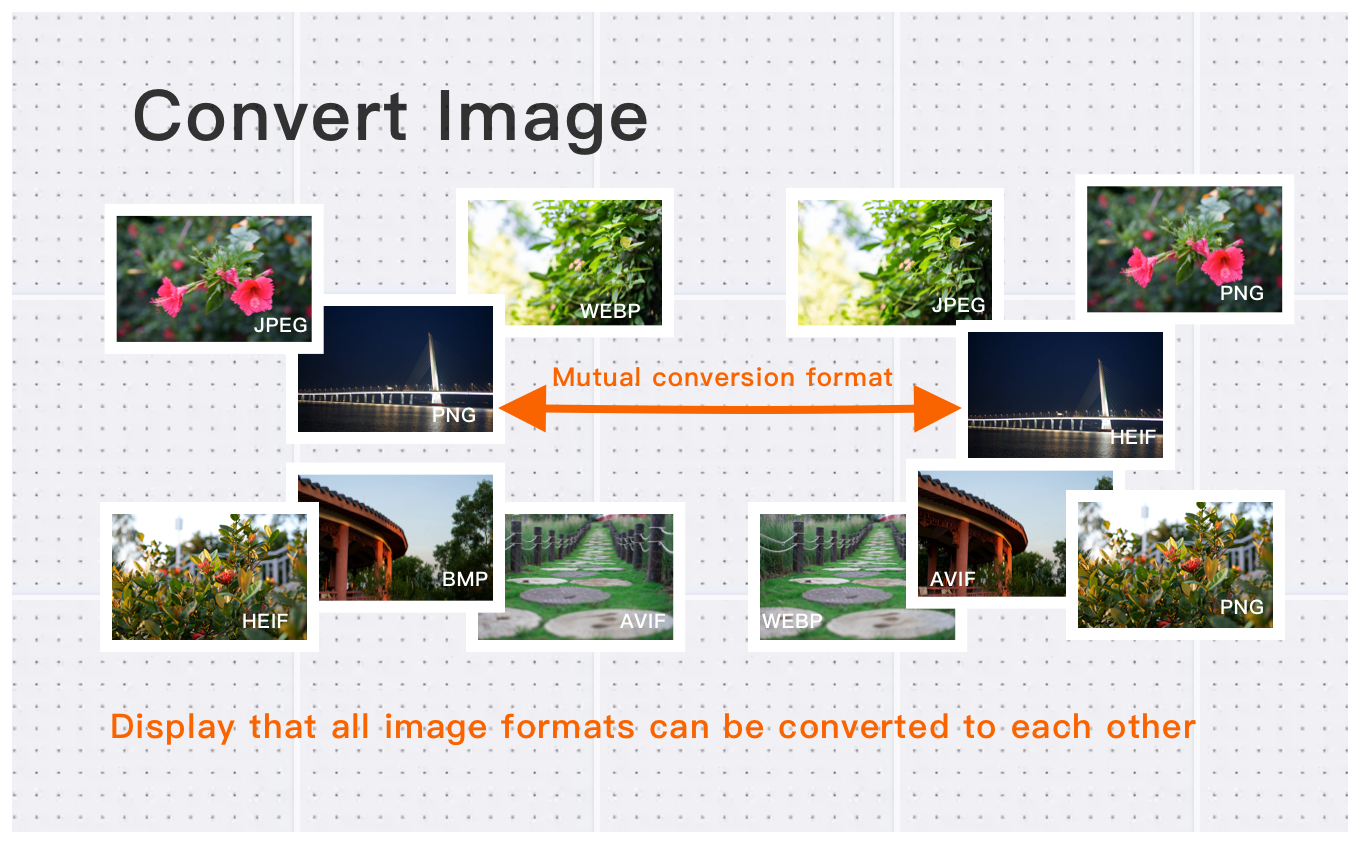
Batch Conversion for Multiple HEIC Files
Easily convert dozens or hundreds of HEIC images into BMP format in one go, saving time while maintaining consistent high-quality output for all files.
High-Resolution HEIC to BMP Conversion
Convert high-definition HEIC images up to 30MB each, preserving every pixel and color detail. Ideal for professional photographers, designers, and archival purposes.
BMP Advantages and Use Cases
BMP is an uncompressed format, perfect for image editing, printing, and long-term storage. Converting HEIC to BMP ensures full-quality images suitable for creative projects and professional workflows.
What Users Say About Free Online HEIC to BMP Converter
James R.
Easy to use and supports all formats I need. Highly recommended! Perfect for my needs.
Sarah J.
Great quality output. Converted 50 images in seconds without any quality loss.
Michael T.
Perfect for my workflow. Saves so much time on format conversion.
How to Use Free Online HEIC to BMP Converter?
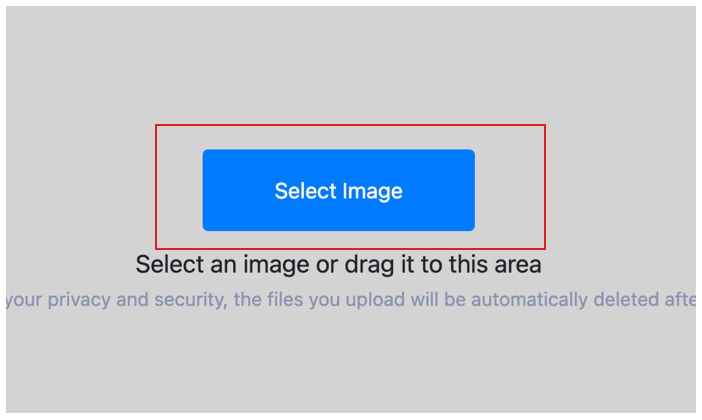
Select Image
Select the image you want to convert format and upload it to the cloud. To batch converting multiple photos, click Choose More Files to upload additional photos. The cloud will automatically adapt to and support common image formats, so you don't need to worry about compatibility.
Customize Settings
Clicking the Start Process button for a specific photo will only convert that one image format. To convert all selected images format, click the Start Process > button. If you want to readjust the convert format type, click the X button to reset this processing.

Download converted image
Once the cloud indicates that the convert format is complete, you can preview the results by clicking on the images. Click Download Image to download a single converted format photo, or click Download Images to download all batch converted format images.
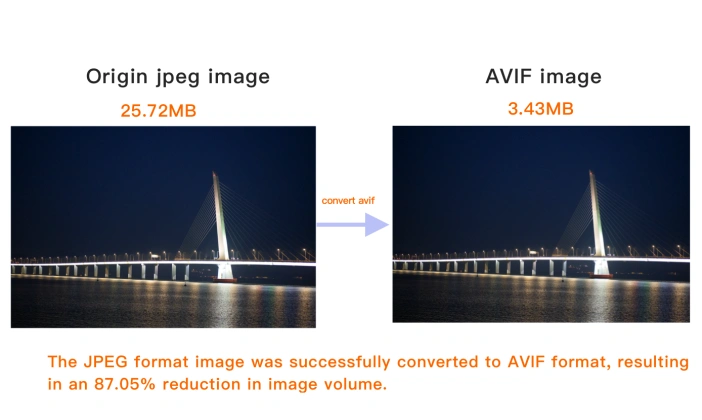
Free Online HEIC to BMP Converter Technical Details & Tips
Supported Formats
All popular image formats supported:
Input & Output
jpeg, jpg, bmp, gif, png, webp, avif
Processing
Cloud-based, fast processing, no software required
File Limits
Up to 30 images per batch, high-resolution supported
Best Practices
Tips for optimal results:
Batch Conversion
Convert multiple images at once to save time. Supports up to 30 images per batch.
Quality Preservation
Our converter maintains image quality while converting between formats. No quality loss.
Wide Format Support
Supports JPEG, PNG, WebP, AVIF, GIF, BMP, TIFF, and more. Convert between any formats.
Frequently Asked Questions About Free Online HEIC to BMP Converter
Find answers to common questions about Free Online HEIC to BMP Converter.
Related Image Tools You May Need
Explore our complete suite of image processing tools

See also: More HEIC Converter
For more usage tips about Free Online HEIC to BMP Converter, please refer to Free Image Format Converter .