Quickly Convert HEIC and HEIF Images to JPEG Without Losing Quality
Convert HEIC and HEIF images to JPEG online for free. Supports batch conversion from iPhone, Windows, or Google Drive, keeping high quality and saving storage space. No installation needed.
Drag & drop images here
or click anywhere to browse from your device
Supports JPG, PNG, WEBP, GIF, AVIF, HEIF/HEIC (Max 30MB)
HEIC
High Efficiency Image Container
HEIC utilizes HEVC (H.265) compression and is the default format for modern Apple devices (iOS/macOS). While it offers superior quality and up to 50% file reduction compared to JPEG, its major drawback is limited compatibility; native support is poor outside of the Apple ecosystem, often requiring file conversion or external plugins on Windows and Android.
JPEG
Joint Photographic Experts Group
JPEG is a commonly used method of lossy compression for digital images, particularly for those images produced by digital photography. The degree of compression can be adjusted, allowing a selectable trade off between storage size and image quality.
Why Use Quickly Convert HEIC and HEIF Images to JPEG Without Losing Quality? Key Benefits & Advantages
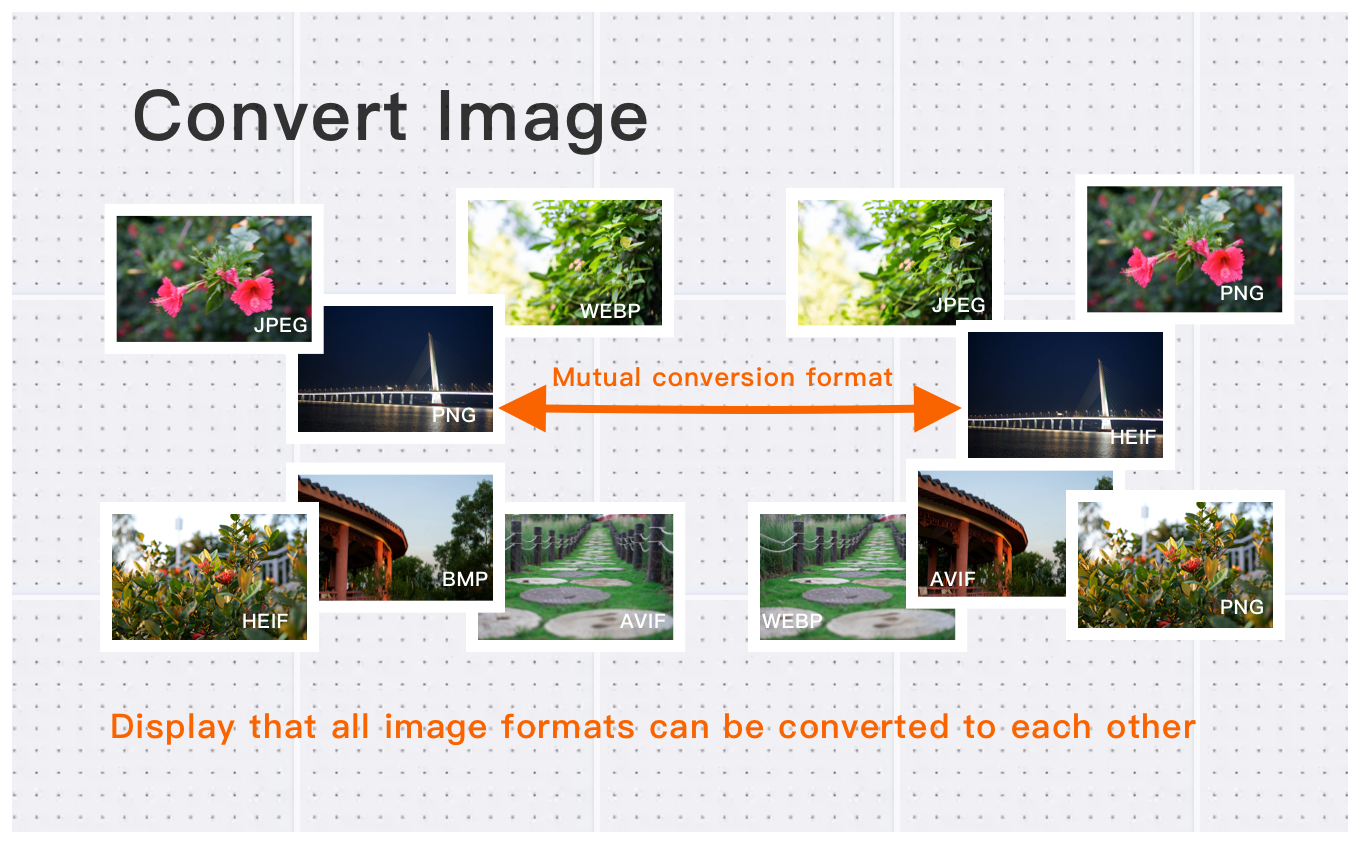
Convert HEIC Photos to JPG with Full Compatibility
Turn iPhone and iPad HEIC images into widely supported JPG files in seconds. Whether you have a single HEIC photo or hundreds, batch conversion ensures a smooth and efficient workflow across Windows, macOS, Android, and all major platforms.
High-Resolution Image Conversion for Professionals
Convert high-resolution images up to 30MB and 250+ million pixels with ease. Ideal for photographers, designers, and content creators, our tool preserves full image clarity while converting HEIC, JPG, PNG, WebP, and other formats with professional-grade accuracy.
Simple & Free Image Conversion in Three Easy Steps
Convert your images in just three quick steps—upload, choose your format, and download. Whether you’re converting a single HEIC file or an entire batch, our free tool delivers fast, high-quality results with no registration or software installation required.
What Users Say About Quickly Convert HEIC and HEIF Images to JPEG Without Losing Quality
Robert B.
Easy to use and supports all formats I need. Highly recommended!
David K.
Fast and reliable conversion Quickly Convert HEIC and HEIF Images to JPEG Without Losing Quality. Perfect for batch processing multiple images.
Michelle S.
Great quality output. Converted 50 images in seconds without any quality loss. Perfect for my needs.
How to Use Quickly Convert HEIC and HEIF Images to JPEG Without Losing Quality?
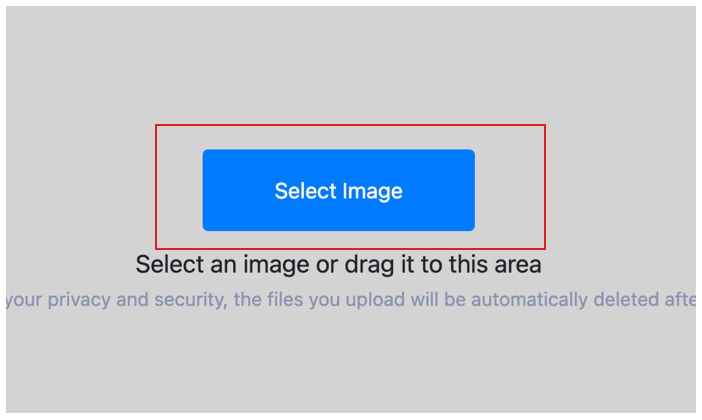
Select Image
Select the image you want to convert format and upload it to the cloud. To batch converting multiple photos, click Choose More Files to upload additional photos. The cloud will automatically adapt to and support common image formats, so you don't need to worry about compatibility.
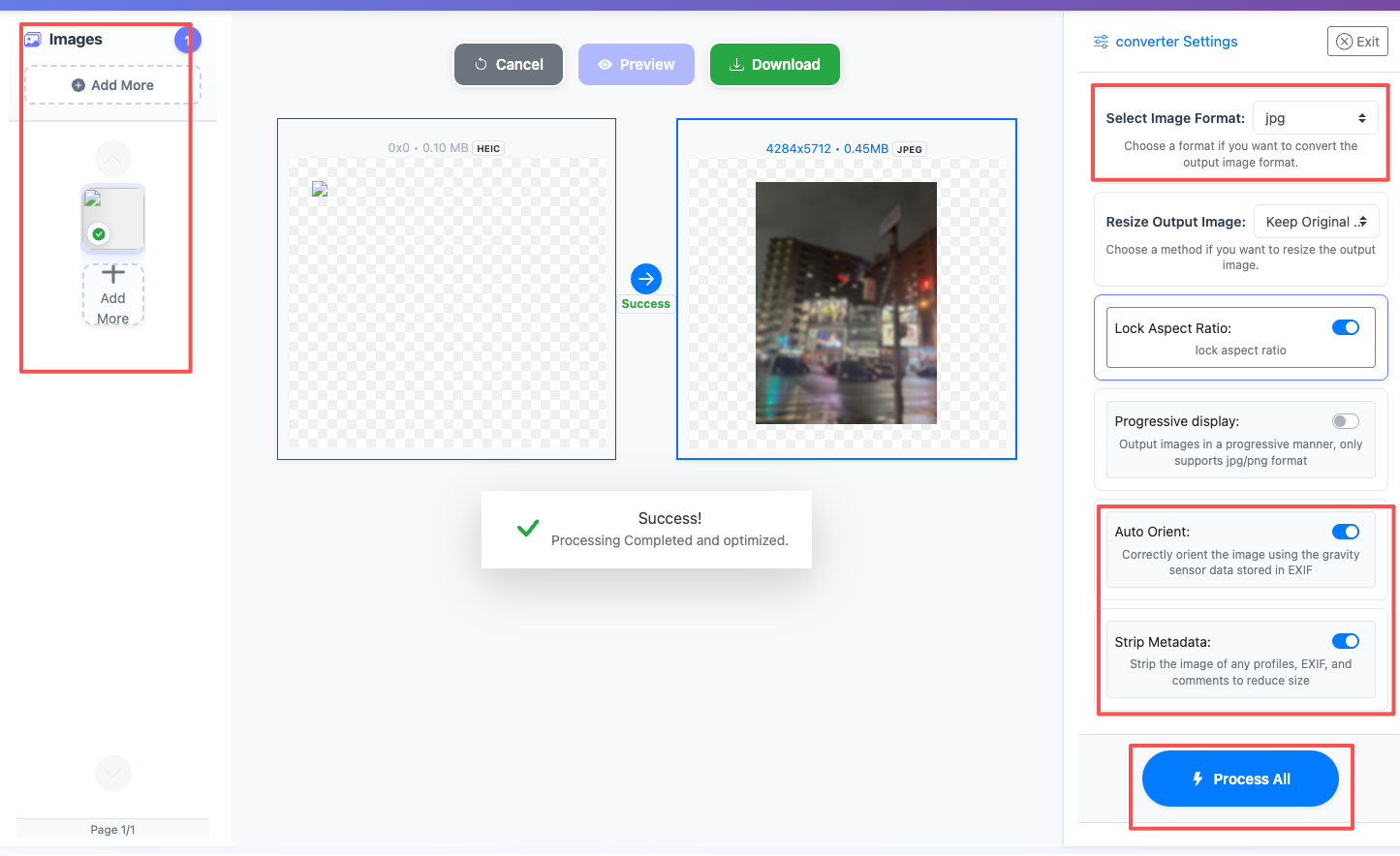
Customize Settings
Clicking the Start Process button for a specific photo will only convert that one image format. To convert all selected images format, click the Start Process > button. If you want to readjust the convert format type, click the X button to reset this processing.
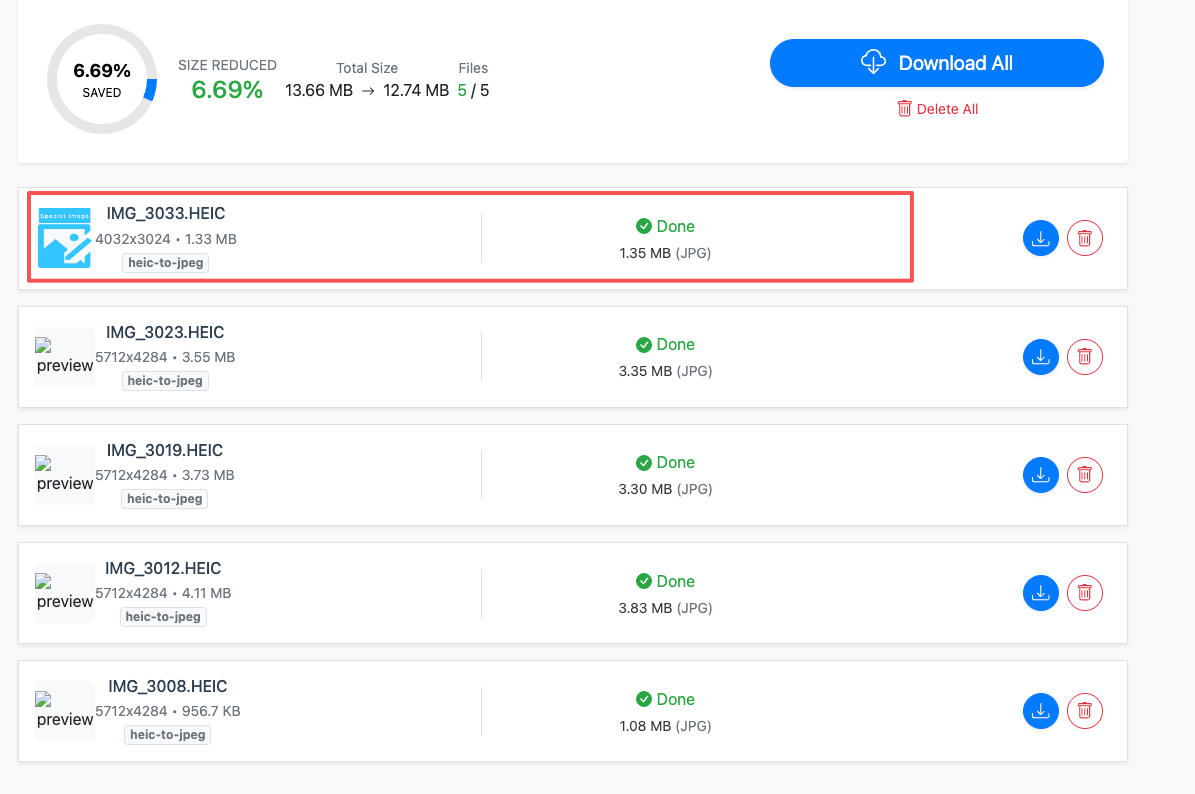
Download converted image
Once the cloud indicates that the convert format is complete, you can preview the results by clicking on the images. Click Download Image to download a single converted format photo, or click Download Images to download all batch converted format images.
Quickly Convert HEIC and HEIF Images to JPEG Without Losing Quality Technical Details & Tips
Supported Formats
All popular image formats supported:
Input & Output
heic, heif, jpeg, jpg, png, webp, avif, bmp, gif
Processing
Cloud-based, fast processing, no software required
File Limits
Up to 30 images per batch, high-resolution supported
Best Practices
Tips for optimal results:
Batch Conversion
Convert multiple images at once to save time. Supports up to 30 images per batch.
Quality Preservation
Our converter maintains image quality while converting between formats. No quality loss.
Wide Format Support
Supports JPEG, PNG, WebP, AVIF, GIF, BMP, TIFF, and more. Convert between any formats.
Frequently Asked Questions About Quickly Convert HEIC and HEIF Images to JPEG Without Losing Quality
Find answers to common questions about Quickly Convert HEIC and HEIF Images to JPEG Without Losing Quality.
Related Image Tools You May Need
Explore our complete suite of image processing tools

See also: More HEIC Converter
For more usage tips about Quickly Convert HEIC and HEIF Images to JPEG Without Losing Quality, please refer to Free Image Format Converter .